Freelancing from Sri Lanka has become one of the most popular ways to earn an income online and work with clients from around the world. Whether you are a student, professional, stay-at-home parent, or someone looking for more flexibility, freelancing can open the door to global opportunities and earnings in foreign currencies.
However, getting started can feel overwhelming if you do not know where to begin.
In this complete step-by-step guide, you will learn everything you need to know about freelancing from Sri Lanka in 2026. From choosing the right skill and finding your first clients to receiving international payments and managing taxes, this guide covers the entire process. Read on to discover how you can build a successful freelance career and take your services to the global market.
Step 1: Decide If Freelancing Is the Right Path for You
Freelancing means you work for yourself. You find clients, complete projects, get paid, and move on to the next one. There is no boss, no fixed salary, and no office to report to every morning.
For Sri Lankans, this is a big deal. You can earn in US dollars or euros while living in Sri Lanka, which means your money goes much further. A $500 project from a client in the US is a solid income here.
But before you jump in, be honest with yourself.
| The Good Side | The Hard Side |
| Choose your own working hours | Income is not fixed and slow months will happen |
| Work from home or anywhere with Wi-Fi | You have to find your own clients from day one |
| Earn in foreign currency | No EPF, ETF, or paid leave benefits |
| No income ceiling, you grow as you improve | Payment methods in Sri Lanka can be tricky |
| Work with clients from around the world | Takes time and patience before money comes in |
Ask yourself these questions before you start:
- Do I have a skill someone will pay for, or am I willing to learn one?
- Can I handle a month or two with little to no income while I build up?
- Am I self-motivated enough to work without someone managing me?
If you answered yes to all three, freelancing from Sri Lanka is absolutely worth pursuing. Let’s move to the next step.
Step 2: Pick the Right Skill to Sell

Your skill is your product. Before you create a profile or send a single proposal, you need to know exactly what service you are going to offer. Here are the top skills Sri Lankan freelancers are selling globally in 2026.
Top Skills in Demand for Sri Lankan Freelancers in 2026
- Writing and Copywriting: Businesses need blog posts, website copy, product descriptions, and email content every single day. If you write well in English, this is one of the easiest skills to start with and scale quickly.
- Graphic Design: Logos, social media graphics, brand identity, and marketing materials are always in demand. Tools like Canva, Adobe Illustrator, and Photoshop are your starting point.
- Web Development: Building websites and web applications is one of the highest paying skills on platforms like Upwork. HTML, CSS, JavaScript, and WordPress are good places to begin.
- Mobile App Development: Clients pay well for Android and iOS app developers. If you know Flutter, React Native, or Swift, you are already ahead of most beginners.
- Digital Marketing: SEO, Google Ads, Facebook Ads, and social media management are skills every business needs. Sri Lankan freelancers are already earning $20 to $35 per hour in this space.
- Video Editing: YouTube channels, social media reels, and corporate videos need editors constantly. If you know Premiere Pro or DaVinci Resolve, there is steady work waiting for you.
- Virtual Assistance: Email management, scheduling, data entry, and research work are tasks businesses happily outsource. This is one of the most beginner-friendly skills to start with.
- AI and Automation Services: In 2026, businesses are actively looking for freelancers who can set up AI tools, build automations, and create workflows using platforms like Zapier, Make, and ChatGPT. This is a fast growing and less competitive space right now.
- Other High Demand Freelance Skills for 2026: Translation, voice over work, podcast editing, data analysis, and online tutoring are also growing steadily on global platforms.
How to Choose: What You Know vs What Pays Well
The best skill to pick sits in the middle of two things. What you already know or enjoy, and what clients are actually paying for. Starting with something familiar means you can get job-ready faster. But it is also worth checking what the market pays before you commit months of learning to a skill.
A simple way to check: go to Upwork or Fiverr, search your skill, and see how many active jobs or gigs exist and what rates people are charging. If there is demand and the rates are decent, you have found your starting point.
One Rule to Follow from Day One
Do not try to offer five services at once. Pick one skill, go deep, build a strong portfolio around it, and get your first few clients. Once you have reviews and income coming in, you can expand. Spreading yourself thin at the start is one of the biggest reasons beginners give up too early.
Step 3: Learn the Skill and Get Job-Ready
Forget shortcuts. The best way to learn a freelance skill is to live inside it for at least six months without jumping to something else. Practice every day, look at what other professionals have created, and compare your work to theirs honestly.
As you practice, problems will come up. That is actually a good sign. Search for solutions online and use free AI tools like Claude, ChatGPT, Gemini, or Perplexity to get answers fast. YouTube, Google Digital Garage, and Meta Blueprint are also solid free resources to keep nearby.
The key is to stay in one skill long enough to see real progress.
How Long Before You Can Charge for Your Work
| Skill | Time to Billable Level |
| Writing and Copywriting | 1 to 3 months |
| Virtual Assistance | 1 to 2 months |
| Graphic Design | 2 to 4 months |
| Video Editing | 2 to 4 months |
| Digital Marketing | 3 to 5 months |
| Web Development | 4 to 6 months |
| Mobile App Development | 5 to 8 months |
Caution: These timelines are for people who practice consistently and stay focused on one skill. If you learn casually or keep switching between skills, it will take much longer. Treat this like a goal, not a guarantee.
Build Sample Work Before Your First Job
If you have no client yet, then start creating mock projects. Design a logo for a fictional brand, write a blog post for a made-up business, or build a sample website. These count as real proof of your ability even without a paying client behind them.
One Important Truth for 2026
Certificates alone will not win you jobs. Clients want to see proof that you can actually deliver. Your portfolio matters far more than any course badge, and that is exactly what the next step covers.
Step 4: Build a Portfolio That Wins Clients
In 2026, the first thing a client does before hiring you is look for proof. A certificate tells them you completed a course. A portfolio tells them you can actually do the work. One of these wins jobs, and it is not the certificate.
How to Build One With No Prior Paid Work
You do not need a single paying client to build a strong portfolio. Create work from scratch. Design a brand identity for a fictional café, write three blog posts for an imaginary tech startup, build a sample landing page, or edit a short video using free footage. The work looks exactly the same to a client whether it was paid or not. What matters is the quality.
Aim for five to ten solid samples before you start applying for jobs.
Where to Host Your Portfolio
Different skills suit different platforms, but the goal is the same. Make your work easy to find and easy to browse.
| Platform | Best For |
| Personal Website | Any skill, most professional option |
| Behance | Graphic design and creative work |
| GitHub | Web and mobile development |
| Google Drive | Quick sharing of documents and samples |
| YouTube or Instagram | Video editing, design, or skill progress content |
| Case studies, project write-ups, and growth updates |
Important Note: Posting your learning journey on LinkedIn, YouTube, or Instagram also works in your favour. When clients see you actively growing and sharing your work, it builds trust before they even contact you.
What to Include in Your Portfolio
Keep it simple and focused. Each sample should show what you did, what the goal was, and ideally what result it produced. Add a short bio that mentions your skill, your experience level, and what kind of clients or projects you are looking for. Do not overcrowd it. Five great pieces beat twenty average ones every time.
Set Up a Professional Email Address
Before you start reaching out to clients, set up a professional email address. A Gmail like yourname@gmail.com is acceptable when starting out, but an email like hello@yourname.com or work@yourname.com instantly looks more credible.
You can get a custom domain for as little as $10 to $15 a year through platforms like Namecheap or Google Domains, and connect it to Google Workspace or Zoho Mail for free or at a low monthly cost.
This one small detail signals to clients that you take your work seriously.
Step 5: Choose the Right Freelancing Platform

Once your portfolio is ready, you need a place to find clients. Here are the platforms that work best for Sri Lankan freelancers, starting with the one most people overlook.
LinkedIn: The Most Underrated Platform for Beginners
LinkedIn is not a job board. It is a place where real professionals and business owners hang out every day, many of whom need exactly the skill you are offering. You do not pitch them with a proposal. You connect, share your work, post about your learning journey, and let them come to you naturally.
If you show up consistently and position yourself as someone who knows their craft, clients will reach out without you sending a single cold message. Setting up your LinkedIn profile the right way is covered in the next step.
The Major Freelancing Platforms
| Platform | Best For |
| Upwork | Long-term clients, hourly contracts, high paying projects |
| Fiverr | Packaged gigs, quick one-off projects, beginners |
| Freelancer.com | Entry level projects, building early reviews |
| PeoplePerHour | European clients, hourly and project based work |
| Freelance.lk | Local Sri Lankan clients and businesses |
Which Platform Should You Start With
Do not sign up for all of them at once. Pick one and focus on it until you land your first two or three clients.
- If you are a complete beginner, start with Fiverr or Freelancer.com since the barrier to entry is lower.
- If you have a few samples ready and want higher paying work, go with Upwork.
- If your skill is service based and relationship driven, LinkedIn will outperform every platform on this list over time.
Step 6: Set Up a Profile That Gets You Hired
Your profile is your storefront. When a client lands on it, they decide within seconds whether to contact you or move on. Here is how to make sure they stay.
I. Pick a Niche Instead of Listing Every Service
Do not say you do graphic design, web development, content writing, and social media management all at once. Clients are looking for someone who solves their specific problem, not a generalist who does everything. Pick one clear service and build your entire profile around it. You can always expand later once the reviews start coming in.
II. Write a Headline and Bio That Speaks to the Client
Your headline should tell the client exactly what you do and who you do it for. Instead of writing “Freelance Graphic Designer,” try “Logo and Brand Identity Designer for Small Businesses.” That one change tells the client you already know their world.
Your bio should follow the same logic. Lead with what you can do for the client, not your personal background. Address their problem first, then briefly mention your experience and skills. End with a clear call to action, such as inviting them to check your portfolio or send a message.
III. Set Up Your Portfolio Section
Every major platform gives you space to showcase your work. Use it fully. Upload your best five to ten samples, add a short description to each one explaining what the project was and what you delivered. This is where clients confirm their decision to hire you.
IV. Get Verified and Complete Platform Assessments
Platforms like Upwork offer skill tests and identity verification. Complete all of them. A verified profile with a passed assessment ranks higher in search results and signals to clients that you are serious.
The same applies to LinkedIn. Make sure your profile photo, headline, and featured section are all filled out, since that is often the first place a potential client checks before deciding to reach out.
Step 7: Land Your First Client
This is where most beginners struggle the longest. Here is how to cut that time down.
1. Write Proposals That Get Replies
Do not copy and paste the same proposal to every job. Read the job post carefully and open your proposal by addressing the client’s specific problem. Keep it short, show one relevant sample, and end with a simple question that invites a reply. Clients respond to proposals that feel personal, not templated.
Use AI tools like Claude or ChatGPT to help you write and refine your proposals. These tools can help you communicate your message clearly and professionally, especially if English is not your strongest point.
Caution: Use AI(LLMs) to communicate better, not to overpromise. Never claim skills you do not have or agree to work you cannot deliver. Clients trust freelancers who are honest about what they can do.
2. Target the Right Jobs First
As a beginner, ignore big budget projects with long requirement lists. Look for small, clearly defined jobs where the client knows exactly what they want. These are easier to deliver well and much easier to win without a long track record.
3. Set Your Rate Without Going Too Low
Starting low is fine, but do not go so low that it devalues your work or attracts difficult clients. Research what others at your level charge on your chosen platform and stay within a reasonable range of that.
4. Get That First Review
Your first review is your most important milestone. Deliver on time, communicate clearly, and once the work is done, politely ask the client to leave a review.
What to Do After the First Project
Ask if they have more work coming up. A warm client is far easier to work with again than finding a new one. Repeat clients and referrals are how most freelancers build steady income over time.
Step 7B: Deliver Great Work and Keep Clients Coming Back
Landing the client is only half the job. What happens next determines whether they come back, refer others, or leave a review that helps you win the next one.
- Meet Your Deadlines Every Time: Deadlines are not suggestions. If you commit to delivering on Friday, deliver on Friday. If something comes up, communicate early. Clients forgive delays far more easily when you flag them in advance rather than going silent.
- Communicate Clearly Throughout the Project: Do not disappear after the brief is agreed. Send a short update midway through the project, confirm you are on track, and ask if anything has changed. This kind of communication is rare and clients remember it.
- Handle Revisions Professionally: Revisions are a normal part of freelancing. Before starting any project, agree on how many revision rounds are included. When a client requests changes, respond calmly, clarify what they need, and deliver without making them feel like a burden.
- Ask for Feedback and a Review: Once the project is done and the client is happy, ask two things. First, if there is any feedback on how you could improve. Second, if they would be willing to leave a review on the platform. Most clients are happy to do both if you simply ask.
A client who leaves a five star review is worth more than ten new proposals. Protect that relationship.
Step 8: Set Your Rates and Price Your Services

Pricing is one of the hardest parts of freelancing, especially when you are just starting out. Here is how to approach it without underselling yourself or scaring clients away.
Hourly vs Project Based Pricing
| Pricing Type | When It Works Best |
| Hourly | Ongoing work, tasks with unclear scope, long term clients |
| Project Based | One-off deliverables, fixed scope work, faster turnaround jobs |
As a beginner, project based pricing is often easier to manage since both you and the client know exactly what is being paid for.
What Sri Lankan Freelancers Charge in 2026
The best way to find the right rate is to research it yourself. Look at beginner level gigs on Fiverr and Upwork in your skill category, check what others at your experience level are charging, and if possible reach out to fellow freelancers in Sri Lankan communities for honest insight.
As a rough starting point:
| Skill | Beginner Rate | Experienced Rate |
| Content Writing | $5 to $15 per article | $30 to $80 per article |
| Graphic Design | $10 to $25 per project | $50 to $150 per project |
| Digital Marketing | $8 to $15 per hour | $20 to $40 per hour |
| Web Development | $15 to $30 per hour | $40 to $80 per hour |
| Video Editing | $10 to $25 per project | $50 to $120 per project |
| Virtual Assistance | $4 to $8 per hour | $12 to $25 per hour |
Caution: These rates are estimates based on current market trends and may change over time. Platform minimum prices, currency fluctuations, and growing competition can all affect what you can charge. Always do your own research before setting a rate and revisit your pricing every few months to stay aligned with the market.
If you are confident you can complete a project well, starting at a competitive lower rate on platforms like Upwork is a smart move to win your first few jobs and build reviews quickly.
How to Raise Your Rates Over Time
Do not stay at your starting rate forever. After five to ten solid reviews, increase your rate gradually. A 10 to 20 percent increase between clients is a natural step up that most returning clients will accept without question.
Negotiating With International Clients
When a client pushes back on your rate, do not drop it immediately. Instead, adjust the scope. Offer to deliver less for the lower price, or break the project into phases. This shows professionalism and protects the value of your work without losing the client.
Step 9: Set Up Payments to Receive Foreign Currency
Getting paid is the most satisfying part of freelancing. But in Sri Lanka, you need to set this up correctly before you land your first client, not after.
Here are your options:
1. Payoneer: The Most Widely Used Option
Payoneer is the go-to payment method for most Sri Lankan freelancers. It gives you a US, EU, and UK bank account number that you can connect directly to platforms like Upwork, Fiverr, and Freelancer.com. Once funds arrive in your Payoneer account, you can withdraw to your local Sri Lankan bank account in LKR.
2. Wise: Lower Fees and Easier Conversion
Wise is a strong alternative to Payoneer, especially for freelancers receiving payments outside of freelancing platforms, such as direct client transfers. The fees are generally lower and the LKR conversion rates are more transparent. If you are invoicing clients directly, Wise is worth setting up alongside Payoneer.
3. PayPal: Now Available in Sri Lanka
PayPal has recently become available for both personal and business accounts in Sri Lanka. While it is not yet as widely used as Payoneer among local freelancers, it opens up more options, particularly with clients who prefer PayPal as their default payment method. It is worth setting up as a backup option.
4. Direct Bank Wire Transfers: When It Makes Sense
For larger, long term client relationships, some freelancers receive payments directly to their Sri Lankan bank account via international wire transfer. This works well but usually comes with higher bank fees and longer processing times. It is better suited for established clients rather than one-off projects.
Withdrawal Timelines and Fees to Expect
| Method | Withdrawal Time | Approximate Fees |
| Payoneer to Local Bank | 2 to 5 business days | 2% currency conversion fee |
| Wise to Local Bank | 1 to 3 business days | 0.4% to 1.5% depending on amount |
| PayPal to Local Bank | 3 to 5 business days | 3% to 4% conversion fee |
| Direct Wire Transfer | 3 to 7 business days | Varies by bank, usually $10 to $30 |
Caution: Fees and timelines can change as platforms update their policies. Always check the latest rates on each platform before withdrawing, and factor these costs into your pricing so they do not eat into your earnings.
You Can Hold Your Earnings in USD Via a Foreign Currency Account (PFCA)
A Personal Foreign Currency Account (PFCA) is a special bank account offered by Sri Lankan banks that allows you to hold money in foreign currency without converting it to LKR immediately. This is useful when the rupee exchange rate is unfavorable and you want to wait for a better rate before converting.
Most major Sri Lankan banks including Commercial Bank, Sampath Bank, and HNB offer PFCAs. You will need your NIC, proof of foreign income such as a platform statement or client invoice, and a visit to your nearest branch to open one.
If you are earning consistently in USD or GBP, this is worth setting up alongside Payoneer or Wise.
Read our full guide on freelancer payment methods to make sure you are set up to receive money the right way.
Step 10: Handle Taxes and Stay Legal
Taxes are not something to figure out later. Getting this right from the beginning saves you from penalties and confusion down the line.
The 15% Foreign Income Tax Rule
From February 2025, Sri Lankan freelancers earning in foreign currency are required to pay income tax on those earnings. The tax is capped at a maximum of 15% and applies only to your profits, not your total income. This means you can deduct business expenses before calculating what you owe.
Register With the IRD
You need to register with the Inland Revenue Department as a sole proprietor. This is simpler than it sounds. Visit ird.gov.lk, register for a Tax Identification Number (TIN), and file your income as business income.
What You Can Deduct
These are common expenses you can deduct to reduce your taxable income:
- Laptop and equipment
- Internet and phone bills
- Software subscriptions
- Home office costs
Key Tax Deadlines to Remember
| Obligation | Deadline |
| Quarterly advance tax payments | Every 3 months during the tax year |
| Annual income tax return | November 30 each year |
One Practical Tip
Always remit your foreign earnings through a licensed Sri Lankan bank. The 15% capped rate only applies when payments are properly received and remitted through official banking channels.
Caution: Tax rules change. The information here is based on regulations active as of 2025. Always consult a local tax professional or visit ird.gov.lk for the most current rules before filing.
Tips to Build a Simple Freelance Business System
As your client work grows, managing it all in your head stops working. A simple system keeps you organised, professional, and in control of your money.
- Track Your Projects: Use a free tool like Notion, Trello, or even a Google Sheet to track every active project, its deadline, current status, and payment status. This takes ten minutes to set up and saves hours of confusion later.
- Manage Client Communication in One Place: Keep all client conversations on the platform you are working through, or move them to email if working directly. Avoid mixing WhatsApp, Instagram DMs, and email for the same client. One channel per client keeps things clean and professional.
- Send Proper Invoices: Even if the platform handles payments, get into the habit of sending invoices for direct clients. Free tools like Wave, Zoho Invoice, or even a simple Google Docs template work perfectly. Your invoice should include your name, the client’s name, a description of the work, the amount, and the payment due date.
- Follow Up on Late Payments: Late payments happen. When they do, send a polite follow up email after three to five business days. Keep it short, reference the invoice number, and ask if there is anything needed from your side. Most delays are not intentional and a single message usually resolves it.
- Keep Monthly Financial Records: At the end of each month, record your total income, expenses, and which clients paid. Good bookkeeping from the start makes your quarterly tax payments straightforward. A simple spreadsheet works fine. This habit makes your quarterly tax payments and annual return straightforward instead of stressful.
Step 11: Grow from Side Income to Full-Time Freelancing
Getting your first few clients is one thing. Building a stable full-time income is a different game entirely. Here is how to make that shift without taking unnecessary risks.
- Move From One-Off Projects to Retainer Clients: A retainer client pays you a fixed amount every month for ongoing work. This is the closest thing to a salary in freelancing. Once you have a good relationship with a client, propose a monthly package instead of project by project billing.
- Build Your Personal Brand: Post your work, share your progress, and talk about your skill on LinkedIn and other platforms consistently. Over time, clients come to you rather than you chasing them.
- Join Sri Lankan Freelancer Communities: Facebook groups, local meetups, and online communities connect you with fellow freelancers who share leads, advice, and honest experience. This network is more valuable than most people realise.
- Build a Savings Buffer First: Before going full-time, have at least three to six months of living expenses saved. Freelance income is not linear and slow months will happen.
- Know When You Are Ready: A good signal: when your freelance income consistently matches or exceeds your salary for three months in a row, you are ready to make the move.
Step 12: Now You are Ready (Keep growing)
You have picked a skill, built a portfolio, set up your profiles, landed clients, sorted your payments, and handled your taxes. That is not a small thing. Most people never get this far.
But here is the truth about freelancing: the ones who build real, lasting careers are not necessarily the most talented. They are the most consistent.
Keep sharpening your skills. The market shifts, tools change, and client expectations grow. What works today may not be enough two years from now. Stay curious, keep learning, and never stop improving your craft.
Raise your rates as you grow. Every few months, look at what you are charging and ask yourself if it still reflects the value you deliver. If you have the reviews and results to back it up, charge more.
Protect your time and energy. Freelancing gives you freedom, but that freedom needs boundaries. Set working hours, learn to say no to bad-fit clients, and take breaks without guilt.
And finally, help others who are just starting out. Share what you know in Sri Lankan freelancer communities. The more this industry grows locally, the more opportunities open up for everyone.
You have everything you need to start. The only step left is the first one.
Common Mistakes to Avoid Along the Way
Even with the best intentions, most beginners make the same mistakes. Here is what to watch out for.
- Joining Too Many Platforms at Once: Spreading yourself across five platforms means you build momentum on none of them. Pick one or two, stay consistent, and grow your reputation there before expanding.
- Underpricing Just to Win Jobs: Starting at a lower rate is actually a smart move in the beginning. You are still building your skills, gaining real experience, and learning how to work with clients. The problem is when you stay there too long. As your portfolio and reviews grow, gradually raise your rates. Over time you will attract fewer but better paying clients who value your work at its true worth.
- Skipping Contracts and Written Agreements: Even a simple written agreement over email protects both you and the client. It sets clear expectations on deliverables, timelines, and payment terms. Never start work without something in writing.
- Not Keeping Records for Tax Time: Save every invoice, receipt, and bank transaction from day one. When November rolls around and your tax return is due, you will be grateful you did.
- Burning Out Without a Work Schedule: Working from home without boundaries leads to working all the time or not enough. Set clear working hours, take proper breaks, and treat your freelance work like a real job, because it is one.
Step 13: What’s Your Next Steps
You now have a complete roadmap to start and grow your freelancing career from Sri Lanka. But here is something worth thinking about as you progress.
Freelancing is a great starting point. However, as your income grows and your client base expands internationally, there comes a point where operating as an individual freelancer starts to hold you back.
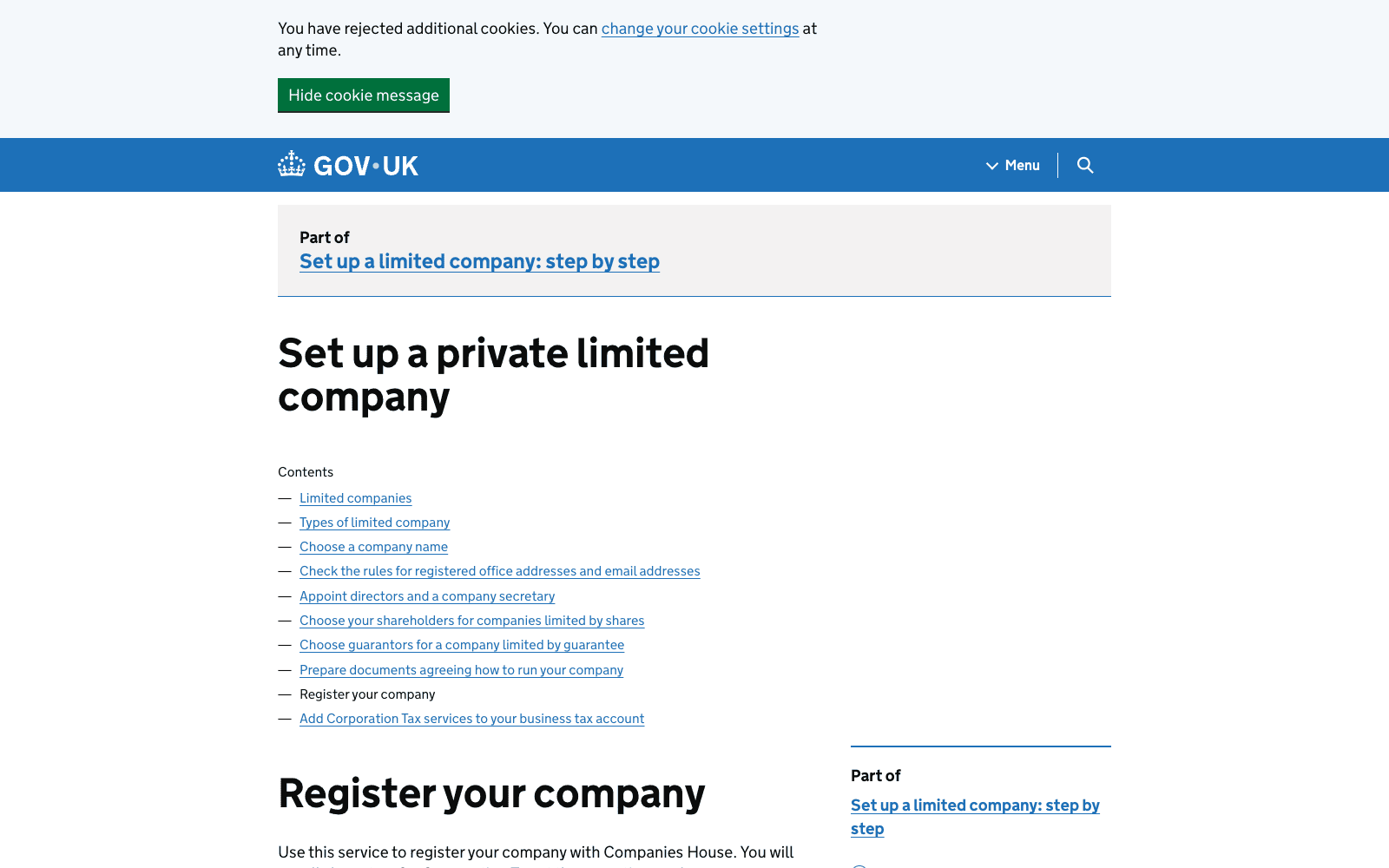
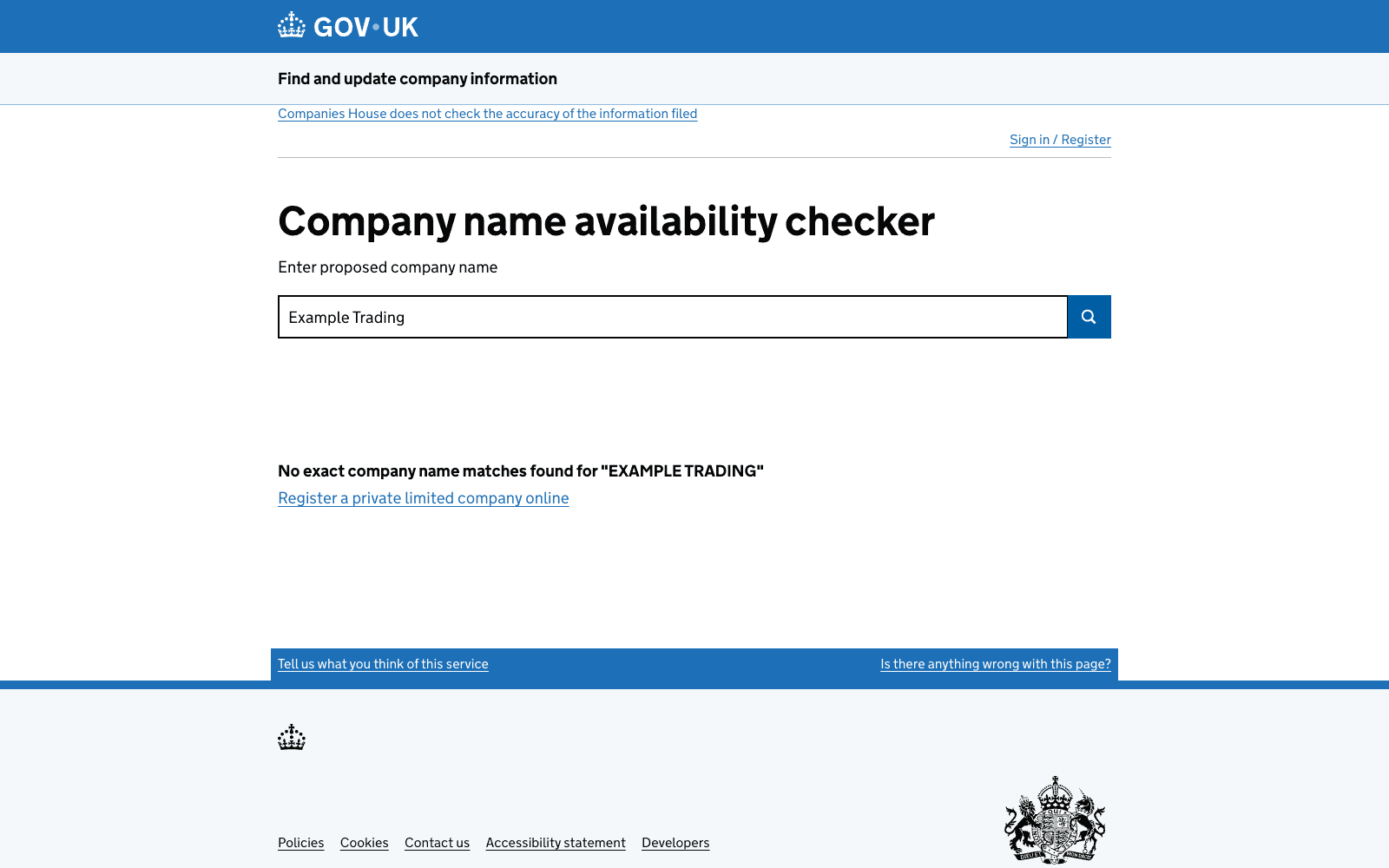
Clients, especially larger businesses in the US, UK, and Europe, tend to trust and prefer working with a registered business entity over an individual. A registered company also unlocks access to better payment platforms like Stripe and PayPal Business, opens doors to bigger contracts, and gives your work a more professional image on the global stage.
This is the natural next step for freelancers who are ready to go beyond gigs and build something bigger.
Need Help Registering Your Business in the USA or UK from Sri Lanka?
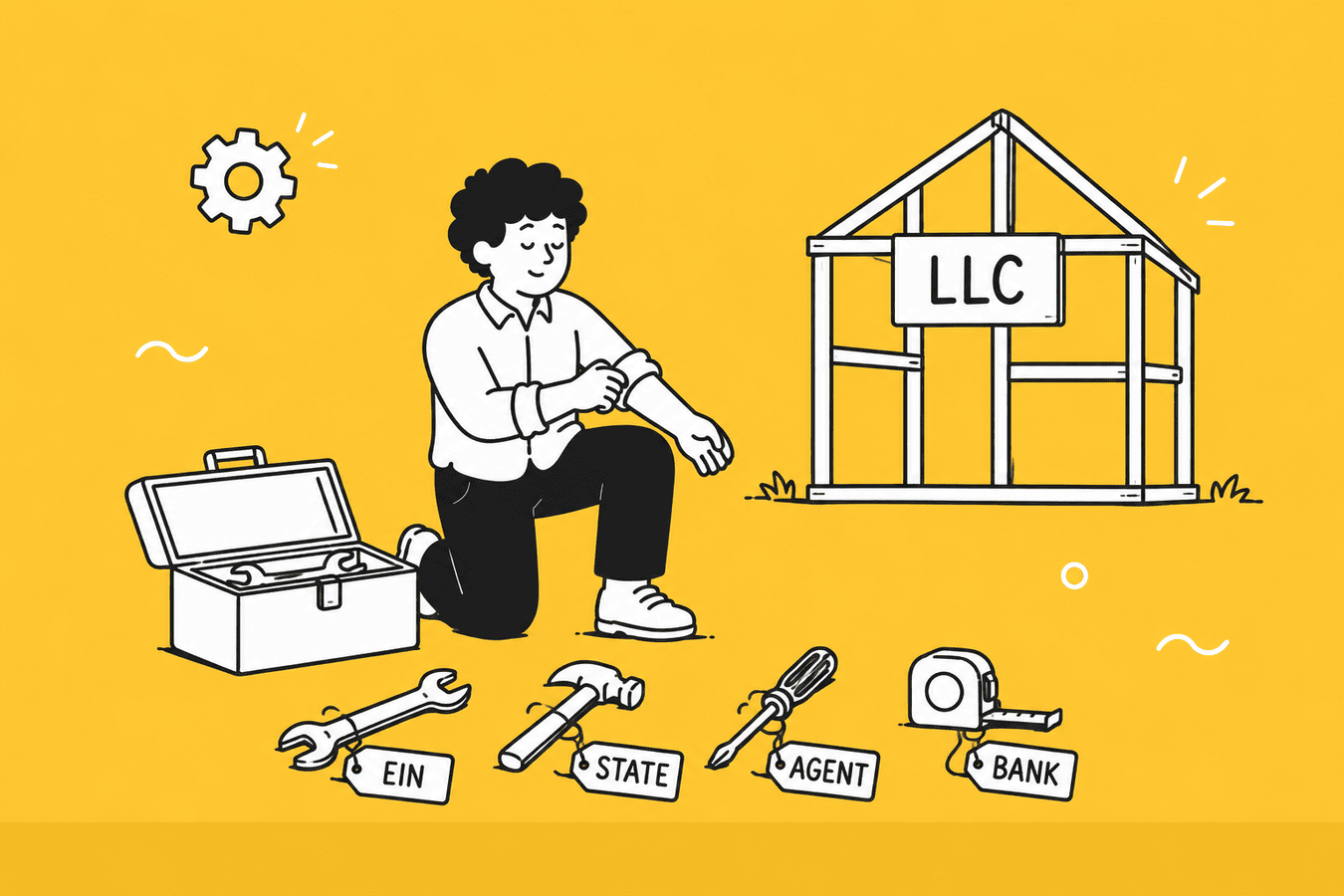
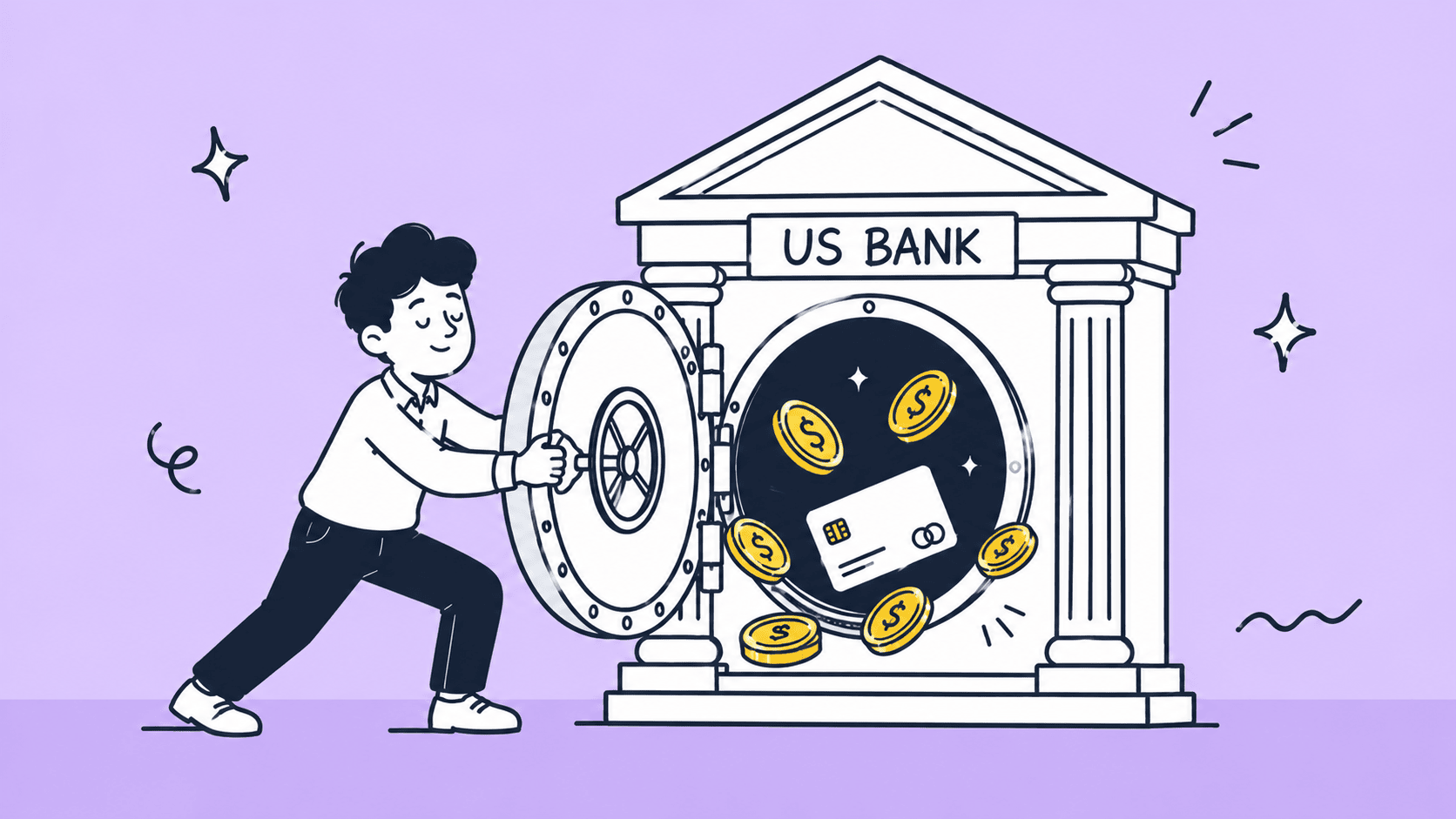
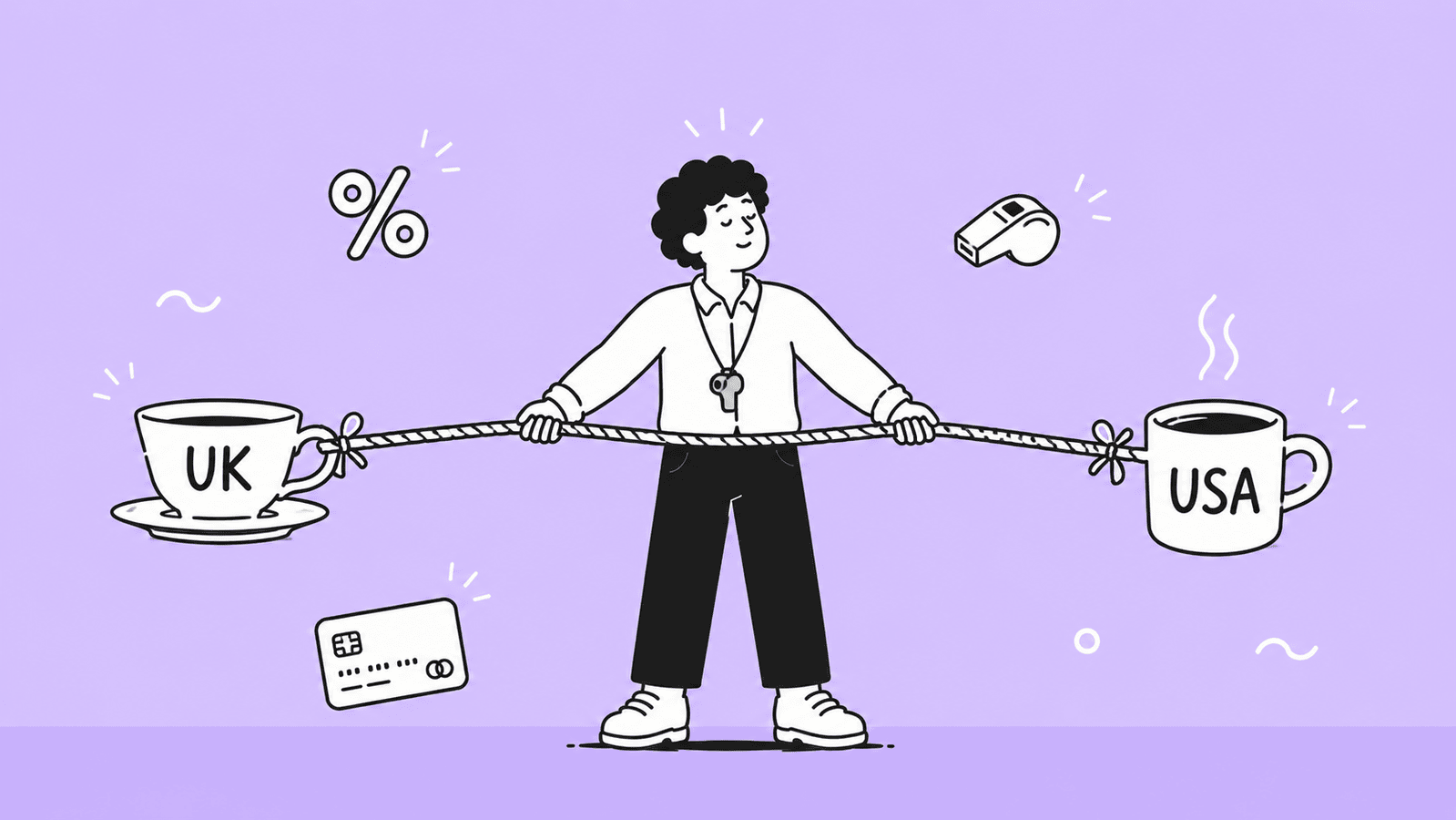
At BR.lk, we help Sri Lankan freelancers and online sellers unlock global payment opportunities by legally setting up their business abroad. Whether it is a US LLC or a UK company, we handle the complex process so you can focus on what you do best, getting paid internationally.
Here is why Sri Lankan entrepreneurs trust BR.lk:
- Expert Guidance and Compliance: Our team walks you through every step of company registration, ensuring full compliance with both international and local regulations.
- Seamless Payment Setup: We help link your new company to PayPal, Stripe, Wise, and other global payment platforms so you can receive payments from clients worldwide without hassle.
- Fast and Hassle-Free Process: Complete your registration and account setup in just 24 to 48 hours, with minimal paperwork and clear instructions at every stage.
- Local Language Support: Get personalized support in Sinhala or Tamil, making the entire process simple and easy to follow.
Take the first step toward getting paid globally and building your online business with confidence.
Key Takeaways
- Freelancing from Sri Lanka allows you to earn in foreign currency while working remotely for global clients.
- Choosing one clear skill and focusing on it is more effective than trying to offer many services at once.
- Building real skills through consistent practice is more important than collecting certificates alone.
- A strong portfolio with sample work is essential for getting your first freelance clients.
- Platforms like Upwork, Fiverr, and LinkedIn are key places to find international freelance work.
- Your freelance profile should clearly show your niche, skills, and value to attract the right clients.
- Writing simple, personalized proposals increases your chances of winning your first jobs.
- Payment tools like Payoneer, Wise, and PayPal help Sri Lankan freelancers receive international payments easily.
- Managing taxes and keeping proper financial records is important to stay legal and avoid issues.
- Long-term success in freelancing depends on consistency, good client relationships, and continuous skill improvement.
FAQs
Yes, freelancing is completely legal in Sri Lanka. You are required to register with the Inland Revenue Department, obtain a Tax Identification Number, and declare your income. Operating as a sole proprietor is the most common and straightforward legal structure for freelancers.
Yes. PayPal is now available for both personal and business accounts in Sri Lanka. However, most local freelancers still prefer Payoneer or Wise due to lower fees and better platform integration. PayPal works best as a backup option for clients who prefer it.
Stripe does not currently support direct account registration for Sri Lankan residents. However, if you register a business entity in the US or UK, you can access a Stripe account under that company. This is one of the key reasons many serious freelancers eventually register a business abroad.
Beginners typically earn LKR 50,000 to 100,000 per month in the first six months. With experience, strong reviews, and the right skill, monthly earnings of LKR 300,000 and above are realistic. Income varies widely depending on your skill, niche, and consistency.
There is no single best skill, but web development, digital marketing, and AI automation services offer the strongest earning potential right now. The best skill for you is one that combines what you enjoy, what the market pays for, and what you can realistically learn.
Most focused beginners land their first client within one to three months of actively applying. The timeline depends on how strong your portfolio is, how well your proposals are written, and how consistently you apply. Giving up too early is the most common reason people never get there.
Absolutely. Many Sri Lankans already freelance full-time. The key is reaching a point where your monthly freelance income consistently matches or exceeds your current salary for at least three months before making the switch.