Tag: Payment Gateways for Sri Lanka

  • How to Receive International Payments in Sri Lanka (2026) 

    How to Receive International Payments in Sri Lanka (2026) 

    Receiving money from overseas is now a common need in Sri Lanka, whether you are a freelancer, online seller, remote worker, or running a small business. But the process is not always as simple as it looks, and choosing the wrong method can lead to delays, high fees, or even failed transactions. 

    In this guide, you’ll learn the most reliable ways to receive international payments in Sri Lanka in 2026, how each method works, and what you should know before getting started so you can receive your money safely and without unnecessary costs. 

    What You Need Before Starting to Receive International Payments in Sri Lanka

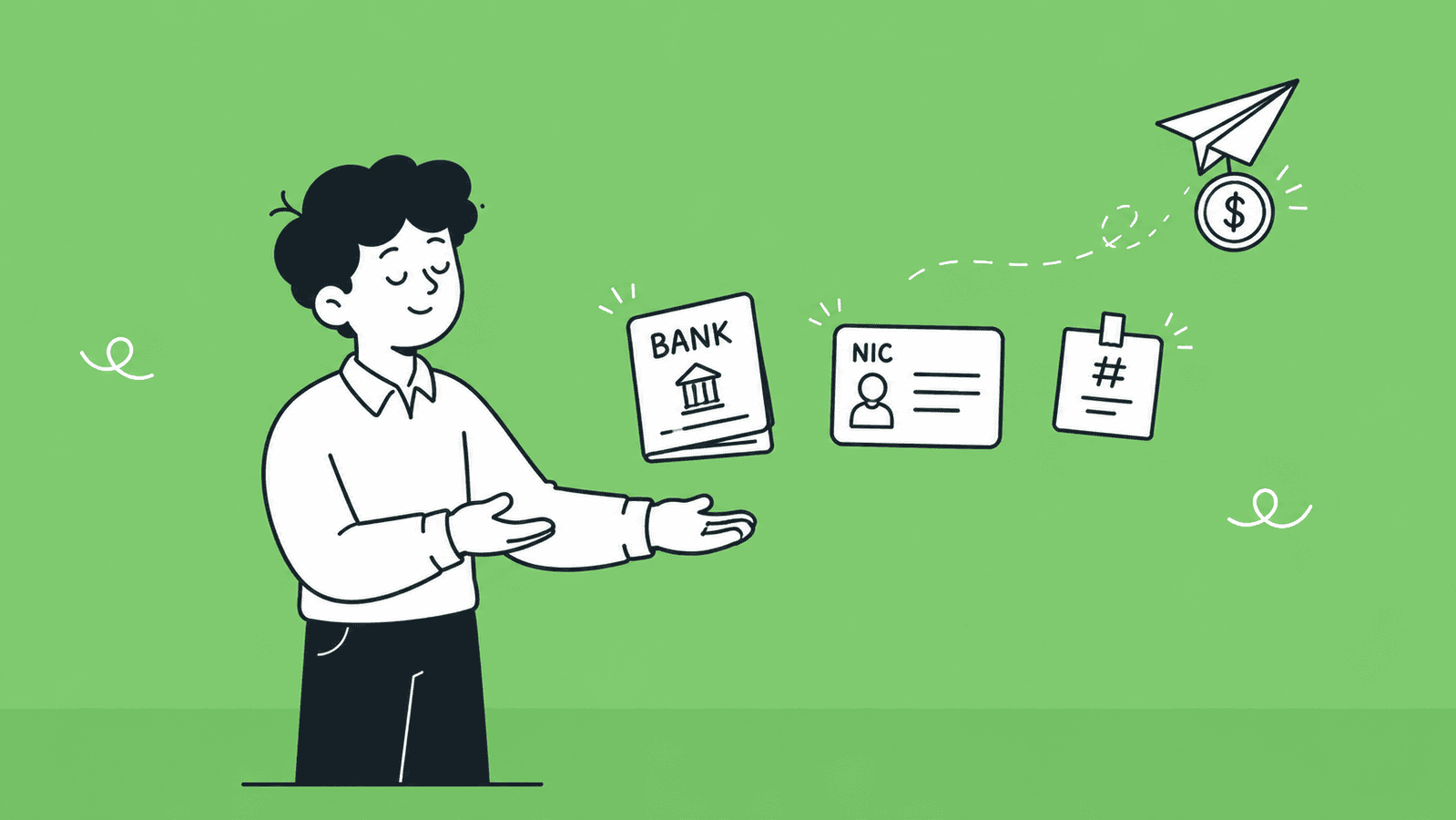
    Before you start receiving money from overseas, you need to have a few basic things ready. This will help you avoid delays, failed transactions, and verification issues.

    A Verified Bank Account in Sri Lanka

    You need a local bank account that can accept international transfers. Most major Sri Lankan banks support inward foreign payments, but your account must be active and properly set up.

    Make sure:

    • Your account is in your correct legal name
    • It is enabled to receive foreign currency (if needed)
    • Your bank has provided you with a SWIFT code

    Having a verified bank account ensures that funds sent from abroad can be received without issues.

    A Valid National ID for KYC Verification

    All banks and payment platforms require identity verification. This is part of KYC (Know Your Customer) rules.

    You will usually need:

    • National Identity Card (NIC) or passport
    • Proof of address (utility bill or bank statement in some cases)

    Without completing verification, you may not be able to receive or withdraw international payments.

    Basic Details Your Client Will Need From You

    To receive a payment, you must share the correct details with your client. Even a small mistake can delay the transfer.

    The most common details include:

    • Your full name (as per your bank account)
    • Bank account number
    • Bank name and branch
    • SWIFT/BIC code
    • Bank address (sometimes required)

    If you are using a payment platform like Payoneer or Wise, you may need to share platform-specific details instead.

    Getting these basics right from the start will make the whole payment process smooth and reliable. Now that you know what you need, let’s explore the different methods available to receive international payments in Sri Lanka. 

    What Are the Methods Available to Receive International Payments in Sri Lanka?

    There are five main ways to receive international payments in Sri Lanka. Each one works differently, costs differently, and suits a different type of person. Read through all of them before deciding which one fits your situation. 

    Method 1: Direct Bank Transfer (SWIFT Transfer)

    A SWIFT transfer is the most traditional way to receive international payments in Sri Lanka. It uses the SWIFT network, which connects banks worldwide to securely send money between accounts.

    Here’s how it works:

    1. Your client goes to their bank and requests an international transfer
    2. They provide your bank details (name, account number, SWIFT code, etc.)
    3. The money is sent through one or more intermediary banks
    4. Your Sri Lankan bank receives the funds and credits your account

    This method is widely used for business payments, salaries, and large transactions.

    Which Sri Lankan Banks Support International Transfers

    Most major banks in Sri Lanka can receive SWIFT payments. Some of the most commonly used ones include:

    • Bank of Ceylon
    • Sampath Bank
    • Seylan Bank
    • People’s Bank
    • Commercial Bank of Ceylon

    These banks provide SWIFT codes and support inward foreign currency transfers.

    Fees and Transfer Time

    SWIFT transfers are reliable, but they can come with higher costs.

    Fees to expect:

    • Sending bank charges (paid by the sender)
    • Intermediary bank fees (sometimes deducted in between)
    • Receiving bank charges in Sri Lanka

    Transfer time:

    • Usually takes 2 to 5 business days
    • Can take longer if there are intermediary banks involved

    When to Use It (Best for Large Payments)

    SWIFT transfers are best used when:

    • You are receiving large payments
    • You are dealing with business clients or contracts
    • You want a secure and widely accepted method

    For smaller payments, the fees can be relatively high, so other methods like Payoneer or Wise may be more cost-effective. 

    Method 2: PayPal

    PayPal is one of the most popular online payment platforms in the world. It allows individuals and businesses to send and receive money internationally, making it a common choice for freelancers, online sellers, and remote workers.

    Is PayPal Available in Sri Lanka?

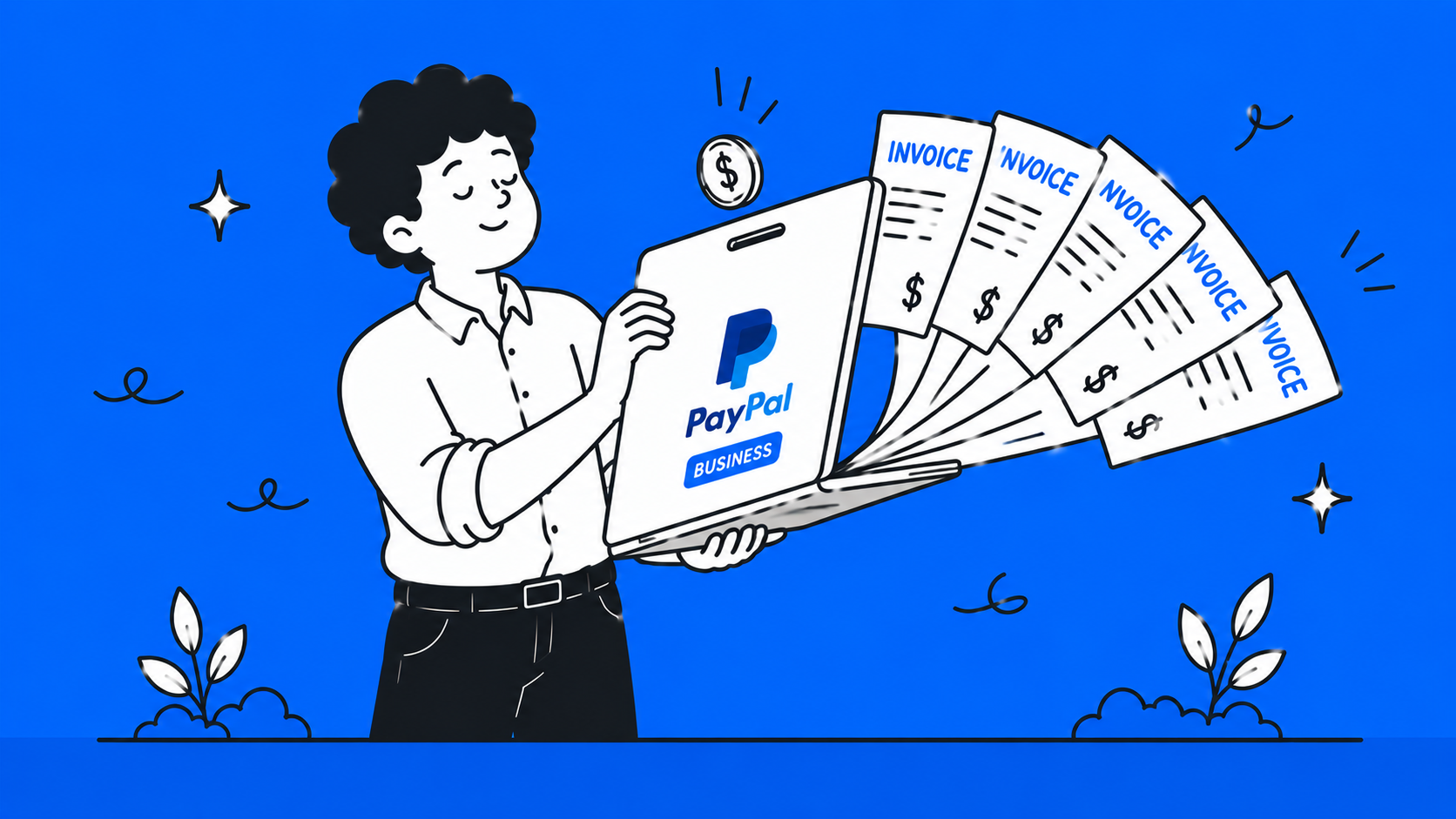
    As of 2026, you can create a PayPal account in Sri Lanka, but you cannot receive payments and withdraw them to your local bank account.

    Sri Lanka is listed as a PayPal-supported country, but local users are limited to:

    • Sending payments
    • Making online purchases

    The option to receive money and withdraw to a Sri Lankan bank account is still not fully enabled. [Source: Fact Crescendo] 

    There have been ongoing discussions between PayPal and Sri Lankan authorities for many years. Some reports suggest these discussions are in the final stages, but no official rollout has been announced yet. [Source: The Morning ]

    So, while there is hope for full PayPal support in the future, it is still not available for receiving payments in Sri Lanka right now.

    Workaround Approaches You Can Use (Legit Methods)

    Since direct PayPal receiving is not available, some freelancers use these legitimate alternatives:

    Option 1: Request Payment Through an Alternative Platform

    Instead of PayPal, ask your clients to pay you via platforms like Payoneer or Wise, which fully support Sri Lanka.

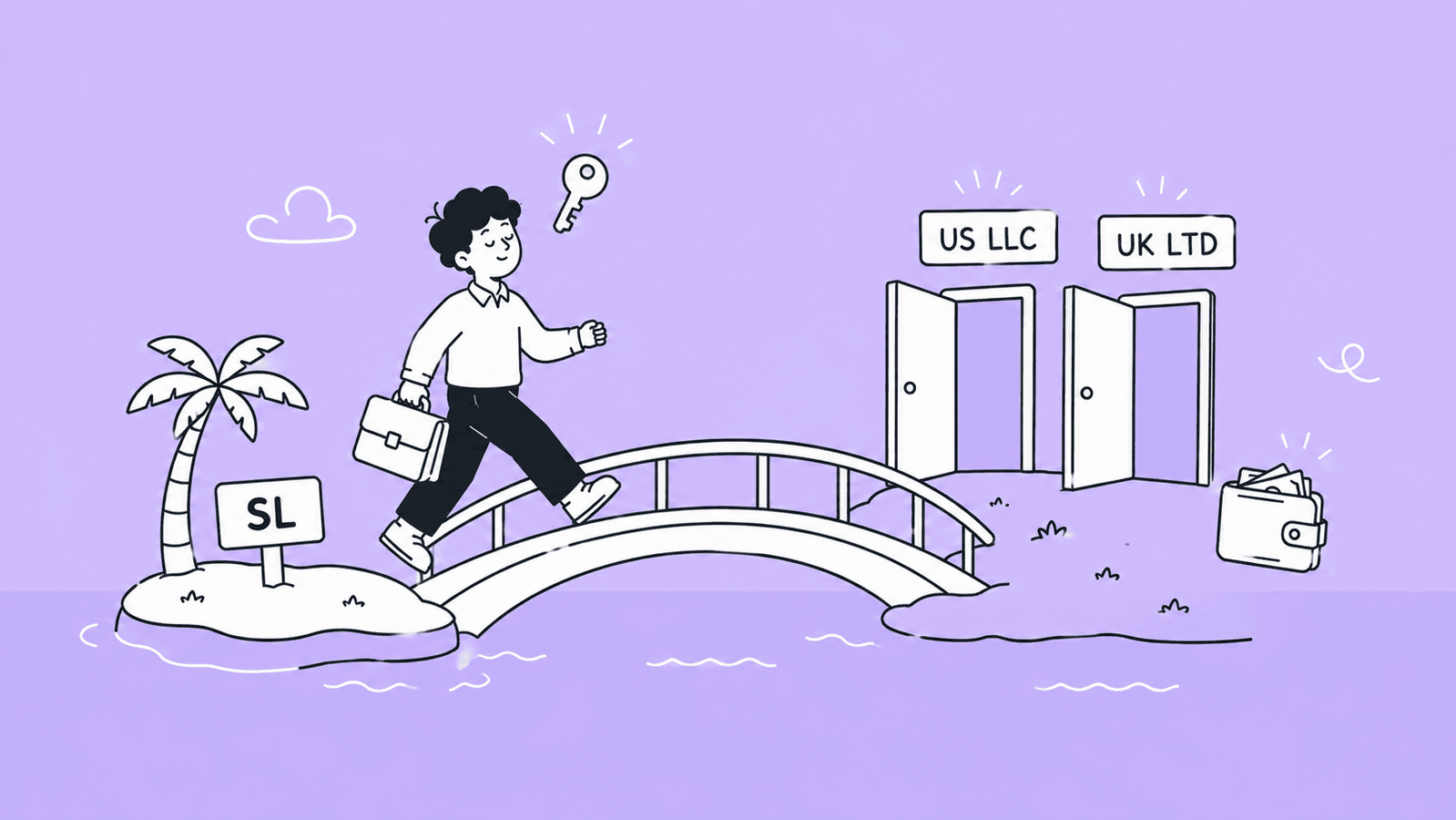
    Option 2: Register a Business in Another Country

    Some freelancers legally register a business in countries like the UK or USA.

    This allows them to:

    • Open a foreign bank account
    • Create a PayPal account linked to that country
    • Receive payments via PayPal 
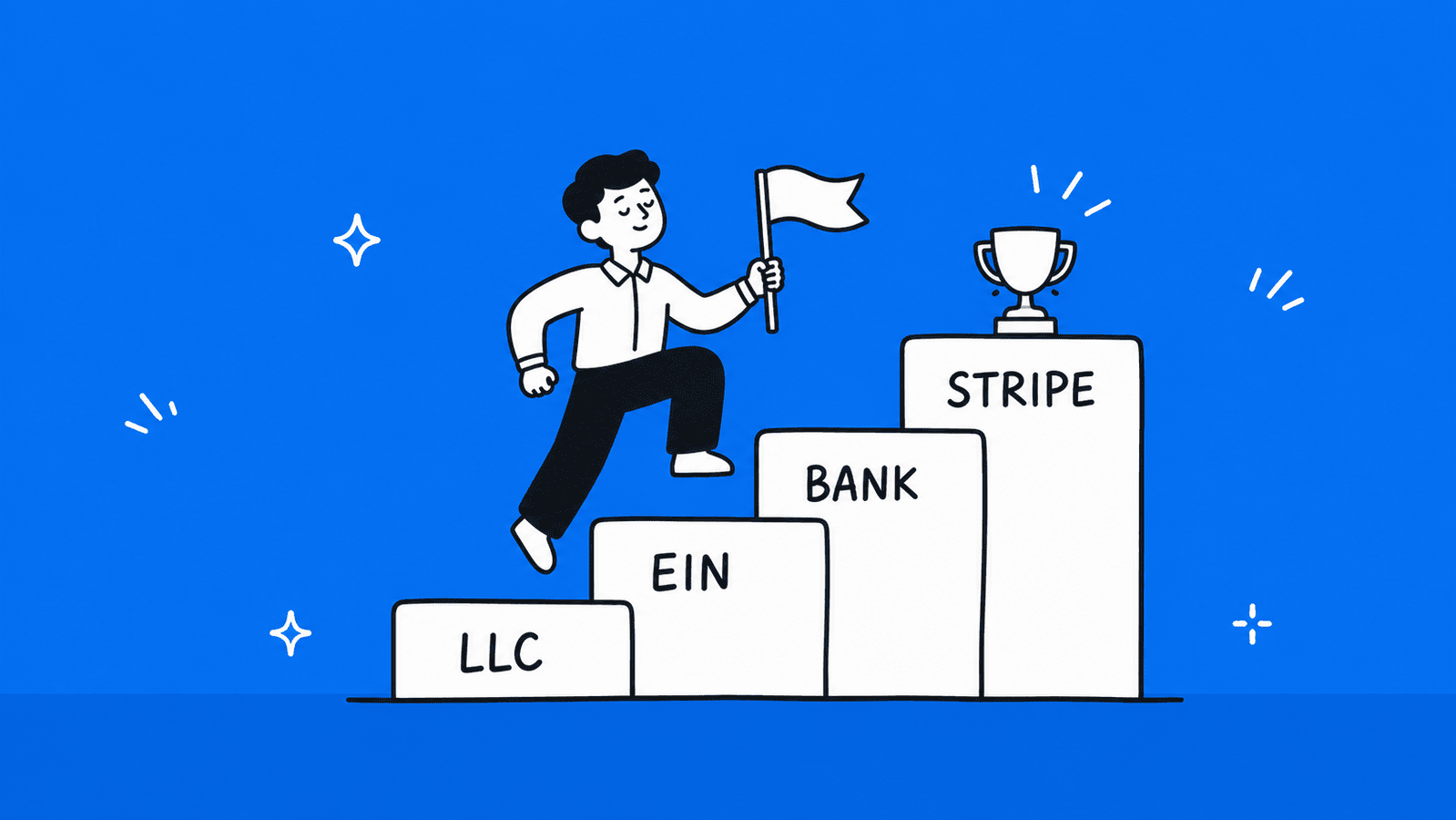
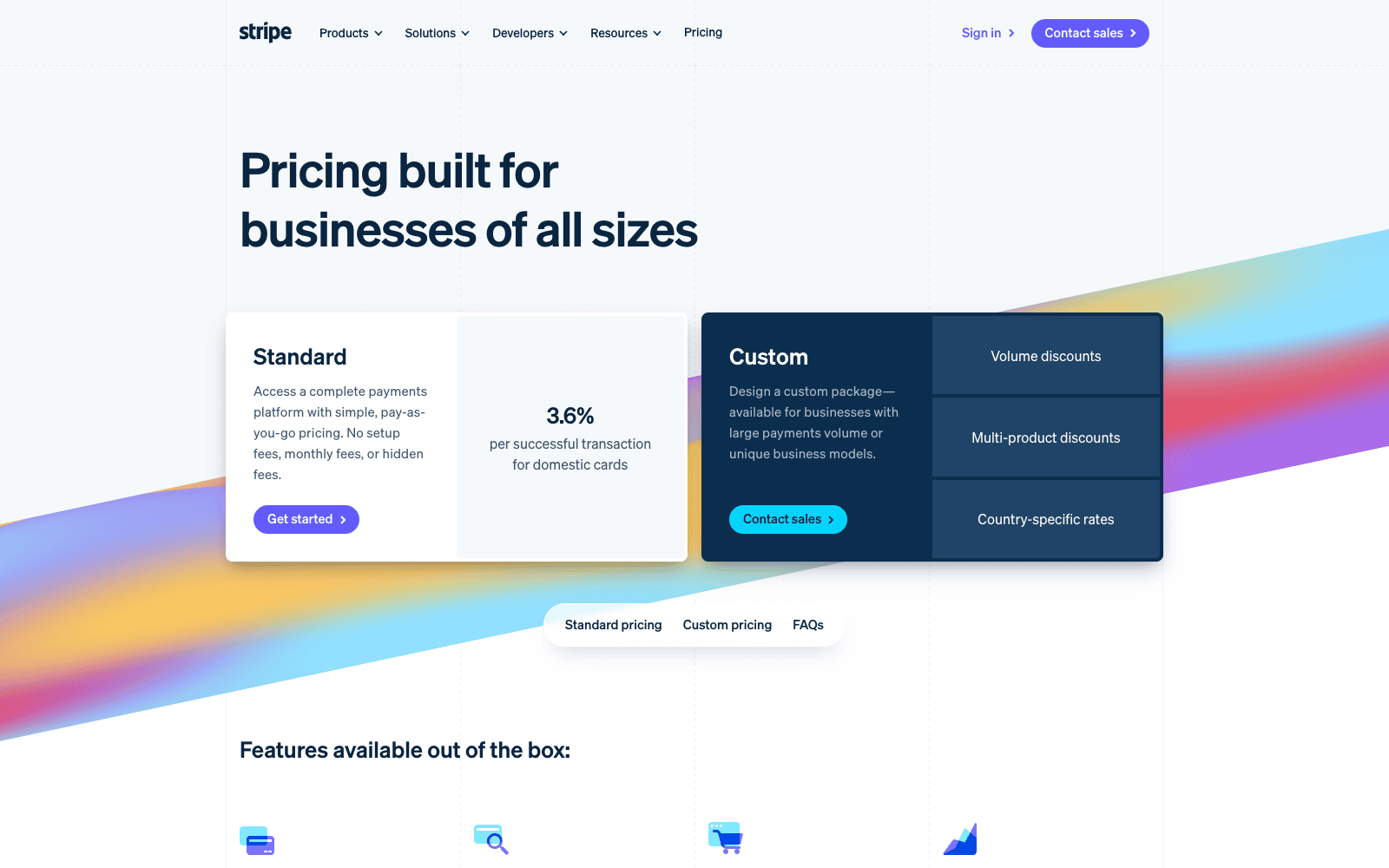
    • Or use Stripe as a more powerful alternative for online businesses 

    With this approach, they can withdraw funds to the foreign bank account, then transfer money to their Sri Lankan bank account when needed.

    This method requires proper legal setup and compliance, but it is commonly used by advanced freelancers and business owners. 

    Need Help in Registering Your Business in USA or UK from Sri Lanka? 

    At BR.lk, we help Sri Lankan freelancers and online sellers unlock global payment opportunities by legally setting up their business abroad. Whether it’s a US LLC or a UK company, we handle the complex processes so you can focus on getting paid internationally.

    Here’s why BR.lk is the trusted choice for Sri Lankan entrepreneurs:

    • Expert Guidance & Compliance: Our team guides you through every step of company registration, ensuring full compliance with international and local regulations.
    • Seamless Payment Setup: We help link your new company to PayPal, Stripe, Wise, and other global payment platforms, enabling you to receive payments from clients worldwide.
    • Fast & Hassle-Free Process: Complete registration and account setup in just 24–48 hours, with minimal paperwork and clear instructions every step of the way.
    • Local Language Support: Receive personalized support in Sinhala or Tamil, making the process simple and easy to understand.

    Here’s what our trusted customers say about our efforts:

    “Absolutely fantastic experience with BR.LK! They made setting up my US LLC from Sri Lanka feel like a breeze. From day one, their team was super responsive and walked me through every single step — company registration, getting a US address and phone number, bank account setup, even helping with Stripe. If you’re in Sri Lanka looking to register a US company, BR.LK is the way to go.”Malinda Alahakoon (Check his Full Google review)

    Take the first step to get paid globally and grow your online business with confidence. 

    Method 3: Payoneer

    Payoneer has been the go-to payment solution for Sri Lankan freelancers for years. It lets you get a virtual bank account with a US, UK, or EU account number, which means your international clients can pay you as if you were a local in their country, without expensive SWIFT fees on their end.

    It integrates directly with platforms like Upwork, Fiverr, Amazon, Wish, and Toptal, making it very convenient if you work through these marketplaces.

    How to Set Up a Payoneer Account in Sri Lanka

    There are two ways to sign up:

    1. Through a marketplace (Recommended): Go to your payment settings on Fiverr, Upwork, eBay, or Amazon, select Payoneer as your payout method, and register from there. If you see the Payoneer option on your marketplace’s payment methods page, you can follow the instructions provided to register a new account directly through that platform. This is the smoothest route for Sri Lankan users. 
    2. Directly at Payoneer.com: Click Sign Up, select Individual, fill in your personal details and NIC number, add your local bank account, upload your NIC or passport for verification, and wait 1 – 3 business days for approval. If you hit any friction during direct signup, switch to the marketplace route instead.

    Important Note: Some users report encountering friction during direct signup with a Sri Lankan address. If you face any issues with Option 2, simply use Option 1 through your marketplace platform instead. It is the more reliable route either way.

    How to Withdraw to a Local Bank Account

    Once your Payoneer account is verified and you have funds sitting in it, withdrawing to your Sri Lankan bank is straightforward:

    1. Log in to your Payoneer account (web or app)
    2. Go to Withdraw → To Bank Account
    3. If you haven’t added your bank yet, click Add Bank Account and enter your account number, bank name, and branch
    4. Enter the amount you want to withdraw
    5. Review the exchange rate and fee shown
    6. Confirm the transfer

    The money is converted from USD, EUR, or GBP into LKR and deposited into your account. Transfer time is typically 2 – 5 business days.

    You can also pair your Payoneer account with eZ Cash (Dialog’s mobile wallet), which is an officially listed Payoneer partner in Sri Lanka, useful if you want quicker access to smaller amounts without waiting for a full bank transfer. 

    Fees to Expect

    Payoneer is not free, but the fees are manageable if you receive regular payments. Here’s what to expect:

    Fee TypeAmount
    Receiving from Fiverr, Upwork, or other integrated platformsUsually free
    Receiving via local bank transfer (ACH/SEPA)Free or up to 1%
    Receiving via credit card from a clientUp to 3.99%
    Withdrawing to local Sri Lankan bankFixed fee + currency conversion markup
    Currency conversion0.5% – 3.5% depending on method
    Annual account fee$29.95  

    The annual fee is worth paying attention to. The $29.95 annual account fee is waived if you receive $2,000 or more in payments during the year. If you are receiving regular client income, you will almost certainly cross this threshold and pay nothing in annual fees.  

    Platforms That Work With Payoneer

    One of Payoneer’s biggest advantages is how widely it is integrated across global platforms. Payoneer connects with over 2,000 marketplaces, platforms, and networks, giving you a global reach and making it easy to get paid and withdraw locally. 

    The most commonly used ones by Sri Lankan freelancers and sellers are:

    • Upwork: Most Sri Lankan freelancers use this as their primary withdrawal route
    • Fiverr: To get a direct payout to your Payoneer balance after the clearance period
    • Amazon, for sellers in the Amazon marketplace
    • eBay, for e-commerce sellers
    • Wish, Rakuten, Taboola, 99Designs, iStockPhoto, and hundreds more

    If the platform you work on is integrated with Payoneer, you don’t need to chase clients for transfers or share bank details. The platform sends your earnings directly to your Payoneer account on a set schedule, and you withdraw from there to your local bank.  

    Method 4: Wise (formerly TransferWise) 

    Wise is currently one of the best options available for Sri Lankans who receive regular payments from international clients. Unlike PayPal’s restrictions or Payoneer’s new registration complications, Wise is fully accessible to new users in Sri Lanka with no restrictions on account creation or receiving payments. 

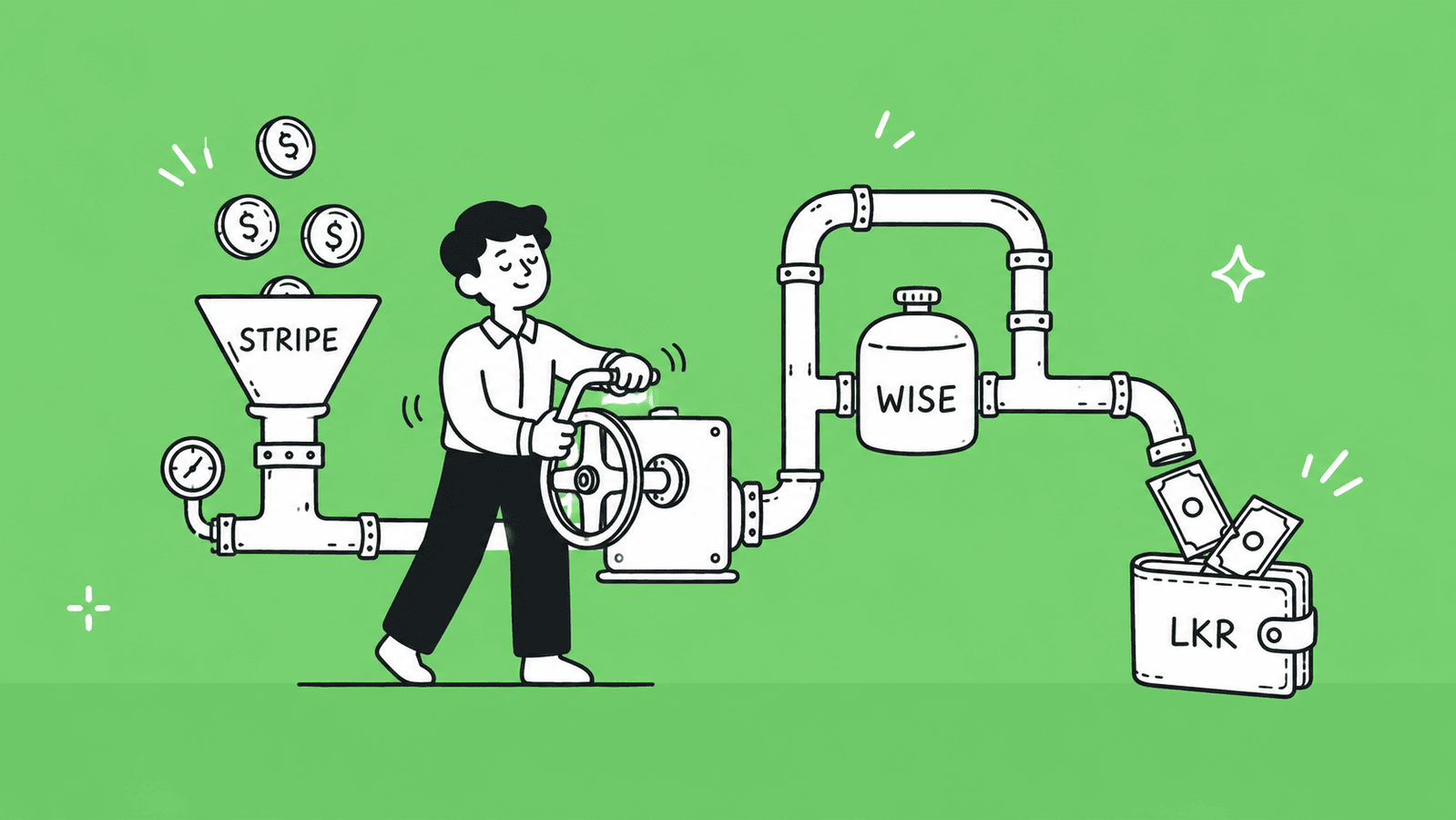
    When you open a Wise account, you get a multi-currency virtual account with local bank details in major currencies, such as USD, GBP, EUR, AUD, and more. Your client pays you as if sending a local transfer in their country, and Wise handles the rest. 

    Multi-Currency Account and Mid-Market Exchange Rates

    One of Wise’s biggest advantages is that it uses the real mid-market exchange rate, the same rate you see on Google, with no hidden markup. This is different from most banks and PayPal, which add 2 – 4% on top of the exchange rate.

    With a Wise account, you can:

    • Hold balances in 40+ currencies at the same time
    • Receive payments in USD, GBP, EUR, AUD, CAD, and more using local account details
    • Convert currencies only when you choose to, not automatically
    • Wait for a better exchange rate before converting to LKR 

    How to Withdraw Funds to a Sri Lankan Bank Account

    Once you have funds in your Wise account, withdrawing to your local bank is straightforward:

    1. Open the Wise app or website and go to Send Money
    2. Select your currency balance (e.g., USD)
    3. Choose Sri Lanka and enter your Sri Lankan bank account details
    4. Wise converts the amount to LKR using the mid-market rate + a small fee
    5. The money arrives in your bank account, usually within the same business day to 1 – 2 days 

    Fees and Transfer Speed

    Wise charges a small, transparent fee, typically 0.4% – 1% of the transfer amount, depending on the currency pair. There are no monthly fees and no minimum balance requirements.

    Fee TypeAmount
    Receiving via local bank details (ACH, SEPA)Free
    Receiving via SWIFTSmall fixed fee
    Converting to LKR and withdrawing~0.4% – 1% of the amount
    Monthly account feeNone

    Transfer speed to a Sri Lankan bank: same day to 2 business days in most cases. 

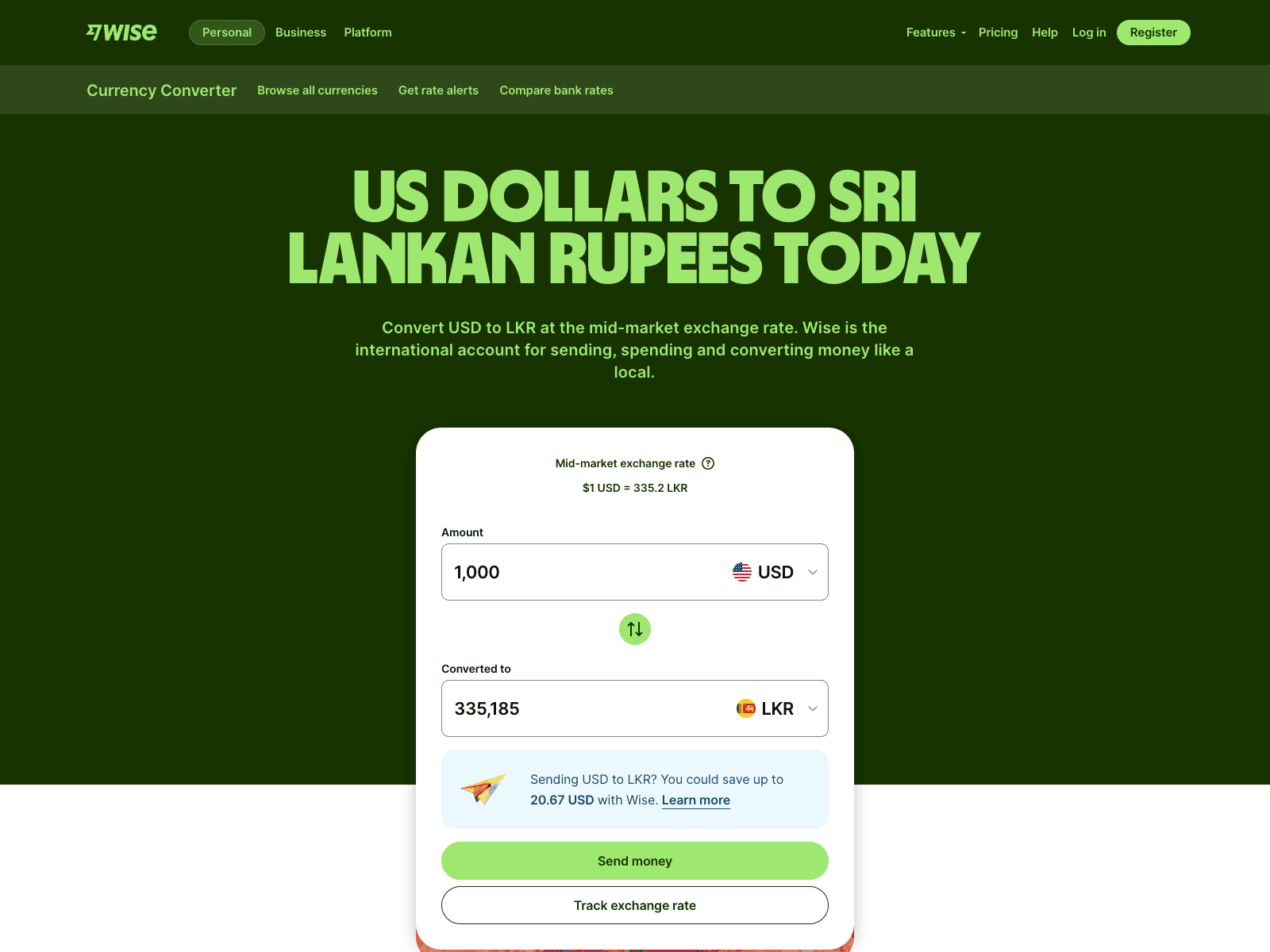
    Use our Wise calculator to estimate exactly what you’ll receive. 

    Limitations (No LKR Local Account)

    There is one important limitation to be aware of with Wise: you cannot currently send money from LKR using Wise. This means Wise does not give you a Sri Lankan Rupee local account number. You can receive in foreign currencies and convert to LKR, but you cannot receive LKR directly through Wise.  

    This is generally not a problem since your international clients will always be paying in USD, EUR, GBP, or another foreign currency anyway. 

    Method 5: Money Transfer Services (Western Union, Remitly, Xoom)

    Money transfer services are platforms specifically designed to send money from one country to another. They are different from platforms like Payoneer or Wise in one key way: they are mainly used by the person sending the money, not the person receiving it.

    Your client or employer in another country signs up on a platform like Western Union, Remitly, or Xoom, enters your details, pays in their local currency, and you receive the money in Sri Lanka. You don’t need to create an account on these platforms yourself in most cases. 

    Cash Pickup vs. Bank Deposit Options

    These services give the recipient in Sri Lanka two main ways to receive the money:

    • Bank Deposit: The money is sent directly to your Sri Lankan bank account. This is the most common option for freelancers and professionals. You can receive deposits to almost any bank in Sri Lanka, including Sampath Bank and Commercial Bank.  
    • Cash Pickup: The sender deposits cash at a partner location abroad and you can collect it in cash at a Commercial Bank branch or partner location in Sri Lanka. This is more common for personal remittances, for example, a family member sending money home.  

    You can also receive funds directly to mobile wallets like eZ Cash and mCash through some of these services.  

    Best Use Cases

    ServiceBest For
    Western UnionQuick cash pickup, family remittances, wide agent network
    RemitlyBank deposits, fast transfers, good for regular payments
    Xoom (by PayPal)Clients who already use PayPal, bank deposits, mobile wallet top-ups

    These services work best when:

    • A family member or employer abroad needs to send money quickly
    • Your client does not have a bank account or does not use platforms like Wise
    • You need the money as a cash pickup without waiting for a bank deposit
    • You are receiving a one-time or irregular payment, not regular client invoices

    They are generally not the best choice for regular freelance or business income due to the fees and lack of professional invoicing features. 

    Fees and Transfer Speed

    ServiceTypical FeeTransfer Speed
    Western UnionVaries by method; card payments cost moreMinutes (cash pickup) to 1 – 3 days (bank deposit)
    RemitlyLow for bank deposits; higher for expressMinutes to 3 – 5 business days
    XoomVaries; free first transfer sometimes offeredMinutes (cash/wallet) to 1 – 3 days (bank)

    Watch out for exchange rate markups. These services tend to offer exchange rates that are slightly below the real mid-market rate. Always check the actual amount your recipient will receive before confirming a transfer, not just the advertised fee. 

    Each of these five methods works for Sri Lanka, but they are not equal. The best one for you depends on how much you receive, how often, who your clients are, and whether you are a freelancer, a business, or someone receiving personal remittances. The next section will help you compare them side by side. 

    Side-by-Side Comparison: Which Method is Right for You?

    With five methods available, the right choice depends on who you are and how you get paid. Here is a quick comparison to help you decide. 

    Comparison Table

    MethodFeesTransfer SpeedBest ForAvailable in Sri Lanka
    SWIFT Bank Transfer1,000 – 1,500 LKR + intermediary fees1 – 3 business daysLarge business paymentsYes
    PayPal2 – 3% + 3 – 4% FX markup1 – 3 business daysRegistered businesses (LLC, Ltd)Send only, receiving restricted
    PayoneerFree from platforms; 0.5 – 3.5% conversion2 – 5 business daysFreelancers, e-commerce sellersYes (sign up via marketplace)
    Wise0.4 – 1% (mid-market rate)Same day – 2 daysFreelancers, direct client paymentsYes
    Western Union / RemitlyVaries; FX markup appliesMinutes – 3 daysPersonal remittances, quick transfersYes

    Fees and Exchange Rates: What to Watch Out For

    Most people only look at the transfer fee when comparing payment methods. But the bigger cost is usually something far less visible, which is the exchange rate markup. 

    Transfer Fees vs. Exchange Rate Markups

    • A transfer fee is the charge a platform shows you upfront, easy to spot and compare.
    • An exchange rate markup is hidden inside the conversion itself. When a platform converts your USD or EUR into LKR, they use a rate slightly worse than the real mid-market rate and quietly keep the difference.

    Here’s what that looks like in practice:

    • Real rate: 1 USD = 310 LKR 
    • Bank applies a 3% markup: 1 USD = 300.7 LKR 
    • On a $1,000 payment, you silently lose around 9,300 LKR (~$30)

    This is why a “zero fee” platform like PayPal or a local bank can actually cost you more than Wise, which charges a small visible fee but uses the real mid-market rate. 

    How to Stop Losing Money on Conversion

    • Always check the mid-market rate on Google first (e.g., “1 USD to LKR”) and compare it to what your platform is offering. The gap is your real cost.
    • Use Wise for conversions. It uses the mid-market rate with no markup, saving you 2 – 4% compared to banks.
    • Hold your balance before converting. Payoneer and Wise both let you hold USD, EUR, or GBP. Convert in one larger batch instead of every time a payment arrives.
    • Ask clients to pay in USD, EUR, or GBP to avoid double conversions.
    • For SWIFT transfers, ask your client to select the “OUR” payment option. This makes them cover all intermediary bank fees, so the full amount reaches you. 

    Timing Your Transfers

    You can’t predict exchange rates, but you can be smart about them. Avoid converting on Mondays or after long weekends when market spreads tend to be wider. Keep an eye on major economic news from the US Federal Reserve or Sri Lanka’s Central Bank, as these can shift rates quickly. Wise shows live rates in the app, so you can monitor and convert when the rate moves in your favour.

    That said, don’t hold foreign currency for weeks waiting for the perfect rate, it can move either way. Convert when the rate is acceptable to you. 

    The key habit: Always calculate the total cost, including fees as exchange-rate losses, not just the fee alone. Two minutes of comparison can save you thousands of rupees per payment. 

    Final Thoughts

    Receiving international payments in Sri Lanka is much easier today than it used to be, but the right method still depends on your situation. Whether you are a freelancer, online seller, or business owner, each option has its own strengths when it comes to speed, cost, and convenience.

    Traditional methods like SWIFT bank transfers are still reliable for large payments, while platforms like Payoneer and Wise have become the preferred choice for most freelancers because of lower fees and faster processing. On the other hand, services like Western Union or Remitly are useful for quick personal transfers, but they are not ideal for regular business income.

    It is also important to remember that the real cost of receiving money is not just the transfer fee, but also the hidden exchange rate markups. Small differences in rates can add up over time, so choosing the right platform and timing your conversions can make a big impact on how much you actually receive.

    In the end, there is no single “best” method for everyone. The smartest approach is to choose a combination of services that fits your income type, frequency of payments, and client base. By understanding how each method works, you can receive international payments in Sri Lanka more safely, efficiently, and with fewer losses in 2026 and beyond. 

    Key Takeaways

    • Receiving international payments in Sri Lanka requires a verified bank account, valid ID, and correct banking details like SWIFT codes.
    • SWIFT bank transfers are a reliable method but are best suited for large payments due to higher fees and slower processing times.
    • PayPal can be used in Sri Lanka, but it still does not support receiving and withdrawing funds to local bank accounts in 2026.
    • Payoneer is one of the most popular options for Sri Lankan freelancers because it supports global platforms and allows easy withdrawals to local banks.
    • Wise is a strong alternative because it offers real mid-market exchange rates and low transparent fees for international transfers.
    • Money transfer services like Western Union, Remitly, and Xoom are best for personal or urgent payments rather than regular freelance income.
    • Fees vary across platforms and may include hidden exchange rate markups, not just visible transfer charges.
    • Exchange rate differences can significantly affect how much money you receive, especially for larger transactions.
    • Choosing the right payment method depends on your income type, payment frequency, and whether you work with clients or platforms.
    • Using the right combination of payment methods can help you reduce costs, receive money faster, and avoid unnecessary losses.

    FAQs

    Is Payoneer available in Sri Lanka? 

    Yes. The most reliable way to sign up is through a marketplace like Fiverr or Upwork, go to the payment settings on your platform and register from there. Direct signup at Payoneer.com may work too, but some Sri Lankan users report friction with that route. 

    How long does it take to receive international payments in Sri Lanka? 

    It depends on the method. Wise is fastest at same day to 2 days. SWIFT bank transfers take 2 – 5 business days. Payoneer withdrawals take 2 – 5 business days. Western Union cash pickup can arrive within minutes. 

    What is the cheapest payment method?

    Wise is generally the cheapest, charging 0.4% – 1% with no exchange rate markup. Payoneer is comparable if you receive payments through integrated platforms. SWIFT transfers are cost-effective only for large amounts where the flat fee becomes a smaller percentage. 

    Do I need to pay tax on international payments in Sri Lanka? 

    Yes. Foreign income is taxable in Sri Lanka if it exceeds the personal exemption threshold. You are required to declare it to the Inland Revenue Department. It is advisable to consult a local tax professional to ensure you are compliant with current regulations. 

    Can PayPal receive money in Sri Lanka in 2026? 

    No. As of 2026, Sri Lankan PayPal accounts are restricted to sending payments and online purchases only. Withdrawing received funds to a local bank account is still not supported. Discussions between PayPal and Sri Lankan authorities are ongoing but no official launch date has been confirmed. 

    Which Sri Lankan banks accept wire transfers? 

    Most major banks accept inward SWIFT transfers, including Bank of Ceylon, Commercial Bank of Ceylon, Sampath Bank, Seylan Bank, People’s Bank, and Hatton National Bank. Confirm your SWIFT code directly with your branch before sharing it with a client. 

    Is there a limit on how much I can receive internationally? 

    Individual platform limits vary. Wise allows up to 4.98 million LKR per transfer. Banks generally have no hard cap on inward transfers, but large amounts may trigger additional compliance checks from your bank or the Central Bank of Sri Lanka. 

    Can I receive payments if I don’t have a bank account? 

    Yes, through cash pickup services like Western Union or Remitly. You can collect transfers in cash at partner locations across Sri Lanka without needing a bank account. However, for regular income, opening a bank account is strongly recommended for security and convenience. 

    Which payment method has the best exchange rate? 

    Wise consistently offers the best rate because it uses the real mid-market exchange rate with no hidden markup. Banks and services like Western Union typically apply a 2 – 4% markup on top of the market rate, which silently reduces how much you receive. 

    What happens if there’s a problem with my transfer? 

    First check your transaction history on the platform you used. Common causes include incorrect account details, failed KYC verification, or transfer limits being exceeded. Contact your platform’s support with your transaction ID. For SWIFT transfers, your bank can trace the payment through the SWIFT network. 

  • Payoneer vs Wise vs PayPal: What’s Best for SL Freelancers in 2026

    Payoneer vs Wise vs PayPal: What’s Best for SL Freelancers in 2026

    If you are a freelancer in Sri Lanka, choosing the right payment platform can make a big difference in how much money you actually keep and how easily you can access your earnings. With options like Payoneer, Wise, and PayPal, it can be confusing to decide which one is best for your needs. Each platform has different fees, features, and limitations, especially when used from Sri Lanka.

    In this guide, you’ll find a clear comparison of all three, so you can choose the right option, reduce costs, and get paid without hassle. 

    What is Payoneer

    Payoneer is a US-based financial platform founded in 2005 that helps freelancers, businesses, and online sellers send and receive money across borders. It is built specifically for people who work with international clients and platforms, which makes it one of the most practical tools for Sri Lankan freelancers today.

    Instead of relying on a traditional bank for international transfers, Payoneer gives you virtual receiving accounts in major currencies like USD, EUR, and GBP. Your client sends money to those accounts just like a local bank transfer in their country, and you withdraw it directly to your Sri Lankan bank account in LKR.

    Here is how it works step by step:

    1. You sign up for a free Payoneer account and complete KYC verification with your NIC or passport and bank details.
    2. Payoneer gives you virtual local bank account numbers in USD, EUR, GBP, and more.
    3. Your client sends payment to that account number as if they are making a local transfer in their country.
    4. The money lands in your Payoneer balance.
    5. You withdraw to your Sri Lankan bank account in LKR at the current conversion rate.

    This is also why Payoneer is the default payout method on platforms like Fiverr, Upwork, and Toptal, as those platforms send your earnings directly into your Payoneer account, and you withdraw from there. 

    Key Features of Payoneer

    • Virtual receiving accounts in USD, EUR, GBP, AUD, CAD, and JPY, so clients can pay you like a local transfer.
    • Direct integration with Fiverr, Upwork, Amazon, Toptal, 99designs, and 2,000+ other platforms.
    • Multi-currency balance, hold funds in multiple currencies and convert when the rate is good.
    • Withdraw to local bank, transfer your balance directly to your Sri Lankan bank account in LKR.
    • Payoneer Mastercard, a physical and virtual debit card to spend your balance or withdraw at ATMs.
    • Payment requests: Send a professional payment request to any client by email, even if they are not on Payoneer.
    • Can get mass payouts, useful if you run an agency and need to pay multiple people at once.
    • Available in 190+ countries and supports 70+ currencies.

    Pros and Cons of Payoneer

    ProsCons
    Platform SupportDirectly integrated with Fiverr, Upwork, and most major freelancing platformsNot as useful if all your clients pay by direct invoice
    Receiving FeesFree to receive from platforms and other Payoneer users (in most cases)Up to 1% fee when receiving USD via local bank details
    Currency ConversionSupports 70+ currencies with multi-currency balanceAdds a 0.5–2% markup over the mid-market exchange rate
    WithdrawalWithdraw directly to your Sri Lankan bank in LKRWithdrawal fees apply depending on the amount and method
    CardPhysical and virtual Mastercard availableAnnual card fee of $29.95 applies
    AvailabilityFully available and working in Sri LankaAccount can be frozen during verification checks
    SetupStraightforward signup processKYC verification can be strict for new users
    Dormancy Fee$29.95 fee if your account is inactive for 12 months

    What is Wise 

    Wise, formerly known as TransferWise, is a UK-based financial platform founded in 2011. While Payoneer is built around freelancing platforms and marketplaces, Wise is built around one core idea, sending and receiving money internationally at the real mid-market exchange rate with no hidden markups.

    For Sri Lankan freelancers who work with direct clients through invoices rather than platforms like Fiverr or Upwork, Wise is often the smarter and cheaper option. Your client sends money to your Wise account details just like a local bank transfer in their country, and Wise converts it and sends it to your Sri Lankan bank account at a rate that is almost always better than what Payoneer or your local bank would offer.

    Here is how it works step by step:

    1. You sign up for a free Wise account and complete identity verification with your NIC or passport.
    2. Wise gives you local bank account details in USD, EUR, GBP, AUD, and several other currencies.
    3. You share those account details with your client on your invoice.
    4. Your client pays as if they are making a domestic bank transfer in their country, no international wire fees on their end.
    5. Wise receives the funds and converts them at the mid-market exchange rate with a small transparent fee.
    6. The converted amount lands in your Sri Lankan bank account in LKR.

    The biggest advantage of Wise over the other two platforms is transparency. You see exactly what fee you are paying and exactly what exchange rate you are getting, before you confirm the transfer. There are no surprises when the money hits your bank. 

    Key Features of Wise

    • Mid-market exchange rate, the real rate you see on Google, with no hidden markup added on top.
    • Local account details in USD, EUR, GBP, AUD, NZD, SGD, and more, so clients pay you like a local transfer.
    • Multi-currency balance, hold and manage 40+ currencies in one account.
    • Wise debit card, a physical and virtual card to spend in any currency while travelling or shopping online.
    • Transparent fee structure, you see the exact fee and rate before sending or receiving.
    • Fast transfers, 90% of payments arrive within 24 hours.
    • Available in 160+ countries with support for 40+ currencies.
    • No monthly fees, you only pay when you make a transaction.
    • Batch payments, send payments to multiple people at once, useful for small agencies.

    Pros and Cons of Wise

    ProsCons
    Exchange RateUses the real mid-market rate with no hidden markupSmall variable fee still applies on top of the rate (typically 0.6–0.7%)
    TransparencyYou see the exact fee and rate before every transactionFee structure can feel complex for first-time users
    Receiving FeesFree to receive payments via local account details in most currenciesNo direct integration with Fiverr, Upwork, or most freelancing platforms
    Platform SupportWorks well for direct client payments and invoice-based workNot a good fit if most of your income comes through freelancing marketplaces
    Transfer Speed90% of transfers arrive within 24 hoursOccasional delays during compliance or verification checks
    CardPhysical and virtual debit card available for international spendingWise card not yet widely supported at all Sri Lankan ATMs
    AvailabilityFully available in Sri Lanka for receiving and withdrawing fundsDoes not offer a Sri Lankan LKR local account, only conversion to LKR
    FeesNo monthly or annual account feesWithdrawal fees to local bank apply per transaction
    Trust4.3 stars on Trustpilot with 220,000+ reviewsAccount freezes can happen during routine compliance checks

    What is PayPal 

    PayPal is an American financial platform founded in 1998 and is the most widely recognised online payment service in the world. With over 400 million active users across 200+ countries, it is the platform most international clients already know and trust. For buying online, paying subscriptions, and sending money between individuals, PayPal works smoothly almost everywhere in the world.

    However, for Sri Lankan freelancers, PayPal comes with a major problem that you need to know about before anything else, and we will cover that directly below.

    In terms of how it works for those who can use it fully, PayPal operates as a digital wallet. You link your bank account or card, and you can send and receive money using just an email address. Clients do not need your bank details, they just need your PayPal email, which makes it extremely easy to get paid quickly.

    Here is how it works step by step:

    1. You create a PayPal account using your email address.
    2. You link your bank account or debit/credit card to the account.
    3. Your client sends money to your PayPal email address from anywhere in the world.
    4. The funds land in your PayPal balance.
    5. You withdraw to your linked bank account in your local currency.

    The process is simple and fast, but for Sri Lankan freelancers, step 3 and step 4 are where the problem begins. 

    Key Features of PayPal

    • Global recognition, accepted by millions of clients, businesses, and online platforms worldwide.
    • Pay with email, no need to share bank details, clients just send to your PayPal email.
    • Multi-currency support, hold and transact in 25+ currencies.
    • Buyer and seller protection, built-in dispute resolution and fraud protection.
    • PayPal business debit Mastercard, spend your balance or withdraw at ATMs.
    • Batch payouts, send up to 15,000 payments in one batch across 156 countries.
    • Integration with e-commerce platforms, Shopify, WooCommerce, and most online stores support PayPal checkout.
    • Available in 200+ countries, the widest country coverage of the three platforms.

    Can I Receive Foreign Funds Through PayPal in Sri Lanka?

    No, not directly. As of 2026, Sri Lankan PayPal accounts are still restricted from receiving inward international payments. While you can easily create a PayPal account in Sri Lanka, link a local card, and use it to pay for tools, software, and subscriptions online, the ability to receive money from foreign clients into a Sri Lankan PayPal account remains blocked.

    This is not a rumour or an outdated restriction. The block on inward remittances through PayPal in Sri Lanka is still in place and confirmed by multiple tests done in early 2026. If a client tries to send you money to your Sri Lankan PayPal account, the transaction will be blocked or returned.

    The Ministry of Digital Economy has indicated they are working toward enabling inward remittances through private banks, but as of now, no official change has been implemented for regular PayPal accounts in Sri Lanka. 

    Are There Any Workarounds to Receive PayPal Payments Legitimately?

    Yes, but it requires extra steps. The most reliable and legal workaround used by Sri Lankan freelancers and agencies is registering a company in the United States or the United Kingdom. Once you have a legally registered business entity in either country, you can open a fully functional PayPal business account under that company and receive international payments without restrictions.

    Once your company is set up, you get a registered business address, a business bank account, and a fully verified PayPal business account, all operated remotely from Sri Lanka without ever having to travel abroad.

    This route makes sense if you run a growing agency, work with large clients who specifically require PayPal, or operate an e-commerce business that needs PayPal checkout. For a solo freelancer just starting out, the registration process and compliance requirements can feel overwhelming, which is where having the right support makes all the difference. 

    Need Help Registering Your Business in the USA or UK from Sri Lanka?

    If you are ready to unlock PayPal, Stripe, and other global payment platforms, BR.lk helps Sri Lankan freelancers and online sellers set up their business abroad, legally, quickly, and without the stress.

    • Expert Guidance & Compliance — Full support through every step of company registration, in line with international and local regulations
    • Seamless Payment Setup — Get linked to PayPal, Stripe, Wise, and more, all from Sri Lanka
    • Fast & Hassle-Free — Registration and account setup completed in just 24–48 hours
    • Local Language Support — Personalised assistance available in Sinhala or Tamil

    Take the first step to get paid globally and grow your online business with confidence.

    Pros and Cons of PayPal

    ProsCons
    RecognitionMost recognised payment platform globally, clients trust it instantlySri Lankan accounts cannot receive inward international payments
    Ease of UseSimple to send and receive using just an email addressHigh currency conversion markup, up to 4% over the mid-market rate
    Client CompatibilityMost international clients already have a PayPal accountNot a practical primary payment method for Sri Lankan freelancers
    E-commerceDeep integration with Shopify, WooCommerce, and online storesHigher transaction fees compared to Payoneer and Wise
    SecurityStrong buyer and seller protection with dispute resolutionAccounts can be frozen or limited with little warning
    AvailabilityAvailable in 200+ countries for sending paymentsReceiving payments blocked for Sri Lankan accounts
    Local UseUseful for paying for tools, software, and subscriptions onlineCannot withdraw to a Sri Lankan bank account directly
    WorkaroundUS/UK company registration unlocks full PayPal functionalityCompany setup costs money, time, and ongoing compliance

    Payoneer vs Wise vs PayPal: A Head-to-Head Comparison 

    Now that you know what each platform does, here is how they stack up directly against each other across the factors that matter most for Sri Lankan freelancers. 

    Fee Comparison: How Much Do You Actually Keep?

    Fees are rarely just one number. Each platform charges at different points, when you receive money, when you convert currency, and when you withdraw to your bank. Here is a full breakdown so you know exactly where your money goes.

    Payoneer is generally free to receive from platforms like Fiverr and Upwork, but charges when clients pay you directly. Wise charges a small transparent fee on conversion but gives you the best exchange rate. PayPal charges the most at almost every step, and for Sri Lankan accounts, receiving money is blocked entirely.

    Fee TypePayoneerWisePayPal
    Account Opening FeeFreeFreeFree
    Receiving from Platforms (Fiverr, Upwork)FreeNot supportedNot supported
    Receiving via Local Bank Details0% to 1% depending on currencyFree in most currenciesNot available in Sri Lanka
    Receiving via Credit CardUp to 3.99% + $0.49Not applicableUp to 4.40% + fixed fee
    Currency Conversion Fee0.5% to 2% markup0.6% to 0.7% (mid-market rate)Up to 4% markup
    Withdrawal to Sri Lankan BankFee applies per withdrawalFee applies per withdrawalNot available
    Annual/Dormancy Fee$29.95 if inactive 12 monthsNoneNone
    Debit Card Annual Fee$29.95Free (card issuance fee may apply)Free

    Exchange Rates: Where You Lose the Most Money Without Knowing

    The exchange rate is where most freelancers lose money without realising it. A platform can advertise low fees but quietly take a large cut through a poor exchange rate. Here is how each platform handles currency conversion.

    Wise is the clear winner here because it uses the real mid-market rate, the same rate you see on Google, and only adds a small transparent fee on top. Payoneer adds a markup over the mid-market rate, which costs you more on larger amounts. PayPal has the highest markup of the three, which is why receiving $1,000 through PayPal puts significantly less LKR in your pocket compared to Wise.

    Exchange Rate FactorPayoneerWisePayPal
    Rate UsedWholesale market rate + markupReal mid-market rateMid-market rate + up to 4% markup
    Conversion Markup0.5% to 2%0.6% to 0.7%Up to 4%
    Rate TransparencyShown after transactionShown before transactionShown before transaction but markup is buried
    Best ForAcceptable for platform payoutsBest for direct client paymentsNot recommended for Sri Lanka
    Example: Receiving $1,000Approx. $985–$995 after feesApprox. $993–$994 after feesNot receivable in Sri Lanka

    Platform and Marketplace Compatibility

    If you earn through freelancing platforms, compatibility is one of the most important factors. Not every platform lets you choose how you get paid.

    Payoneer dominates here. Most major freelancing platforms have built Payoneer directly into their payout system. Wise is excellent for direct client work but is not integrated into freelancing marketplaces. PayPal has some platform support globally but is not a practical option for Sri Lankan freelancers due to the receiving restriction.

    Platform / MarketplacePayoneerWisePayPal
    FiverrYes, native integrationNoNo
    UpworkYes, native integrationNoLimited
    ToptalYesNoNo
    99designsYesNoNo
    Amazon MarketplaceYesNoNo
    Direct Client InvoiceYes, via payment requestYes, via local account detailsNot receivable in Sri Lanka
    Shopify / WooCommerceLimitedNoYes (with US/UK company)
    Affiliate NetworksYesNoVaries

    Withdrawal Speed to Your Sri Lankan Bank Account

    Once money is in your account, how fast does it reach your local bank? This matters when you have bills to pay or need to manage cash flow.

    Speed FactorPayoneerWisePayPal
    Processing Time to Local Bank2 to 5 business days1 to 2 business daysNot available in Sri Lanka
    Same Day WithdrawalNoRarelyNo
    Weekends and HolidaysDelays possibleDelays possibleNot applicable
    Minimum Withdrawal Amount$50Varies by currencyNot applicable
    Transfer NotificationYes, email and appYes, email and appNot applicable

    Account Setup and Verification

    Getting started with any of these platforms requires identity verification. The strictness of the KYC process varies across platforms and can affect how quickly you can start receiving money.

    Setup FactorPayoneerWisePayPal
    Signup ProcessOnline, straightforwardOnline, straightforwardOnline, straightforward
    Documents RequiredNIC or Passport, bank detailsNIC or PassportNIC or Passport, card details
    KYC StrictnessModerate to strictModerateLow for sending, high for receiving
    Approval Time1 to 3 business days1 to 2 business daysUsually instant
    Can Receive Money ImmediatelyNo, after verificationNo, after verificationNo (restricted in Sri Lanka)
    Account Freeze RiskModerateLow to moderateModerate to high
    Local Bank Account RequiredYes, for withdrawalYes, for withdrawalNot applicable

    Safety and Reliability

    All three platforms are regulated financial services companies, but their track records and local relevance differ. For Sri Lankan freelancers, the key concern is whether your money is safe and whether the platform is stable enough to rely on as your primary income channel.

    Security FactorPayoneerWisePayPal
    Regulatory StatusRegulated in the US (FinCEN)Regulated in the UK (FCA)Regulated in the US (FinCEN)
    PCI DSS ComplianceYes, Level 1Yes, Level 1Yes, Level 1
    Two-Factor AuthenticationYesYesYes
    Fraud DetectionYes, built-inYes, built-inYes, advanced
    Trustpilot Rating3.9 stars (53,000+ reviews)4.3 stars (220,000+ reviews)1.3 stars (Poor rating)
    Account Freeze HistoryReported occasionallyReported occasionallyFrequently reported
    Fund ProtectionHeld in regulated accountsHeld in regulated accountsHeld in PayPal balance
    Sri Lanka AvailabilityFully availableFully availableRestricted for receiving

    Tax and Legal Side for Sri Lankan Freelancers

    Earning foreign income through Payoneer or Wise does not mean you are outside the tax system. The Inland Revenue Department (IRD) of Sri Lanka treats freelance income as self-employment earnings, and you are expected to declare it.

    Here is what you need to know:

    • Income Tax: Freelance income is taxable progressively in Sri Lanka. As of 2026, income above LKR 3,000,000 per year is subject to income tax at rates between 6% and 18%. You are required to file with the IRD and declare all foreign income received.
    • Central Bank Compliance: The Central Bank of Sri Lanka permits inward remittances for freelance and export services. Both Payoneer and Wise are compliant channels for receiving this income. You should keep records of all transactions including invoices, payment confirmations, and bank statements. Proper bookkeeping makes this much easier at tax time. 
    • Documentation: When you receive payments through Payoneer or Wise, download and save your transaction statements regularly. These serve as proof of income when filing taxes or if the IRD requests documentation.
    • VAT: If your annual turnover exceeds LKR 60,000,000, you are required to register for VAT. Most individual freelancers will not reach this threshold, but agencies should keep it in mind.
    Tax / Legal FactorPayoneerWisePayPal
    Accepted by IRD as income proofYesYesNot applicable (restricted)
    Transaction statements availableYes, downloadableYes, downloadableYes, but not usable for LK income
    CBSL Compliant ChannelYesYesNo (restricted in Sri Lanka)
    Supports Invoice GenerationYesYesYes (but receiving blocked)
    Suitable for Tax Filing PurposesYesYesNo

    Summary Table: Payoneer vs Wise vs PayPal for SL Freelancers 

    FactorPayoneerWisePayPal
    Available in Sri LankaYes, fullyYes, fullyRestricted, cannot receive payments
    Best ForPlatform-based freelancersDirect client work and invoicingPaying for tools and subscriptions only
    Account FeeFreeFreeFree
    Receiving FeeFree from platforms, 0–1% via bank detailsFree in most currenciesNot applicable in Sri Lanka
    Currency Conversion0.5–2% markup0.6–0.7% at mid-market rateUp to 4% markup
    Exchange RateWholesale rate + markupReal mid-market rateMid-market rate + high markup
    Withdrawal to LK BankYes, 2–5 business daysYes, 1–2 business daysNot available
    Fiverr / Upwork IntegrationYes, nativeNoNo
    Direct Client PaymentsYes, via payment requestYes, via local account detailsNot receivable in Sri Lanka
    Debit CardYes, Mastercard ($29.95/year)Yes, free cardYes, but limited use in Sri Lanka
    Minimum Withdrawal$50Varies by currencyNot applicable
    Dormancy Fee$29.95 after 12 months inactiveNoneNone
    KYC StrictnessModerate to strictModerateLow for sending only
    Account Freeze RiskModerateLow to moderateFrequently reported
    Trustpilot Rating3.9 stars4.3 stars1.3 stars
    Regulatory ComplianceUS regulated (FinCEN)UK regulated (FCA)US regulated (FinCEN)
    CBSL Compliant ChannelYesYesNo
    Tax DocumentationYes, downloadable statementsYes, downloadable statementsNot applicable in Sri Lanka
    Overall CostModerateLowestHighest
    Recommended For SL FreelancersYes, primary for platformsYes, primary for direct clientsNo, backup or workaround only

    Final Verdict: Which One Should You Pick?  

    The right platform depends on how you work and where your income comes from. Here is a clear breakdown to help you decide. 

    If You Work on Freelancing Platforms: Use Payoneer

    If most of your income comes through Fiverr, Upwork, Toptal, or any other major freelancing marketplace, Payoneer is your best choice. These platforms have Payoneer built directly into their payout system, the fees are reasonable, and it is fully recognised by the Central Bank of Sri Lanka as a compliant inward remittance channel. 

    If you are just starting out and unsure which platform to pick, start with Payoneer. It works with almost every marketplace you sign up for. 

    If You Work with Direct Clients: Use Wise

    If you send invoices directly and get paid outside of a marketplace, Wise is the smarter option. You give your client a local USD, EUR, or GBP account number and they pay you like a domestic bank transfer. Wise uses the mid-market rate with a transparent low fee, which means more money lands in your Sri Lankan bank account.

    Tip: Use our Wise calculator to estimate exactly what you’ll receive. 

    If you have retainer clients who pay monthly, the savings add up significantly over a year. 

    When to Keep a PayPal Account as a Backup

    Even though PayPal cannot receive money in Sri Lanka directly, it is still useful for paying tools, software subscriptions, hosting, and other business expenses. 

    If a client insists on PayPal, setting up a US or UK company through BR.lk lets you receive those payments legally. Think of PayPal as your spending tool, not your earning tool, until you have that company setup in place. 

    When to Combine Two or All Three

    The smartest setup for most Sri Lankan freelancers is not choosing just one platform. It is using the right platform for the right type of income. Here is how a combined setup looks in practice: 

    1. Payoneer + Wise (Recommended for most freelancers) Use Payoneer for marketplace earnings and Wise for direct client payments. This combination keeps your fees low and your exchange rate competitive, meaning more money in your Sri Lankan bank account every month.
    2. Payoneer + Wise + PayPal (For agencies and growing businesses) If you run an agency or work with clients who require PayPal, adding a PayPal business account through a US or UK company registration opens up the full picture. BR.lk can handle the entire setup remotely from Sri Lanka.  
    Your SituationRecommended Setup
    Just starting on Fiverr or UpworkPayoneer only
    Working with direct international clientsWise only
    Mix of platforms and direct clientsPayoneer + Wise
    Agency or e-commerce businessPayoneer + Wise + PayPal (via US/UK company)
    Need PayPal for specific clientsUS/UK company via BR.lk + PayPal business account

    Key Takeaways

    • Payoneer is the best choice for freelancers who earn through platforms like Fiverr and Upwork because of its direct integrations.
    • Wise is the most cost-effective option for direct client payments due to its real mid-market exchange rate and transparent fees.
    • PayPal cannot be used to receive international payments directly in Sri Lanka as of 2026.
    • Wise offers the best exchange rates among the three, helping freelancers keep more of their earnings.
    • Payoneer charges small fees on currency conversion and withdrawals but remains reliable and widely supported.
    • PayPal has the highest overall fees and is not a practical primary payment method for Sri Lankan freelancers.
    • Wise transfers are usually faster, with most payments reaching Sri Lankan bank accounts within 1–2 business days.
    • Payoneer is fully compliant with the Central Bank of Sri Lanka and works well for both individuals and agencies.
    • The best setup for most freelancers is to use Payoneer for platform income and Wise for direct client payments.
    • Keeping a PayPal account is still useful for paying for online tools and services, even if you cannot receive money locally. 

    FAQs

    Which is cheaper, Payoneer or Wise, for Sri Lankan freelancers? 

    Wise is generally cheaper for direct client payments because it uses the real mid-market exchange rate with a 0.6–0.7% fee. Payoneer adds a 0.5–2% markup over the market rate. However, if you earn through platforms like Fiverr or Upwork, Payoneer is free to receive, making it the cheaper option for marketplace income. 

    How do I withdraw from Payoneer to a Sri Lankan bank account? 

    Log in to your Payoneer account, go to Withdraw, select To Bank Account, and enter your Sri Lankan bank details. The minimum withdrawal is $50, and funds typically arrive within 2–5 business days. Withdrawal fees apply per transaction and vary depending on the amount transferred. 

  • PayHere vs International Payment Gateways for SL Businesses: A Comparison for 2026

    PayHere vs International Payment Gateways for SL Businesses: A Comparison for 2026

    If you run a business in Sri Lanka, choosing the right payment gateway can directly affect your sales, customer experience, and cash flow. With options like PayHere and global platforms such as PayPal, Stripe, and Payoneer, it’s not always clear which one is the better fit for your business in 2026. Each option comes with different fees, features, and limitations, especially for Sri Lankan users.

    In this article, you’ll find a clear comparison of PayHere Sri Lanka and international payment gateways so you can decide which option works best for your business needs. Make sure to read till the end to avoid costly mistakes.

    Without further ado, let’s get started…

    What is PayHere Sri Lanka

    PayHere is Sri Lanka’s most widely used online payment gateway. It lets businesses accept payments from customers through a single, secure platform, whether that customer is paying by credit card, mobile wallet, or internet banking.

    When a customer makes a purchase on your website, PayHere acts as the bridge between your store, your customer’s bank, and your merchant account. It handles the authorization, processes the payment, and settles the funds into your account, all within a few business days.

    PayHere is approved by the Central Bank of Sri Lanka (CBSL), which means it operates within the country’s financial regulations. It also holds PCI DSS Level 1 certification, the highest international standard for payment security.

    Key Features of PayHere Sri Lanka

    • LKR and foreign currency support: Accept payments in LKR, USD, EUR, GBP, and AUD
    • Multiple payment methods: Visa, Mastercard, Amex, Discover, Diners Club, eZcash, Genie, FriMi, mCash, and Sampath Vishwa internet banking
    • Local bank integration: Works with Sampath Bank and several other Sri Lankan banks
    • Recurring and subscription payments: Ideal for SaaS platforms, membership sites, and subscription businesses
    • Payment links: No website needed; share a link via WhatsApp, email, or social media and get paid instantly
    • eCommerce plugins: Ready-made integrations for WooCommerce, Shopify, Magento, OpenCart, and more

    Who Should Use PayHere Sri Lanka?

    PayHere is a great fit for small and medium businesses, e-commerce stores, freelancers, SaaS startups, NGOs, and service-based businesses that primarily serve Sri Lankan customers. If your customers pay in LKR and you want a straightforward setup without dealing with international banking hurdles, PayHere is the most practical starting point. 

    Pros and Cons of PayHere Sri Lanka

    ProsCons
    CostNo setup fee on the Lite planMonthly fees apply on Plus and Premium plans
    Payment MethodsSupports local wallets, cards, and internet banking in one placeForeign currency payments incur an extra 1% fee
    SetupFully online onboarding, no branch visits neededRequires a Sampath Bank merchant account
    SecurityPCI DSS Level 1 certified and CBSL approvedSuffered a data breach in 2022 (though no full card data was exposed)
    IntegrationEasy plugins for all major eCommerce platformsAPI documentation is less advanced compared to Stripe
    SettlementReliable local settlementsSettlement takes 3–5 business days
    SupportLocal customer support in Sri LankaSupport mainly through Facebook Messenger, no 24/7 phone support
    CurrencyAccepts USD, EUR, GBP, AUDAll foreign payments are converted and settled in LKR only

    What are International Payment Gateways

    An international payment gateway is a payment processing platform that works across multiple countries and currencies. Unlike local gateways that are built for a specific market, international gateways are designed to handle payments from customers anywhere in the world, making them popular with businesses that sell globally.

    They connect your business to a global network of banks and card networks, handle currency conversions, and let you receive payments in foreign currencies like USD, EUR, or GBP directly into your account.

    The key difference from a local gateway like PayHere is that international gateways are not tied to one country’s banking system. That gives them a broader reach, but it also means they come with their own set of limitations for Sri Lankan businesses specifically. 

    Common International Payment Gateways Used by Sri Lankan Businesses

    • Stripe: One of the most powerful global payment platforms with a strong developer API. However, Sri Lanka is not a supported country for merchant accounts, so local businesses cannot receive payouts directly.
    • PayPal: Trusted by customers worldwide, but Sri Lankan businesses cannot withdraw funds to a local bank account, which makes it unusable as a primary gateway.
    • 2Checkout (Verifone): The most practical international option for SL businesses. It works as a merchant of record and allows Sri Lankan merchants to sign up, get approved, and receive payouts internationally.
    • Payoneer: Not a checkout gateway, but widely used by Sri Lankan freelancers and agencies to receive B2B payments and invoice-based billing from overseas clients.
    • Wise: A low-cost money transfer platform used to receive foreign currency payments at better rates than traditional banks. Best for freelancers and small businesses, not for website checkout. 

    Who Typically Uses International Payment Gateways?

    International gateways are generally used by:

    • Freelancers and agencies billing overseas clients in USD or EUR
    • SaaS businesses selling software subscriptions to a global customer base
    • Export businesses receiving payments from international buyers
    • Digital product sellers targeting customers in the US, UK, Europe, or Australia
    • Businesses that need to hold foreign currency rather than convert everything to LKR

    If your customer base is primarily outside Sri Lanka, or if you need to receive and hold foreign currency, international gateways become a necessary part of how you get paid. 

    Pros and Cons of International Payment Gateways

    ProsCons
    Global ReachAccept payments from customers in 100+ countriesNot built for the Sri Lankan market specifically
    CurrencyHold and receive payments in USD, EUR, GBP, and moreCurrency conversion fees can add up quickly
    Customer TrustGlobally recognized brands like PayPal and Stripe build buyer confidenceSri Lankan customers may not have international cards to pay
    Payout SpeedSome platforms like Wise settle faster than local gatewaysPayPal cannot withdraw to Sri Lankan bank accounts at all
    FeaturesAdvanced APIs, fraud tools, and developer options (especially Stripe)Stripe is not available for SL merchant accounts directly
    Local Payment MethodsNo support for eZcash, Genie, FriMi, or local internet banking
    SetupMostly online, no bank branch visitsKYC can be strict; SL businesses sometimes face rejections
    FeesCompetitive for high volumesCross-border and conversion fees make small transactions expensive
    SupportLarge knowledge bases and documentationNo local support, ticket-based only, time zone gaps

    PayHere vs International Gateways: A Head-to-Head Comparison 

    Now let’s compare both options directly across the areas that matter most for Sri Lankan businesses. 

    Supported Payment Methods

    When it comes to payment method variety for Sri Lankan customers, PayHere has a clear advantage. It covers everything a local customer would use, from credit cards to mobile wallets to internet banking, all under one integration. International gateways, on the other hand, are mostly card-only and have zero support for local Sri Lankan payment methods. 

    Payment MethodPayHere Sri LankaInternational Gateways
    Visa / MastercardYesYes
    Amex, Discover, DinersYesYes
    eZcash, Genie, FriMi, mCashYesNo
    Sampath Vishwa Internet BankingYesNo
    PayPal WalletNoYes (PayPal only)
    Local Bank Transfers (LKR)YesNo

    Fees and Charges

    PayHere uses a tiered plan model where your rate depends on your monthly volume. International gateways charge per transaction with additional cross-border and currency conversion fees on top, which adds up fast for smaller businesses. 

    Fee TypePayHere Sri LankaInternational Gateways
    Setup FeeNone (Lite plan)None (most platforms)
    Transaction Fee2.5% – 3.9%2.9% – 3.5% + fixed fee
    Foreign Currency Fee+1.0% above standard rate+1.5% – 2% cross-border fee
    Premium Card Fee (Amex etc.)+0.5%Included or varies
    Monthly FeeNone to low (plan dependent)None to low
    Chargeback FeeAppliesApplies

    Ease of Setup for Sri Lankan Businesses

    PayHere was built with Sri Lankan businesses in mind, so the onboarding process is straightforward and fully local. International gateways were not designed for the Sri Lankan market, which means setup can be complicated, and in some cases, simply not possible. 

    Setup FactorPayHere Sri LankaInternational Gateways
    Online OnboardingFully digitalMostly digital
    CBSL ApprovalYesNo
    Sri Lanka Merchant AccountYes, requires Sampath BankNot available for Stripe or PayPal
    KYC ProcessSimple, local documentsStricter, SL businesses often rejected
    Time to Go Live2–5 business daysVaries, days to weeks
    Language SupportSinhala and Tamil friendlyEnglish only

    Currency Support and Global Reach

    If you are selling to local customers, PayHere covers everything you need. But if your customers are overseas and you need to hold foreign currency, international gateways have the edge. PayHere still converts everything to LKR at settlement regardless.

    Currency FactorPayHere Sri LankaInternational Gateways
    LKR PaymentsYesNo
    USD, EUR, GBP, AUDAcceptedAccepted and held
    Settle in Foreign CurrencyNo, converts to LKRYes
    Number of Supported Currencies5100+
    Global Customer ReachLimitedWorldwide

    Payouts and Settlement Periods

    Getting your money quickly matters for cash flow. Bank-based local gateways are the fastest in Sri Lanka, but PayHere is reliable for local settlements. International gateways vary. Some are fast, but platforms like PayPal hold funds longer and have local withdrawal restrictions. 

    Payout FactorPayHere Sri LankaInternational Gateways
    Settlement Period3–5 business days2–7 business days (varies)
    Withdraw to SL Bank AccountYesNo (PayPal and Stripe not supported)
    Minimum Payout ThresholdAppliesApplies
    Payout CurrencyLKR onlyUSD, EUR, GBP (platform dependent)
    Fund Holding RiskLowMedium (some platforms hold funds)

    Security and Reliability

    Both PayHere and major international gateways meet international security standards. The main concern with PayHere is the 2022 data breach, which exposed user records, though full card data was not compromised. International platforms have longer track records but are not immune to issues either.

    Security FactorPayHere Sri LankaInternational Gateways
    PCI DSS ComplianceYes, Level 1Yes, Level 1 (major platforms)
    CBSL RegulatedYesNo
    Data Breach History2022 breach, resolvedVaries by platform
    Fraud DetectionYes, built-inYes, advanced (especially Stripe)
    Uptime and ReliabilityStableHigh, global infrastructure
    Local ComplianceYesNo

    Summary Table: PayHere vs International Payment Gateways for SL Businesses 

    FactorPayHere Sri LankaInternational Gateways
    Best ForLocal Sri Lankan businesses, SMBs, startupsFreelancers, exporters, global-facing businesses
    CBSL ApprovedYesNo
    Supported Local Payment MethodsCards, mobile wallets, internet bankingCards only
    LKR PaymentsYesNo
    Foreign Currency SupportUSD, EUR, GBP, AUD (settled in LKR)100+ currencies (held in foreign currency)
    Transaction Fee2.5% – 3.9%2.9% – 3.5% + fixed fee
    Foreign Currency Fee+1.0%+1.5% – 2.0% cross-border fee
    Setup FeeNone on Lite planNone on most platforms
    Onboarding ProcessFully online, Sri Lanka friendlyMostly online, SL businesses often face rejections
    Time to Go Live2–5 business daysDays to weeks
    Settlement Period3–5 business days2–7 business days
    Withdraw to SL Bank AccountYesNo (Stripe and PayPal not supported)
    Payout CurrencyLKR onlyUSD, EUR, GBP (varies by platform)
    eCommerce IntegrationsWooCommerce, Shopify, Magento, OpenCartWide range across all major platforms
    Recurring PaymentsYesYes (varies by platform)
    PCI DSS ComplianceYes, Level 1Yes, Level 1 (major platforms)
    Fraud ProtectionYes, built-inYes, advanced tools
    Local Customer SupportYes, Sinhala and Tamil friendlyNo, ticket-based and English only
    Payment Links (no website needed)YesLimited
    Global Customer ReachLimitedWorldwide

    Conclusion: Which Payment Gateway Is Right for Your Sri Lanka Business?

    There is no single answer that works for every business. The right payment gateway depends on who your customers are, where they are based, and how you need to receive your money. Here is a simple way to think about it. 

    When to Use PayHere Sri Lanka

    PayHere is the right choice if your business primarily serves customers in Sri Lanka. If your customers pay in LKR and use local payment methods like eZcash, Genie, or Sampath Vishwa internet banking, no international gateway can match what PayHere offers in one integration.

    Choose PayHere if:

    • Your customers are based in Sri Lanka and pay in LKR
    • You want to accept mobile wallets alongside credit and debit cards
    • You are a startup, SMB, or freelancer who needs a fast and affordable setup
    • You run a subscription or SaaS business serving the local market
    • You need payment links without a fully built website
    • You want local customer support in Sinhala or Tamil 

    When to Use an International Gateway

    International gateways make sense when your revenue comes from outside Sri Lanka. If you bill overseas clients, sell digital products to a global audience, or need to hold foreign currency without converting to LKR, then platforms like 2Checkout, Payoneer, or Wise become necessary tools.

    Choose an international gateway if:

    • Your customers are based overseas and pay in USD, EUR, or GBP
    • You need to hold foreign currency in your account without converting to LKR
    • You run a SaaS or digital product business with a global customer base
    • You are a freelancer or agency billing international clients directly
    • You need access to a wider global payment network across 100+ countries 

    The only problem is platforms like Stripe and PayPal are still not directly available for Sri Lankan merchants.

    But there is a legal way around it, which is by registering a US LLCor UK company

    Need Help Registering Your Business in the USA or UK from Sri Lanka?

    If you are ready to unlock Stripe, PayPal, and other global payment platforms, BR.lk helps Sri Lankan freelancers and online sellers set up their business abroad legally and quickly — so you can focus on getting paid.

    • Expert Guidance & Compliance: Full support through every step of company registration, in line with international and local regulations
    • Seamless Payment Setup: Get linked to Stripe, PayPal, Wise, and more — all from Sri Lanka
    • Fast & Hassle-Free: Registration and account setup completed in just 24–48 hours
    • Local Language Support: Personalized assistance available in Sinhala or Tamil

    Take the first step to get paid globally and grow your online business with confidence.

    Can You Use Both Together?

    Yes, and for many Sri Lankan businesses, using both is actually the smartest approach.

    A common setup that works well is using PayHere for all local customer transactions in LKR, while using Payoneer or 2Checkout to receive payments from international clients. This way you are not losing local customers who prefer mobile wallets and internet banking, and at the same time you are not missing out on foreign revenue.

    For example, a Sri Lankan SaaS company could run PayHere on their local pricing page and use 2Checkout or Payoneer for their international pricing page. Both can run at the same time without any technical conflict.

    The only thing to manage is your accounting, tracking two separate payment streams means you need to keep your LKR and foreign currency income clearly separated for tax and reporting purposes. 

    Key Takeaways

    • PayHere is the best option for businesses that mainly serve customers in Sri Lanka and accept LKR payments.
    • International gateways like PayPal, Stripe, and Payoneer are more suitable for businesses targeting global customers.
    • PayHere supports local payment methods such as mobile wallets and internet banking, which international gateways do not offer.
    • International payment gateways allow businesses to receive and hold foreign currencies like USD, EUR, and GBP without converting to LKR.
    • PayHere requires a local bank setup and settles funds in LKR within 3–5 business days.
    • Some international platforms, especially PayPal and Stripe, have limitations for Sri Lankan businesses, including withdrawal restrictions or lack of direct support.
    • PayHere generally has simpler onboarding and is built specifically for Sri Lankan regulations and banking systems.
    • International gateways often include higher costs due to cross-border fees and currency conversion charges.
    • Security standards are strong on both sides, but global platforms usually offer more advanced fraud detection tools.
    • Using both PayHere and an international gateway together is often the best approach for businesses that serve both local and global customers.

    FAQs

    Is PayHere available outside Sri Lanka?

    PayHere is built specifically for Sri Lankan businesses and requires a local bank account and CBSL registration to use as a merchant. However, it can accept payments from international customers in USD, EUR, GBP, and AUD. If you are based outside Sri Lanka, you cannot sign up as a merchant. 

    Can Sri Lankan businesses use Stripe?

    Not directly. Stripe does not support Sri Lanka as a merchant country, meaning local businesses cannot create a Stripe account and receive payouts to a Sri Lankan bank. Some businesses use workarounds through third-party resellers, but these come with added complexity and fees. 

    Is PayHere safe to use after the 2022 data breach?

    Yes. PayHere addressed the 2022 breach transparently, worked with Sri Lanka CERT, and secured the platform. Full card numbers and CVV codes were not exposed. PayHere remains PCI DSS Level 1 certified and CBSL approved, making it still the most trusted local payment gateway in Sri Lanka. 

    What is the cheapest payment gateway for small businesses in Sri Lanka?

    PayHere Lite is the most affordable starting point with no setup fee and no monthly fee. You only pay a per-transaction fee of around 2.5% to 3.9%. For businesses with very low volumes just starting out, this makes PayHere the most cost-effective option available in Sri Lanka. 

  • Wise in Sri Lanka (2026): Guide for Freelancers & Business

    Wise in Sri Lanka (2026): Guide for Freelancers & Business

    If you’re a freelancer, remote worker, or business owner in Sri Lanka looking for a simple way to receive and send international payments, this guide is for you. In this article on Wise in Sri Lanka (2026), you’ll learn everything you need to know, from how Wise works and whether it’s available locally, to fees, account setup, business use, and practical tips to save money on global transactions. 

    Whether you’re just getting started or trying to improve your current payment setup, this guide will help you understand if Wise is the right choice for your needs. 

    What is Wise? 

    Wise is an online money transfer service that lets you send, receive, and manage money across different countries at lower costs than traditional banks. It was built to make international payments simpler, faster, and more transparent.

    Instead of using the slow and expensive banking system, Wise uses a smart transfer method. It matches transfers locally in each country, which helps reduce fees and speeds up the process. This is why many users receive money much faster compared to bank transfers.

    In simple terms, Wise works like a global wallet where you can hold and move money in multiple currencies without hidden charges. 

    Key features of Wise include the following:

    • Multi-currency account: Wise gives you a single account where you can hold and manage money in multiple currencies like USD, GBP, EUR, and more. This is especially useful if you work with international clients.
    • Low fees: Wise is known for its transparent pricing. You always see the fee before sending money, and it is usually lower than that of banks and many other platforms.
    • Real exchange rates: Wise uses the mid-market exchange rate (the real rate you see on Google), without adding hidden markups. This helps you save more when converting currencies. 

    Who Can Use Wise?

    Wise is designed for a wide range of users, including:

    • Freelancers working with overseas clients
    • Remote workers and digital nomads
    • Online business owners and agencies
    • E-commerce sellers
    • Individuals sending money abroad (family, education, etc.)

    Whether you’re earning online or just need to send money internationally, Wise can be a practical option.

    Wise Money Transfer Reviews

    Wise has built a strong reputation globally across multiple platforms. The ratings speak for themselves:

    PlatformRatingNumber of Reviews
    Trustpilot4.3 ★287,000+ reviews
    Apple App Store4.8 ★152,000+ reviews
    Google Play4.8 ★1.3 million+ reviews

    Overall, user feedback across all platforms shows that Wise delivers a reliable and efficient experience for most people, especially when it comes to speed, ease of use, and low-cost international transfers. While a small number of users report delays with large transactions or challenges with verification and support, these issues appear to be less common.

    For the majority, Wise remains a trusted and cost-effective alternative to traditional banks for sending and receiving money globally. 

    Why Wise is Popular Among Freelancers in Sri Lanka

    Wise has become a go-to option for freelancers and online earners in Sri Lanka for several reasons:

    • Better earnings retention – You lose less money on fees and exchange rates compared to platforms like PayPal or banks
    • Faster payments – Many transfers arrive quickly, helping with cash flow
    • Global access – You can work with clients from the US, UK, Europe, and more
    • Professional image – Sharing proper bank details (like USD or GBP accounts) makes you look more credible to international clients

    For Sri Lankan freelancers working on platforms like Upwork, Fiverr, or with direct clients, Wise offers a more cost-effective and efficient way to handle international payments. 

    Is Wise available in Sri Lanka?

    Yes, Wise is available for Sri Lankan residents, but with some important limitations.

    As of 2026, people in Sri Lanka can create and use a Wise account, mainly for international money transfers and managing multiple currencies. However, not all features that are available in countries like the UK or US are fully supported locally.

    This means Wise works in Sri Lanka, but it operates in a limited or restricted mode compared to fully supported countries.

    What You Can and Cannot Do with a Wise Account in Sri Lanka

    Here’s a simple breakdown of what’s currently possible:

    You Can DoYou Cannot Do
    Create a Wise personal account from Sri LankaGet full access to all Wise features like in the UK/US
    Send money internationally (depending on funding method)Always freely fund your account using local Sri Lankan cards/banks
    Receive money directly to a Sri Lankan bank account via Wise transfersGet full foreign currency account details (like USD, GBP in your own name) in most cases
    Hold and convert multiple currencies in your Wise accountUse the Wise debit card locally (not available for Sri Lanka residents)
    Receive international payments (often converted to LKR)Use Wise as a fully functional global bank replacement
    Transfer money between Wise users globallyAccess some advanced features due to regulatory restrictions

    Important note: The Wise debit card is not available for Sri Lankan residents, which limits spending and ATM withdrawal options. 

    Note on Wise Business Availability for Sri Lanka

    Wise Business is not fully available for Sri Lanka-based users, which means you generally cannot open a fully functional business account using a Sri Lankan-registered company. 

    As a result, many advanced features, such as multi-currency business accounts with local receiving details, remain restricted. Due to these limitations, freelancers and business owners often look for alternative solutions, such as registering a company in countries like the UK or the US to access full Wise Business features. 

    That said, you can still:

    • Use a Wise personal account for business-related payments (with some limitations)
    • Receive payments from international clients via Wise transfers  

    Wise works in Sri Lanka, but in a limited version. It’s useful for receiving international payments and handling global transfers, but you won’t get the full feature set unless you operate through a supported country. 

    How to Open a Wise Account in Sri Lanka (Step by Step)

    Opening a Wise account from Sri Lanka is simple and fully online. However, there are two main account types you should understand before getting started. 

    Available options include: 

    1. Personal Account: A personal Wise account is designed for individuals, and it’s the most commonly used option in Sri Lanka. It allows you to send and receive international payments, hold multiple currencies, and convert money at real exchange rates. This is ideal for freelancers, remote workers, and anyone earning from overseas. 
    2. Business Account: A Wise Business account is intended for registered companies and business owners who need to manage international transactions. It offers features like handling business payments, sending bulk transfers, and managing finances across currencies. 

    However, as mentioned earlier, full Wise Business features are not directly available for Sri Lanka-based businesses, so access may be limited. 

    Wise Personal Account vs Business Account: Key Differences

    FeaturePersonal AccountBusiness Account
    Best forFreelancers, individualsRegistered businesses, agencies
    Account setupSimple and fastMore detailed verification
    Documents requiredBasic ID + address proofBusiness registration + owner details
    FeaturesSend, receive, hold currenciesAdvanced tools (invoicing, bulk payments)
    Availability in Sri LankaFully availableLimited / restricted

    What are the Documents You Need to Open an Wise Account in Sri Lanka?

    To open and verify your Wise account, you’ll typically need:

    1. A valid government-issued ID (NIC, Passport, or Driving Licence)
    2. Proof of address (utility bill, bank statement, or official document)

    Additionally, Wise may also ask for:

    • A selfie or photo verification
    • Additional documents for larger transactions

    These checks are required to comply with financial regulations and prevent fraud. 

    Step-by-Step Account Setup Process

    1. Step 1: Sign up online. Go to the Wise website or download the app. Create your account using an email address, Google account, or Apple ID. 
    2. Step 2: Select your account type. Choose between a personal or business account based on your needs. Most freelancers in Sri Lanka start with a personal account. 
    3. Step 3: Enter your details. Fill in your basic information, such as your full name, country of residence, and address. Make sure the details match your official documents. 
    4. Step 4: Verify your identity. Upload a valid ID (NIC or passport) and complete the identity check. In some cases, you may also need to take a selfie for confirmation. 
    5. Step 5: Add currencies. Once your account is verified, you can enable and hold multiple currencies like USD, GBP, and EUR, depending on your requirements. 
    6. Step 6: Start using Wise. After setup is complete, you can send money abroad, receive international payments, and manage funds in different currencies directly from your Wise account. 

    How Long Verification Takes

    In most cases, verification on Wise is completed quickly. Many users are approved within 1–2 working days after submitting their documents. In simpler cases, the process can be even faster and may take only a few hours. However, if additional checks or extra documentation are required, verification may take a bit longer before the account is fully activated. 

    Opening a Wise account in Sri Lanka is quick and beginner-friendly. Most users can complete the setup within a day, and once verified, you can start receiving and managing international payments right away. 

    Wise Fees in Sri Lanka

    When using Wise from Sri Lanka, the fees are generally transparent and depend on the amount you send, the currency you convert, and the payment method you use. 

    Transfer Fees

    Wise charges a small, upfront transfer fee for each transaction. This fee is usually a combination of:

    • A fixed fee (small flat charge per transfer)
    • A variable fee (percentage of the transfer amount, depending on currency)

    In most cases, the total cost stays low compared to traditional banks, especially for international payments. 

    Currency Conversion Charges

    When you convert money (for example, USD to LKR or GBP to USD), Wise uses the real mid-market exchange rate without adding hidden markups. Instead of inflating the rate like banks, Wise shows a separate conversion fee clearly before you confirm the transfer.

    This is one of the main reasons users save money compared to traditional banking systems. 

    Transfer Limits to Know

    For Sri Lanka-related transfers, Wise supports relatively high limits depending on the currency and method. For example:

    • You can send up to around 4.98 million LKR per transfer to Sri Lankan bank accounts
    • Daily limits may apply depending on verification status

    Limits can vary based on your account verification level and destination currency. 

    How to Check Your Fee Before Sending

    One of the best features of Wise is transparency. Before you send money, you can:

    • Enter the amount you want to transfer
    • See the exact fee breakdown instantly
    • View the exchange rate and estimated arrival time
    • Confirm the total cost before making payment

    This helps avoid surprises and lets you compare costs easily. Use our Wise calculator to estimate fees before sending. 

    Wise vs Banks and Other Platforms

    FeatureWiseBanksOther Transfer Services
    Exchange rateReal mid-market rateMarked-up rateOften marked-up
    Transfer feesLow & transparentHigh (plus hidden charges)Medium to high
    SpeedFast (hours to 1–2 days)Slow (2–5 days)Varies
    Fee visibilityAlways shown upfrontOften unclearSometimes unclear
    Ease of useFully online/appBranch-based + onlineApp/web-based

    Important Fact:

    Wise’s own data shows that 74% of transfers arrive in under 20 seconds, and 95% arrive in less than a day, significantly faster than traditional bank transfers, which typically take 2–5 working days. 

    For Sri Lankan users, Wise is generally cheaper and more transparent than banks, especially for international payments. The biggest advantage is that you always know the exact fee before sending money, with no hidden charges. 

    How Freelancers in Sri Lanka Can Use Wise to Get Paid

    Freelancers in Sri Lanka can use Wise as a simple and cost-effective way to receive international payments from clients and freelancing platforms. It helps reduce fees, speeds up transfers, and makes it easier to manage global income. 

    1. Get Paid from Freelance Platforms: You can receive payments from popular platforms such as Upwork, Fiverr, and Freelancer.com by connecting your Wise account or using your Wise receiving details (where available). Once linked, your earnings are transferred directly into your Wise account instead of going through expensive banking routes. 
    2. Share Payment Details with International Clients: If you work directly with clients, you can simply share your Wise payment details. Clients in supported countries can send money to you using local or international bank transfers through Wise, making it easier to get paid without complicated payment setups. 
    3. Receive USD, GBP, EUR into Your Account: One of the biggest advantages is the ability to receive and hold multiple currencies like USD, GBP, and EUR. This is especially useful for freelancers who work with clients from different countries and want to avoid unnecessary currency conversion losses. 
    4. Move Money to Your Sri Lankan Bank Account: Once you receive payments in Wise, you can easily transfer funds to your local Sri Lankan bank account when needed. This gives you flexibility to either hold foreign currency or convert and withdraw to LKR, depending on exchange rates. 

    How Much You Save vs PayPal and Bank Transfers

    Compared to traditional options, Wise can significantly reduce costs for freelancers:

    • Lower transaction fees than banks
    • Better exchange rates (real mid-market rate)
    • No hidden conversion charges

    In many cases, freelancers report saving a noticeable percentage of their income compared to services like PayPal or direct bank wire transfers, especially on frequent international payments. 

    For Sri Lankan freelancers, Wise acts as a reliable middle layer between global clients and local bank accounts, helping you get paid faster, with lower fees, and better control over your international earnings. 

    Wise for Business in Sri Lanka: What You Need to Know

    When it comes to using Wise for business in Sri Lanka, there are a few important limitations and practical workarounds that freelancers and business owners should understand before relying on it. 

    Current Status of Wise Business for Sri Lanka-Based Users

    At the moment, Wise Business is not fully supported for Sri Lanka-registered businesses. This means you generally cannot open a fully functional business account under a Sri Lankan company or access all features such as multi-currency receiving details and full business banking tools. In practice, Sri Lanka falls under restricted regions for Wise Business features, especially for receiving account details and advanced functions.

    However, personal Wise accounts are still widely used in Sri Lanka for international transfers, which is why many freelancers rely on alternative setups instead of formal business accounts. 

    Workarounds for Business Owners and Freelancers

    Since full Wise Business access is limited, many users in Sri Lanka use practical alternatives such as:

    These workarounds are commonly used by freelancers who need full multi-currency business functionality. 

    Using a Wise Personal Account for Business Payments

    Even without Wise Business access, many freelancers still use a personal Wise account for business-related income. This setup allows you to:

    • Receive international payments from clients
    • Get paid from freelance platforms
    • Hold and convert multiple currencies
    • Transfer funds to a Sri Lankan bank account

    While this method is not a full business solution, it is often the most practical option for freelancers operating from Sri Lanka. 

    Wise Business Account Features (for Those Who Qualify)

    In countries where Wise Business is fully supported, it offers useful features such as:

    • Multi-currency accounts for 40+ currencies
    • Local receiving details in major currencies like USD, GBP, and EUR
    • Batch payments for teams or contractors
    • Integration with accounting tools like Xero and QuickBooks
    • Lower-cost international transfers compared to banks

    These features make Wise Business a strong option for global businesses. But unfortunately, access depends heavily on where the business is registered and verified. 

    Wise vs Other International Payment Options in Sri Lanka

    When comparing international payment methods in Sri Lanka, it’s important to look at fees, speed, exchange rates, and ease of use. Different platforms serve different needs, but Wise is often considered one of the most cost-efficient options for freelancers and online earners. 

    Side-by-Side Comparison 

    FeatureWisePayoneerPayPalBank Transfers
    Transfer feesLow, transparent feeLow to medium (1–3% for card payments)Higher fees + percentage cutsHigh fixed + hidden charges
    Exchange rateReal mid-market rateSlightly marked-up rateMarked-up (higher cost)Poor exchange rates
    Transfer speedFast (hours to 1–2 days)Fast (1–3 days)Instant to 2–5 days2–5+ working days
    Ease of useFully online, simpleEasy, freelancer-friendlyVery easy for shoppingMore paperwork, slower
    Sri Lanka supportAvailable with some limitsWell supported for freelancersAvailable with limitationsFully available
    Best forFreelancers, global paymentsFreelancers on major platformsOnline shopping, small paymentsTraditional banking needs

    When to Use Each Option

    Use Wise whenUse Payoneer whenUse PayPal whenUse Bank Transfers when
    You want the best exchange rate with no hidden markupYou work regularly on Upwork, Fiverr, or similar platformsYour clients already prefer PayPalYou are receiving large, formal business payments
    You receive regular international paymentsYour clients pay via the Payoneer network directlyYou need buyer protection for online shoppingYou prefer traditional banking channels
    You want full fee transparency before every transferYou want a payment setup that is widely accepted by Sri Lankan freelancersYou are doing small one-off online purchasesYou are dealing with compliance-heavy or institutional transactions

    Important note:

    For Sri Lankan freelancers, both Wise and Payoneer are strong options. Wise wins on exchange rates and fee transparency, while Payoneer has a slight edge in platform compatibility and local acceptance among freelancers. 

    Is Wise Safe to Use in Sri Lanka?

    Yes, Wise is generally safe to use in Sri Lanka. The platform follows strict global security standards, regulatory compliance, and advanced fraud protection systems, making it a trusted option for international money transfers. 

    Wise uses multiple layers of security to protect users and funds, including:

    • Two-factor authentication (2FA) for account access and transactions
    • Biometric and encryption security through its mobile app
    • Real-time fraud monitoring systems to detect suspicious activity
    • Safeguarded customer funds, meaning your money is kept separate from company operational funds and stored in regulated partner banks

    These systems are designed to ensure that both your account and your money remain protected at all times.  

    Regulations and Compliance

    Wise operates under strict financial regulations in multiple countries. It is licensed and regulated by financial authorities across different regions, which requires:

    • Strong anti-money laundering (AML) checks
    • Identity verification before using the platform
    • Regular audits and compliance monitoring
    • Secure handling of customer funds

    This regulatory framework is one of the main reasons Wise is considered a safe global payment platform. 

    User Trust and Reputation

    Wise has built strong global trust over the years:

    • Rated around 4.3 out of 5 on Trustpilot with hundreds of thousands of reviews
    • Millions of users worldwide rely on it for daily international transfers
    • Most users highlight fast transfers, low fees, and ease of use
    • A smaller number of users report issues such as temporary account restrictions or delays during security checks

    Overall, user sentiment is strongly positive, especially among freelancers and online earners who rely on international payments. 

    Wise is considered safe and reliable for Sri Lankan users, especially for receiving and sending international payments. While occasional account checks or delays can happen due to compliance rules, the platform is widely trusted and protected by strong global security and regulatory systems. 

    Pros and Cons of Using Wise in Sri Lanka

    Here is a simple breakdown of the main advantages and disadvantages of using Wise in Sri Lanka: 

    ProsCons
    Low transfer fees compared to banksLimited features for Sri Lanka users (especially Wise Business)
    Real mid-market exchange rates (no hidden markup)Cannot access full USD/GBP local receiving details in some cases
    Fast international transfers (often within hours or 1–2 days)Some account verification or compliance delays can occur
    Easy-to-use app and fully online processNot all services (like Wise debit card) are available locally
    Multi-currency support (USD, GBP, EUR, etc.)Restrictions on business account availability in Sri Lanka
    Transparent pricing shown before sending moneyOccasional customer support delays during complex issues

    Wise is a strong option for Sri Lankan freelancers and online earners because of its low fees, fast transfers, and fair exchange rates. However, it has some limitations, especially around business features and advanced banking tools, so it works best as a personal international payment solution rather than a full banking replacement

    Best Workarounds to Use Wise from Sri Lanka

    Since Wise has some limitations for Sri Lanka-based users, especially for business features, many freelancers and online business owners use practical workarounds to access its full benefits. 

    1. Opening a UK/US Business Entity

    One of the most common methods is registering a business in a supported country like the UK or US. This allows you to access full Wise features that are not available in Sri Lanka.

    With this setup, you can:

    • Open a fully supported Wise Business account
    • Get access to multi-currency receiving details
    • Manage international payments more professionally

    This approach is widely used by freelancers who earn consistently from global clients and want a more “international” business setup.  

    Need Help in Registering Your Business in USA or UK from Sri Lanka? 

    At BR.lk, we help Sri Lankan freelancers and online sellers unlock global payment opportunities by legally setting up their business abroad. Whether it’s a US LLC or a UK company, we handle the complex processes so you can focus on getting paid internationally.

    Here’s why BR.lk is the trusted choice for Sri Lankan entrepreneurs:

    • Expert Guidance & Compliance: Our team guides you through every step of company registration, ensuring full compliance with international and local regulations.
    • Seamless Payment Setup: We help link your new company to PayPal, Stripe, Wise, and other global payment platforms, enabling you to receive payments from clients worldwide.
    • Fast & Hassle-Free Process: Complete registration and account setup in just 24–48 hours, with minimal paperwork and clear instructions every step of the way.
    • Local Language Support: Receive personalized support in Sinhala or Tamil, making the process simple and easy to understand. 

    Take the first step to get paid globally and grow your online business with confidence. 

     2. Using Third-Party or Local Company Services

    Another option is using trusted service providers that help with overseas business registration or payment setups. These companies assist with:

    • Company formation in supported countries
    • Bank account setup guidance
    • Payment gateway integration support

    This method helps freelancers bypass regional restrictions, but it should always be done through legitimate and compliant providers to avoid account issues later. 

    3. Combining Wise with Other Platforms

    Many freelancers in Sri Lanka also combine Wise with other payment platforms for better flexibility.

    For example:

    • Use Upwork, Fiverr, or similar platforms for client payments
    • Receive funds into Wise when possible
    • Transfer earnings to a local Sri Lankan bank account when needed

    This hybrid approach helps balance limitations while still taking advantage of Wise’s low fees and good exchange rates. 

    The most effective way to use Wise from Sri Lanka is to either operate through a supported foreign business setup or combine Wise with other payment platforms. This helps freelancers unlock better payment flexibility while working around regional restrictions. 

    Tips to Get the Most Out of Wise in Sri Lanka

    To make the most of Wise and reduce unnecessary costs, it’s important to use it smartly, especially when handling international payments and currency conversion.

    1. Time Your Currency Conversions Right: Exchange rates change frequently, so converting your money when the rate is stronger can help you get more value, especially for larger transfers.
    2. Use Wise for Online Spending Instead of Frequent Conversions: If you earn in foreign currencies, it’s often better to keep funds in that currency and spend directly when needed instead of converting everything into LKR immediately, which helps reduce extra conversion costs.
    3. Set Up Rate Alerts: Wise lets you track exchange rates and receive alerts when your target rate is reached, helping you choose better timing for conversions instead of guessing.
    4. Always Check Fees Before Confirming a Transfer: Before sending money, review the full breakdown, including fees, exchange rate, and the final amount the receiver will get, to avoid surprises and make sure you are getting the best deal.

    Using Wise effectively in Sri Lanka is all about timing, planning, and checking details before every transaction. Small decisions, like when to convert or how to send money, can help you save more in the long run. 

    Tax Rules for International Income in Sri Lanka

    If you are earning money from overseas clients using platforms like Wise, it’s important to understand how taxation works in Sri Lanka.

    1. All International Income is Taxable and Must Be Declared: Any money earned from overseas clients, freelancing platforms, or international business activities is considered taxable income in Sri Lanka and must be reported to the Inland Revenue Department.
    2. Keep Records of Wise Transactions: It is important to maintain proper records of all incoming and outgoing transactions, including Wise payments. Proper bookkeeping makes this much easier at tax time, as these may be required when filing taxes or during audits.
    3. Speak to a Tax Professional: Tax rules can change and may vary depending on your income level and business type, so it is always recommended to consult a qualified tax professional to ensure you are fully compliant and avoid any penalties.

    If you are earning internationally in Sri Lanka, always treat it as taxable income, keep proper records of your Wise transactions, and get professional advice to stay fully compliant with local tax laws. 

    Common Problems and How to Fix Them

    While using Wise in Sri Lanka is usually smooth, some users may face occasional issues. Here are the most common problems and how to handle them. 

    1. Account Verification Issues: Sometimes users face delays or rejections during verification on Wise due to unclear documents or mismatched details. To fix this, make sure your NIC or passport is valid, your personal details match exactly across all documents, and your proof of address is clear and recent. 
    2. Receiving Money Problems: In some cases, payments may not arrive correctly or may be delayed if incorrect account details are shared or if the sender uses the wrong transfer type. To avoid this, always double-check your Wise receiving details and ensure the sender follows the correct payment instructions. 
    3. Transfer Delays: Although Wise is usually fast, delays can happen due to bank processing times, currency routes, or additional compliance checks. If a transfer is delayed, check the transaction status in your Wise account first, and if needed, contact support with the transaction reference for updates.

    Most issues with Wise are related to verification, payment details, or compliance checks. In most cases, they can be solved by double-checking information and ensuring all documents and details are correct from the beginning. 

    Conclusion: Is Wise Worth It for Sri Lankans in 2026?

    After looking at how Wise works, its fees, limitations, and real user experience, it’s clear that Wise is still one of the most practical tools for handling international payments in Sri Lanka—but it depends on your needs and how you use it. 

    Who Should Use It

    Wise is a great option if you are:

    • A freelancer working with international clients on platforms like Upwork or Fiverr
    • A remote worker receiving regular payments in USD, GBP, or EUR
    • Someone who wants lower fees and better exchange rates than banks
    • A small online business owner who mainly uses personal accounts for payments
    • A user who values speed, transparency, and simplicity in global transfers

    For these users, Wise offers a strong balance of low cost, fast transfers, and easy money management, making it especially useful for earning and receiving money from abroad. 

    Who Should Avoid It

    Wise may not be the best fit if you:

    • Need full business banking features under a Sri Lankan-registered company
    • Rely heavily on advanced business tools like full multi-currency business accounts
    • Need a local USD/GBP receiving account in your own name within Sri Lanka
    • Expect full access to Wise Business features without foreign registration workarounds
    • Prefer traditional banking services or in-person support for complex financial needs

    In these cases, the limitations of Wise in Sri Lanka may require you to look at alternative payment solutions or hybrid setups.  

    Final Recommendation

    Overall, Wise is worth using in Sri Lanka in 2026, especially for freelancers and online earners who want a simple and cost-effective way to receive international payments. While it does have restrictions, particularly around business features and local banking integration, it still performs far better than traditional banks in terms of fees, speed, and transparency.

    If you use it correctly and understand its limitations, Wise can become a powerful tool for managing your global income efficiently. 

    Key Takeaways

    • Wise is a low-cost international money transfer service that helps Sri Lankans send and receive money globally.
    • It offers real mid-market exchange rates, which helps users avoid hidden currency conversion charges.
    • Freelancers in Sri Lanka widely use Wise to receive payments from platforms like Upwork and Fiverr.
    • Wise is available in Sri Lanka, but some features are limited compared to fully supported countries.
    • Wise Business accounts are not fully available for Sri Lanka-registered companies, so many users rely on personal accounts.
    • Users can hold and manage multiple currencies such as USD, GBP, and EUR in a single account.
    • Transfers through Wise are generally faster and cheaper compared to traditional bank transfers.
    • The platform is considered safe, with strong security features and global regulatory compliance.
    • Wise is more suitable for freelancers and online earners than for large traditional business banking needs.
    • Proper use of Wise, including checking fees and timing conversions, can help users save more money over time. 

    FAQs 

    Can I use the Wise debit card at ATMs in Sri Lanka?

    No, the Wise debit card is not available for Sri Lankan residents, so ATM withdrawals and local card usage in Sri Lanka are not supported. 

    Is there a monthly fee for holding a Wise account?

    No, Wise does not charge a monthly fee for holding an account. You only pay fees when you send money, convert currencies, or use specific services. 

    How long do Wise transfers take to arrive?

    Most Wise transfers are completed within a few hours to 1–2 working days. The exact time depends on the currency, destination country, and payment method used. 

    Can I top up my Wise account from a Sri Lankan bank?

    In most cases, direct top-ups from Sri Lankan bank accounts may be limited or not supported. However, you can still receive international transfers and fund your account through supported methods. 

    Does Wise support Sri Lankan Rupees (LKR)?

    Yes, Wise supports Sri Lankan Rupees for sending and receiving money, but availability may depend on the specific transfer route and service conditions. 

    What happens if my Wise account gets flagged or restricted?

    If your Wise account is flagged, it is usually due to security or compliance checks. You may be asked to verify your identity or provide additional documents. Once verified, most accounts are restored after review. 

  • How to Get Stripe in Sri Lanka: Complete Guide for 2026

    How to Get Stripe in Sri Lanka: Complete Guide for 2026

    Are you a freelancer, online business owner, or entrepreneur in Sri Lanka looking to accept international payments? If so, you’ve probably heard of Stripe, one of the most popular payment platforms in the world. While Stripe isn’t officially available in Sri Lanka, there are ways to set it up legally and start receiving payments from global customers. 

    In this guide, we’ll walk you step by step through everything you need to know, from setting up a business in a supported country to receiving payouts safely in Sri Lanka. Read on to learn how you can unlock the power of Stripe for your business. 

    Is Stripe Available in Sri Lanka?

    If you’re searching for “stripe sri lanka,” the short answer is: no, Stripe is not officially available in Sri Lanka as of 2026. [Source: https://stripe.com/en-gi/global]

    This means you cannot directly sign up for a Stripe account using a Sri Lankan address, bank account, or business entity. Stripe only supports specific countries, and Sri Lanka is not currently on that list.

    However, this doesn’t mean Sri Lankan freelancers and businesses are completely blocked from using Stripe. There are still legal workarounds, which we’ll cover later in this guide. 

    Why Stripe Does Not Officially Support Sri Lanka

    There are a few key reasons why Stripe has not yet launched in Sri Lanka:

    • Regulatory requirements: Stripe must follow strict financial laws in every country it operates in. Local regulations in Sri Lanka can make entry more complex.
    • Banking infrastructure: Stripe relies on strong integration with local banks, which may not yet meet its requirements.
    • Compliance and risk factors: Payment companies must manage fraud, disputes, and compliance (KYC/AML), which can vary by country.
    • Market priorities: Stripe usually expands to countries with higher demand and easier compliance processes first.  

    Because of these factors, Stripe has chosen to expand gradually and has not yet included Sri Lanka in its supported regions. 

    Can Sri Lankans Still Use Stripe?  

    Yes, but not directly. Sri Lankans can still use Stripe by setting up a business in a supported country such as the US or UK. This allows you to create a Stripe account under that foreign business.

    In simple terms:

    • You cannot open Stripe with a Sri Lankan setup
    • But you can use Stripe through a foreign company

    This method is commonly used by:

    • Freelancers working with international clients
    • SaaS and online businesses
    • E-commerce store owners

    However, it’s important to follow the correct legal steps (which we’ll cover later) and avoid shortcuts like using fake details, as that can lead to account suspension. 

    Why Sri Lankan Businesses Want to Use Stripe

    Even though Stripe is not officially available in Sri Lanka, many businesses still try to access it. That’s because Stripe offers features that are hard to find in most local payment gateways.

    Here are the main reasons why Sri Lankan businesses prefer Stripe: 

    1. Accept Payments from Global Customers

    One of the biggest advantages of Stripe is the ability to accept payments from customers all over the world.

    With Stripe, you can:

    • Accept international credit and debit cards
    • Get payments from clients in the US, UK, Europe, and more
    • Run global online businesses without location limits

    This is especially useful for:

    • Freelancers working with overseas clients
    • SaaS businesses
    • E-commerce stores selling internationally 

    2. Multi-Currency Support

    Stripe supports multiple currencies, which makes it easier to sell globally without worrying about currency issues.

    With Stripe, you can:

    • Charge customers in their local currency
    • Reduce friction during checkout
    • Improve conversion rates

    This gives a better experience for international customers and helps build trust with your audience. 

    3. Easy Integration with Websites and Platforms

    Stripe is known for its simple and flexible integration options. You can easily connect Stripe with:

    • E-commerce platforms like Shopify and WooCommerce
    • Subscription tools for SaaS businesses
    • Custom websites using APIs

    Even if you’re not a developer, many platforms already support Stripe, making setup much easier compared to traditional payment gateways. 

    Overall, Stripe gives Sri Lankan businesses the tools they need to grow internationally, which is why it remains a popular choice despite not being officially supported. 

    What You Need Before Setting Up Stripe in Sri Lanka

    Before you can use Stripe from Sri Lanka, you need to prepare a few important things. Since Stripe is not officially supported locally, you must set up your account through a supported country.

    Here’s what you need: 

    1. A Registered Business Entity (US LLC or UK Company)

    To create a Stripe account, you must have a registered business in a supported country.

    The most common options are:

    • US LLC (Limited Liability Company)
    • UK Limited Company

    This business will be used to:

    • Open your Stripe account
    • Receive payments legally
    • Handle taxes and compliance

    Most Sri Lankan freelancers and online business owners prefer a US LLC because it is easier to manage and widely accepted. 

    2. A Tax ID (EIN for US or UTR for UK)

    Once your company is registered, you need a tax identification number.

    • For a US company → EIN (Employer Identification Number)
    • For a UK company → UTR (Unique Taxpayer Reference)

    This is required by Stripe to verify your business and ensure it follows tax rules in that country.

    Without a valid tax ID, your Stripe account cannot be fully activated. 

    3. A Business Bank Account (Wise or Mercury)

    You also need a business bank account in the same country as your company.

    Two popular options are:

    • Wise – Easy to set up and supports international users
    • Mercury – Popular for US-based businesses

    This account is used to:

    • Receive payouts from Stripe
    • Hold your earnings in foreign currency
    • Transfer money to Sri Lanka 

    4. Valid Government-Issued Passport

    Finally, you need a valid passport for identity verification.

    Stripe requires:

    • A clear government-issued ID (passport is preferred)
    • Personal details that match your business records

    This step is part of Stripe’s KYC (Know Your Customer) process, which helps prevent fraud and ensures legal compliance. 

    How to Get Stripe in Sri Lanka: Step by Step

    Since Stripe is not directly available in Sri Lanka, you need to go through a proper setup using a business registered in a supported country. This may sound complex at first, but if you follow each step carefully, the process is quite manageable. 

    Step 1: Register a US LLC or UK Company

    The first step is to create a legal business entity in a country where Stripe is supported. Most Sri Lankans choose to register a US LLC because it is simple to set up, does not require you to live in the US, and is widely accepted by Stripe. However, keep in mind that most US LLCs also require a registered agent in the state of formation. 

    A UK company is also an option, but it usually involves slightly more ongoing compliance.

    You can register your company online through formation services. Once your company is approved, you will receive official documents such as your certificate of formation and company details. These documents are important because Stripe will later use them to verify your business.

    This step is essential because Stripe only allows accounts that are tied to legally registered businesses in supported countries. 

    Not sure which to pick?

    Read our UK vs USA company comparisonfor Sri Lankan entrepreneurs. 

    Step 2: Get Your Tax ID (EIN or UTR)

    After your company is registered, the next step is to get a tax identification number.

    If you set up a US LLC, you will need an EIN (Employer Identification Number) from the IRS. If you chose a UK company, you will receive a UTR (Unique Taxpayer Reference) from HMRC.

    This number is required when creating your Stripe account. It confirms that your business exists for tax purposes and helps Stripe stay compliant with financial regulations.

    Getting an EIN can take a few days to a couple of weeks depending on how you apply, so it’s important to plan for this step. 

    Step 3: Open a Business Bank Account

    Once you have your company and tax ID, you need a business bank account that matches your business location.

    Many Sri Lankan users choose online banking solutions like Wise or Mercury. These platforms are popular because they allow non-residents to open accounts remotely and support international transactions.

    This account is where Stripe will send your payouts. It also allows you to hold money in foreign currencies like USD or GBP and later transfer those funds to your Sri Lankan bank account.

    Make sure the name on your bank account matches your company name exactly, as Stripe checks this during verification. 

    Step 4: Create Your Stripe Account

    With your business, tax ID, and bank account ready, you can now create your Stripe account.

    During the signup process, you will be asked to provide detailed information about your business and yourself. This includes your company registration details, tax ID, bank account information, and a valid ID such as your passport.

    Stripe has a strict verification process, so all the information you provide must match your official documents. If there are mismatches, your account could be delayed or even rejected.

    Once your account is submitted, Stripe will review your details. In most cases, approval happens within a few days, but sometimes additional verification may be required. 

    Step 5: Link Your Bank Account and Start Accepting Payments

    After your Stripe account is approved, the final step is to connect your business bank account and start using the platform.

    Once everything is set up, you can begin accepting payments from customers around the world. Stripe will process these payments and send the funds to your connected bank account based on your payout schedule.

    From there, you can transfer your earnings to Sri Lanka using services like Wise or through international bank transfers.

    At this stage, your setup is complete, and you can run your online business using Stripe just like any business in a supported country. 

    Following this step-by-step process ensures that you are using Stripe legally and safely from Sri Lanka, without risking account restrictions or payment issues.  

    How to Receive Stripe Payouts in Sri Lanka

    Once you start accepting payments through Stripe, the next important step is getting that money into Sri Lanka. Since your Stripe account is connected to a foreign business, payouts are first sent to your business bank account, and then you can transfer the funds to your local bank.

    Here are the most common ways to do this: 

    1. Using Wise to Transfer Money

    Wise is one of the most popular options for Sri Lankans because it makes international transfers simple and cost-effective.

    When you connect Wise to Stripe:

    • Stripe sends your payouts to your Wise account (usually in USD or GBP)
    • You can hold the money in foreign currency or convert it when needed
    • You can transfer the funds directly to your Sri Lankan bank account

    Wise is preferred because it offers:

    • Lower currency conversion fees compared to traditional banks
    • Transparent exchange rates
    • Faster transfers to Sri Lanka

    For many freelancers and small businesses, Wise is the easiest way to manage Stripe payouts. 

    2. Using Mercury as a Business Bank Account

    Mercury is another popular option, especially if you have a US LLC.

    With Mercury:

    • Stripe payouts are sent to your US business account
    • Your funds are held in USD
    • You can manage your business finances like a standard US company

    However, Mercury does not directly support sending money to Sri Lankan bank accounts. So in most cases, you will need to:

    • Transfer funds from Mercury to Wise or another service
    • Then send the money to Sri Lanka

    Mercury is ideal if you want a more complete US banking setup, but it may require one extra step to move funds locally. 

    3. Sending Money to a Sri Lankan Bank Account

    After receiving your Stripe payouts in Wise or Mercury, the final step is transferring money to your local bank account in Sri Lanka.

    This usually involves:

    • Converting your funds into LKR (Sri Lankan Rupees)
    • Sending the transfer to your personal or business bank account

    Things to keep in mind:

    • Exchange rates can affect how much you receive
    • Transfer fees vary depending on the method you use
    • Some banks may take a few working days to process international transfers

    Using services like Wise can help reduce costs and speed up the process compared to traditional bank transfers. 

    By setting up the right payout method, you can smoothly receive your Stripe earnings in Sri Lanka and manage your international income without major issues. 

    Stripe Fees You Should Know

    When using Stripe, it’s important to understand the different fees involved. Knowing these costs helps you plan your pricing and manage your business finances effectively. Stripe’s fee structure is transparent, but since you’re operating from Sri Lanka through a foreign business, there are a few extra points to keep in mind. 

    1. Transaction Fees

    Stripe charges a fee for every payment you receive. For most businesses, this fee is a percentage of the transaction plus a fixed amount per payment. For example, in the US, it’s typically around 2.9% + $0.30 per successful card charge.

    This fee applies to:

    • Credit and debit card payments
    • Payments through digital wallets like Apple Pay or Google Pay
    • Recurring subscription payments

    It’s important to note that these fees are charged in the currency of the payment and deducted automatically from your payout. 

    2. Currency Conversion Fees

    Since most Stripe accounts for Sri Lankans will be in USD, GBP, or another foreign currency, currency conversion fees can apply when transferring funds to your local bank.

    Stripe charges an additional percentage (usually around 2%) on top of the standard exchange rate when converting from one currency to another.

    Using services like Wise can help reduce conversion costs when moving money to Sri Lanka, as Wise offers more competitive exchange rates. 

    Use our Wise calculator to estimate how much you’ll receive after conversion. 

    3. Payout and Withdrawal Fees

    Payout fees are usually minimal if you are transferring funds within the same country. However, because you are receiving funds in a foreign account:

    • Stripe does not charge a separate fee for sending payouts to your connected bank, but your bank or service (Wise/Mercury) may charge transfer fees.
    • Some delays or limits may apply depending on the country of your bank account.
    • Withdrawals to Sri Lanka may involve additional charges, especially if converting to LKR.

    By understanding these fees upfront, you can plan your pricing, factor costs into your business model, and avoid surprises when funds reach your Sri Lankan bank account. 

    Legal and Tax Things to Keep in Mind

    When using Stripe from Sri Lanka, it’s not just about setting up a foreign business and receiving payments. You also need to follow the legal and tax requirements to avoid penalties or issues with authorities. 

    Rules from the Central Bank of Sri Lanka

    The Central Bank of Sri Lanka (CBSL) regulates all foreign currency transactions in the country. If you receive payments from Stripe in a foreign account, you must be aware of the following:

    • Any international income must comply with CBSL rules for foreign remittances.
    • Large or frequent transfers may require additional documentation for verification.
    • You cannot use shortcuts like bypassing official channels to bring money into Sri Lanka, as this can lead to fines or account freezes.

    Essentially, the CBSL ensures that foreign income enters the country legally and is properly accounted for. Using regulated services like Wise makes it easier to comply with these rules. 

    Taxes on Foreign Income

    All income earned from Stripe, even if received in a foreign bank account, is subject to Sri Lankan taxes if you are a resident for tax purposes.

    Key points:

    • Foreign income must be reported in your annual tax return.
    • Depending on your business structure, income may be taxed under personal income tax or business tax rules.
    • Maintaining clear records of Stripe payouts and conversions is crucial for accurate tax reporting. Doing proper bookkeeping from the start makes this much easier. 

    Failing to report foreign income can result in penalties from the Inland Revenue Department. Keeping proper documentation of all transfers and fees helps make the process smoother. 

    KYC and Compliance Requirements

    Stripe has strict KYC (Know Your Customer) and compliance policies to prevent fraud, money laundering, and illegal transactions.

    When creating your account, you will need:

    • Valid government-issued ID (passport preferred)
    • Company registration documents
    • Bank account details that match your business

    Stripe may request additional verification if any information is inconsistent. Following all KYC requirements ensures your account remains active and avoids potential freezes. 

    By understanding the CBSL rules, correctly reporting taxes, and following Stripe’s KYC procedures, you can safely manage your international income and avoid legal or financial issues while using Stripe from Sri Lanka. 

    Common Mistakes to Avoid

    Using Stripe from Sri Lanka can be very rewarding, but it’s easy to make mistakes that can lead to account suspension, legal issues, or financial losses. 

    Here are the most common errors and how to avoid them: 

    1. Using Fake Details or VPNs

    Some people think they can bypass Stripe’s restrictions by using fake personal information or a VPN to appear as if they are in a supported country. This is a major mistake.

    Stripe has advanced verification systems and can detect mismatched details. Using false information can result in:

    • Account suspension or permanent bans
    • Frozen funds with no access
    • Difficulty opening future accounts

    The safest approach is to provide accurate personal and business information that matches official documents from the country where your business is registered. 

    2. Skipping Tax Registration

    Another common mistake is ignoring tax obligations in your business’s registered country or in Sri Lanka.

    • Failing to register your business or obtain a tax ID can prevent Stripe from verifying your account.
    • Not reporting income earned through Stripe in Sri Lanka may lead to penalties from the Inland Revenue Department.

    Always register your business, obtain the required tax ID (EIN or UTR), and maintain accurate records of all payments. 

    3. Choosing the Wrong Country Setup

    Many users try to save time or money by setting up a business in a country that is not optimal for Stripe. For example:

    • Choosing a country with strict banking requirements can complicate payouts.
    • Using a company in a country you cannot easily manage may make tax reporting and banking difficult.

    It’s best to stick with countries widely used for Stripe by international users, such as the US or UK, and ensure your business is legally registered and compliant. 

    By avoiding these mistakes, you can use Stripe safely and efficiently from Sri Lanka without risking account issues or legal problems. 

    Best Stripe Alternatives for Sri Lanka

    While Stripe is popular for global payments, it’s not officially available in Sri Lanka. Fortunately, there are several alternatives that Sri Lankan businesses and freelancers can use depending on their needs. 

    PayHere (Best for Local Payments)

    PayHere is one of the most widely used local payment gateways. It is ideal for businesses that mainly serve Sri Lankan customers.

    Key features:

    • Accepts local debit and credit cards
    • Supports recurring payments for subscriptions
    • Easy integration with websites and e-commerce platforms

    PayHere is cost-effective for local transactions and does not require a foreign business setup, making it a convenient option for small businesses operating entirely in Sri Lanka. 

    PayPal (Best for Freelancers)

    PayPal is popular among freelancers who work with international clients. It allows you to receive payments in multiple currencies and withdraw funds to a foreign or local bank account.

    Pros for Sri Lankans:

    However, PayPal may have higher fees for currency conversion and withdrawals, and direct payouts to Sri Lankan banks may require an intermediary account. 

    Verifone / 2Checkout (Best for Global Sales)

    For e-commerce businesses targeting customers outside Sri Lanka, platforms like Verifone or 2Checkout (now part of Verifone) are great alternatives.

    • Accept payments from multiple countries and currencies
    • Provide advanced fraud protection
    • Integrate easily with popular e-commerce platforms

    These platforms are suitable for online stores or SaaS businesses that want to reach an international audience without setting up a foreign company. 

    Payoneer (Best for Freelancers)

    Payoneer is another option for freelancers and small businesses who receive international payments.

    • Provides a virtual US or EU bank account
    • Allows easy withdrawals to local Sri Lankan bank accounts
    • Supports multiple currencies

    Payoneer is ideal if you work with clients on platforms like Upwork, Fiverr, or direct contracts, offering a straightforward way to access your earnings. 

    WebXPay / Onepay (Local Gateways)

    For businesses focused on local transactions, WebXPay and Onepay are other Sri Lankan payment gateways worth considering.

    • Accept payments in LKR directly to your local bank account
    • Offer secure payment processing for online stores
    • Integration with local e-commerce platforms

    These are particularly useful for small businesses or online stores that do not require international payment support. 

    By choosing the right alternative based on your business model, local vs. international, you can manage payments smoothly without relying on Stripe. 

    Stripe vs Local Payment Gateways: Which One is Better?

    When choosing a payment solution for your business in Sri Lanka, it’s important to compare options like Stripe against local gateways such as PayHere, WebXPay, and Onepay. Each option has strengths and limitations, and the best choice depends on what kind of business you run and where your customers are located. 

    Who Stripe is Best For

    Stripe is designed for businesses that want to sell internationally. If your customers are outside Sri Lanka, Stripe offers several advantages:

    • Global payment acceptance: Stripe works with customers from many countries and supports most major credit and debit cards.
    • Multi‑currency support: You can charge customers in their local currency, which can increase trust and conversion rates.
    • Advanced features: Stripe offers tools for subscriptions, invoicing, recurring billing, and APIs for custom payment experiences.

    Businesses that benefit most from Stripe include:

    • E‑commerce stores selling to international markets
    • SaaS and subscription businesses
    • Freelancers with clients in multiple countries

    However, because Stripe isn’t officially supported in Sri Lanka, setting it up requires a foreign business and bank account. This adds extra steps and costs that may not be worth it for every business. 

    Who Local Payment Gateways are Best For

    Local payment gateways like PayHere, WebXPay, and Onepay are meant for businesses that primarily serve customers in Sri Lanka. They offer advantages that make them better suited for local transactions:

    • Easy setup: You can usually start accepting payments with just a Sri Lankan business and bank account.
    • LKR transactions: Payments are processed in Sri Lankan Rupees, which avoids conversion fees for local customers.
    • Direct payouts: Funds go straight to your Sri Lankan bank account, without needing foreign bank accounts or transfer services.

    Local gateways are ideal for:

    • Online stores selling mainly within Sri Lanka
    • Small businesses and startups with local customer bases
    • Services where international demand is low or not a focus

    The trade‑off is that local gateways typically don’t support as many international payment methods or currencies as Stripe does. 

    A Practical Comparison

    FeatureStripeLocal Gateways (PayHere, WebXPay, Onepay)
    Official support in Sri LankaNot supportedSupported
    International paymentsExcellentLimited
    Multi‑currency supportYesMostly LKR only
    Ease of setupComplex (needs foreign setup)Simple
    Bank transfers to Sri LankaExtra steps (Wise/Mercury)Direct

    Which One Should You Choose?

    • If most of your customers are outside Sri Lanka, and you want powerful tools for subscriptions, global cards, and multi‑currency sales, Stripe (via foreign setup) may be worth the extra work.
    • If your market is mainly in Sri Lanka, and you want a straightforward setup with direct payouts and transactions in LKR, a local gateway like PayHere, WebXPay, or Onepay is usually the better choice.
    • Some businesses use both, local gateways for Sri Lankan customers and Stripe or other global solutions for international sales. 

    In short, neither option is strictly better for everyone. The right choice depends on where your customers are, how you price your products or services, and how much effort you want to put into setup and compliance. 

    Need Help in Registering Your Business in USA or UK from Sri Lanka?

    At BR.lk, we help Sri Lankan freelancers and online sellers unlock global payment opportunities by legally setting up their business abroad. Whether it’s a US LLC or a UK company, we handle the complex processes so you can focus on getting paid internationally.

    Here’s why BR.lk is the trusted choice for Sri Lankan entrepreneurs:

    • Expert Guidance & Compliance: Our team guides you through every step of company registration, ensuring full compliance with international and local regulations.
    • Seamless Payment Setup: We help link your new company to PayPal, Stripe, Wise, and other global payment platforms, enabling you to receive payments from clients worldwide.
    • Fast & Hassle-Free Process: Complete registration and account setup in just 24–48 hours, with minimal paperwork and clear instructions every step of the way.
    • Local Language Support: Receive personalized support in Sinhala or Tamil, making the process simple and easy to understand.

    Take the first step to get paid globally and grow your online business with confidence. 

    Conclusion

    Using Stripe from Sri Lanka may seem complicated at first, but with the right setup, it’s completely possible to accept international payments safely and legally. By registering a business in a supported country, obtaining a tax ID, and linking a reliable business bank account like Wise or Mercury, Sri Lankan freelancers and online business owners can access Stripe’s powerful global payment features.

    At the same time, it’s important to follow legal and tax requirements, avoid common mistakes, and understand the fees involved to ensure smooth operations. For businesses that mainly serve local customers, Sri Lankan gateways like PayHere, WebXPay, and Onepay provide simpler alternatives with direct payouts in LKR.

    Ultimately, whether you choose Stripe, a local payment gateway, or a combination of both depends on your business goals and customer base. With careful planning and compliance, you can expand your reach globally while managing your payments efficiently from Sri Lanka. 

    Key Takeaways

    • Stripe is not officially available in Sri Lanka as of 2026, so direct sign-ups with a Sri Lankan business or bank are not possible.
    • Sri Lankans can still use Stripe legally by setting up a business in a supported country like the US or UK.
    • Stripe is popular for its ability to accept payments from global customers, making it ideal for freelancers, SaaS, and e-commerce businesses.
    • Multi-currency support in Stripe allows businesses to charge customers in their local currency, improving conversions and trust.
    • Easy integration with platforms like Shopify, WooCommerce, and custom websites makes Stripe accessible even to non-developers.
    • To use Stripe, you need a registered foreign business, a tax ID (EIN for US or UTR for UK), a business bank account, and a valid passport.
    • Payouts from Stripe can be received in Sri Lanka using services like Wise or Mercury, with Wise offering cost-effective currency conversion.
    • Stripe charges transaction fees, currency conversion fees, and potential payout/withdrawal fees that should be factored into your pricing.
    • Legal compliance is crucial, following Central Bank of Sri Lanka rules, reporting foreign income for taxes, and meeting KYC requirements avoids penalties.
    • For businesses targeting mainly local customers, Sri Lankan gateways like PayHere, WebXPay, or Onepay may be simpler alternatives, while Stripe is best for international sales. 

    FAQs

    Can I use Stripe in Sri Lanka without a US LLC?

    Yes, but not directly with a Sri Lankan setup. Instead, you can register a business in a supported country like the US or UK and then create a Stripe account under that entity. Services like BR.LK can help you set up your company abroad and handle the process smoothly. Once your foreign business is ready, you can legally access Stripe and start accepting payments. 

    Is it legal to use Stripe in Sri Lanka?

    Yes, via a registered foreign entity (US/UK LLC) or compliant platforms, following Sri Lankan forex regulations and Stripe’s terms.

    How long does it take to set up Stripe from Sri Lanka?

    Typically 3–14 days: 1–5 days for foreign company registration, 1–3 days for Stripe application, and 2–7 days for verification and bank linking.

    Can I link a Sri Lankan bank account to Stripe?

    No, Stripe requires a bank account in a supported country (e.g., US/UK/EU). Payouts to Sri Lankan banks aren’t supported directly.

    Can I link a Sri Lankan bank account to Stripe?

    No, Stripe requires a bank account in a supported country (e.g., US/UK/EU). Payouts to Sri Lankan banks aren’t supported directly.

    What are local alternatives to Stripe in Sri Lanka?

    PayHere, WebXPay, PayPal (limited), Onepay are popular alternatives.

    Can Sri Lankan businesses use Stripe for international transactions?

    Yes, but only via a foreign-registered business. Direct local Stripe accounts are not supported yet. 

  • PayPal in Sri Lanka (2026): How to Create, Send & Receive Money

    PayPal in Sri Lanka (2026): How to Create, Send & Receive Money

    If you’re a freelancer, online seller, or just someone looking to make international payments, you might be wondering how PayPal works in Sri Lanka in 2026. With new updates and ongoing restrictions, it’s important to know what you can and cannot do, how to create an account, send money, and explore workarounds to receive payments. 

    In this article, we’ll guide you step by step, explain fees, security, and alternatives, so you can confidently use PayPal and other global payment options. Keep reading to get the full picture and make the most of your international transactions. 

    Does PayPal Work in Sri Lanka in 2026?

    Yes, PayPal is available in Sri Lanka, but with limits. PayPal does work in Sri Lanka in 2026, but it is not fully supported like in many other countries. Sri Lankan users can create accounts and use PayPal for payments, but there are key restrictions that affect how money moves in and out of the country.

    The main limitation is that local users cannot receive payments directly into their PayPal accounts. Because of this, PayPal in Sri Lanka is often described as a “send only” system.

    What is Meant by Send Only Account Restriction?

    In Sri Lanka, PayPal accounts are limited to sending money only. This means you can use your linked card to make payments, but you cannot hold or receive funds in your PayPal balance.

    For example, if someone tries to send you money through PayPal, the transaction will not go through because your account is not enabled to accept incoming payments.

    This restriction is the main reason why freelancers and online sellers in Sri Lanka cannot rely on PayPal alone to get paid. 

    What You Can and Cannot Do with PayPal as a Sri Lankan

    You Can DoYou Cannot Do
    Send money to other PayPal users worldwideReceive money from abroad into your PayPal account
    Shop on international websites like eBay and AmazonAccept PayPal payments for freelance or business work
    Pay for subscriptions (Netflix, Adobe, SEMrush, etc.)Withdraw PayPal balance to a Sri Lankan bank account
    Link a Visa or Mastercard (debit or credit)Hold a balance in your PayPal account
    Use PayPal as a secure way to pay without sharing card detailsUse PayPal as a primary payment gateway for a local business

    Why Can’t Sri Lankans Receive Money via PayPal?

    Sri Lankan users cannot receive money through PayPal mainly due to local financial regulations, banking restrictions, and PayPal’s internal policies. While sending money is allowed, receiving payments requires full approval and integration with the country’s financial system, which is still in progress. 

    The main reasons behind the restriction includes following:

    1. Central Bank Regulations (CBSL): Sri Lanka has strict controls over how foreign money enters the country. The Central Bank of Sri Lanka (CBSL) regulates all inward remittances to ensure proper monitoring and compliance. Because of these rules, PayPal must go through multiple approval layers before enabling receiving features, which has delayed full access for users. 
    2. Foreign Exchange Control Rules: Receiving money through PayPal involves cross-border transactions, which fall under Sri Lanka’s foreign exchange laws. These laws require incoming funds to be tracked, converted through approved channels, and properly reported. Since PayPal is not yet fully integrated into this regulated system, users are unable to receive money directly. 
    3. PayPal’s Risk and Fraud Concerns: PayPal has previously classified Sri Lanka as a higher-risk market due to concerns around fraud and disputes. As a result, the platform applies stricter limitations on accounts from the country. Until risk levels are considered lower, PayPal continues to restrict key features like receiving payments. 
    4. Lack of Full Banking Integration: For PayPal to support receiving money, it must work closely with local banks and financial networks. At present, there is no complete system that allows users to receive funds into PayPal and withdraw them to Sri Lankan bank accounts. This lack of integration is a major reason for the limitation. 
    5. Market and Industry Factors: In the past, Sri Lanka had a relatively smaller freelance and eCommerce market compared to other countries. This reduced the demand for full PayPal functionality, slowing down its expansion. However, with the growth of online work and digital services, this situation is now changing.

    Current Status (As of 2026)

    Sri Lanka is now reported to be in the final phase of enabling PayPal inward remittances. Regulatory approvals are being finalized, and systems are being prepared to support freelancers and businesses.

    This means full PayPal features, including receiving money, may become available soon. 

    Paypal Personal Account vs Business Account: Which One Do You Need?

    Choosing between a Personal and Business PayPal account depends on how you plan to use it. Both account types are available in Sri Lanka, but due to local restrictions, their usage is slightly limited. 

    Personal vs Business Account: Comparison 

    Personal Account is Good ForBusiness Account is Good For
    Sending money to friends and familyRunning an online business or service
    Shopping on international websitesAccepting payments from customers (in fully supported countries)
    Paying for subscriptions (Netflix, tools, etc.)Creating invoices and payment links
    Basic PayPal use with minimal setupManaging brand name instead of personal name
    Individuals with no business activityFreelancers, agencies, and online sellers

    Which One Should You Choose in Sri Lanka?

    If you are in Sri Lanka, the choice depends on your purpose. But you also need to consider current PayPal limitations.

    • For general users: A Personal account is enough if you only want to send money, shop online, or pay for subscriptions.
    • For freelancers and online sellers: A Business account is usually the better choice because it gives access to features like invoicing, business name display, and better account management.

    However, keep in mind that even with a Business account, you still cannot receive payments in Sri Lanka as of 2026. 

    Simple Recommendation:

    • Go with a Personal account if you only need PayPal for payments.
    • Go with a Business account if you plan to work online, even if you will use alternative methods to receive money.

    This way, your account is ready for future updates when PayPal fully enables receiving payments in Sri Lanka. 

    What You Need Before Creating a PayPal Account in Sri Lanka

    Before signing up for PayPal, it’s important to have a few essentials ready. These items ensure a smooth account setup and help avoid verification issues later. 

    1. Valid NIC or Passport: You need a valid National Identity Card (NIC) or passport to open a PayPal account. PayPal may request identity verification, especially when your account activity increases or for security checks. Make sure your name and details match exactly with your official documents to prevent delays or account limitations. 
    2. Active Email Address: An active email address is required because it serves as your main login and communication method. PayPal will use this email to send notifications, confirm transactions, and allow you to reset your password if needed. Using an email you check regularly ensures you won’t miss any important updates or alerts. 
    3. A Local Visa or Mastercard (Debit or Credit): To use PayPal in Sri Lanka, you must link a Visa or Mastercard, either debit or credit. This card allows you to send money, make online purchases, and verify your PayPal account. Ensure that the card supports international transactions and that the details you enter on PayPal match exactly with your card information. 
    4. A Sri Lankan Bank Account (For Future Use): Even though withdrawing money from PayPal is not currently possible in Sri Lanka, having a local bank account ready is important for future use. When PayPal fully enables withdrawals, you can link your account directly to access your funds. Additionally, a bank account helps in verifying your identity and managing other online payment methods if needed.

    Having these ready before you start will help you set up your PayPal account quickly and avoid delays during verification. 

    How to Create a PayPal Account in Sri Lanka (Step by Step)

    Creating a PayPal account in Sri Lanka is straightforward if you have all the required items ready. Follow these steps carefully to ensure a smooth setup:  

    1. Go to PayPal.com and Click “Sign Up”: Start by visiting “paypal.com” and clicking the “Sign Up” button. Make sure you are on the official website to avoid scams or phishing attempts.
    2. Choose Personal or Business Account: Select the account type based on your needs. Choose a Personal Account if you want to send money, shop online, and pay subscriptions. Or select a Business Account if you are a freelancer, online seller, or anyone who needs invoicing and business tools. 
    3. Enter Your Email and Create a Password: Provide an active email address and choose a strong password. This email will serve as your login and communication channel for all PayPal activities. 
    4. Fill in Your Personal Details: Enter your full name, address, and phone number accurately. Ensure these match your official documents (NIC or passport) to avoid verification problems later. 
    5. Verify Your Account: PayPal will ask you to verify your email address by sending a confirmation link. In some cases, they may also ask for phone verification. Completing this step is essential to activate your account. 
    6. Link Your Debit or Credit Card: Add a local Visa or Mastercard to your account. This card will be used for sending money and making payments online. Ensure that the card supports international transactions. 
    7. Enable Two-Factor Authentication (2FA): For added security, turn on Two-Factor Authentication (2FA). This adds a second layer of protection, requiring a code from your phone or authentication app each time you log in. 
    8. Additional Verifications for Higher Transactions: Once your account reaches certain outgoing transaction limits, PayPal may ask for additional verification. This could include uploading your NIC, passport, or proof of address. These checks help prevent fraud and secure your account. 

    Following these steps carefully will set up your PayPal account correctly and prepare it for future use, including potential updates when receiving money in Sri Lanka becomes fully supported. 

    How to Send Money with PayPal from Sri Lanka

    Even with the current limitations in Sri Lanka, sending money through PayPal works smoothly. You can pay friends, shop online, and pay for subscriptions or services. Here’s how to do it step by step, depending on your requirement: 

    1. How to Send Money to Another PayPal User

    1. Log in to your PayPal account.
    2. Click “Send & Request” at the top of the page.
    3. Enter the recipient’s email address or mobile number linked to their PayPal account.
    4. Enter the amount and select the currency.
    5. Choose the payment type: “Friends and Family” or “Goods and Services.”
    6. Review the payment and click “Send Money.”

    This allows you to transfer money instantly to another PayPal user anywhere in the world. 

    2. How to Pay for International Subscriptions and Services

    You can use PayPal to pay for online subscriptions like Adobe, SEMrush, Netflix, and other global services.

    Steps:

    1. On the service’s website, select PayPal as the payment method.
    2. Log in to your PayPal account when prompted.
    3. Confirm the payment and complete the transaction.

    PayPal also handles currency conversion automatically, so you can pay in USD or other currencies. 

    3. How to Shop on Global Platforms

    PayPal can be used to shop on platforms like eBay, Amazon, and other international stores:

    1. At checkout, select PayPal as your payment option.
    2. Log in to PayPal and choose your linked card for payment.
    3. Confirm the payment to complete your order.

    This makes shopping online safer because you don’t have to share your card details with multiple merchants. 

    4. How to Pay Freelancers on Fiverr and Upwork

    Even though receiving payments in Sri Lanka is limited, you can still pay freelancers internationally:

    1. Select PayPal as your payment method on Fiverr or Upwork.
    2. Enter your PayPal login credentials.
    3. Confirm the payment.

    This is useful for businesses or individuals in Sri Lanka who hire freelancers abroad. 

    With these options, PayPal acts as a reliable payment method for sending money and paying online, even though receiving funds is still restricted in Sri Lanka. [For more info: https://www.paypal.com/lk/webapps/mpp/send-money-online]

    How to Receive Money with PayPal in Sri Lanka (Current Reality)

    As of 2026, Sri Lankan PayPal accounts cannot receive money directly. This limitation is due to a combination of Central Bank regulations, foreign exchange rules, and PayPal’s risk policies, as discussed earlier.

    • Standard Sri Lankan PayPal accounts are “send-only”, meaning you can pay for services and shop online but cannot accept payments.
    • Features like “request money” or invoicing are inactive for local accounts.
    • If someone tries to send money to a Sri Lankan PayPal account, the payment will not go through.

    This makes it challenging for freelancers, online sellers, or anyone offering services abroad to receive payments directly in Sri Lanka. 

    Workarounds Used by Freelancers and Online Sellers in Sri Lanka to Receive Payments from Clients Who only Use Paypal Payment Method

    Even though direct receiving is blocked, freelancers and online sellers have found legitimate ways to get paid internationally using alternative setups:

    Scenario:

    1. Register a business abroad – For example, you can register a business in the USA or register a business in the UK.
    2. Open a supported bank account (US bank account or UK bank account) – You need a bank account in the country where your business is registered. This account will be used for payments.
    3. Set up an international payment account – Create a PayPal, Stripe, or other global payment account using your foreign business and bank details.
    4. Receive payments easily – Clients can send money to your foreign PayPal or Stripe account, and you can withdraw it through the foreign bank account.

    This setup allows freelancers and online sellers to receive international payments safely and efficiently, bypassing the current Sri Lankan restrictions.

    Need Help in Registering Your Business in USA or UK from Sri Lanka? 

    At BR.lk, we help Sri Lankan freelancers and online sellers unlock global payment opportunities by legally setting up their business abroad. Whether it’s a US LLC or a UK company, we handle the complex processes so you can focus on getting paid internationally.

    Here’s why BR.lk is the trusted choice for Sri Lankan entrepreneurs:

    • Expert Guidance & Compliance: Our team guides you through every step of company registration, ensuring full compliance with international and local regulations.
    • Seamless Payment Setup: We help link your new company to PayPal, Stripe, Wise, and other global payment platforms, enabling you to receive payments from clients worldwide.
    • Fast & Hassle-Free Process: Complete registration and account setup in just 24–48 hours, with minimal paperwork and clear instructions every step of the way.
    • Local Language Support: Receive personalized support in Sinhala or Tamil, making the process simple and easy to understand.

    Here’s what our trusted customers say about our efforts:

    “Absolutely fantastic experience with BR.LK! They made setting up my US LLC from Sri Lanka feel like a breeze. From day one, their team was super responsive and walked me through every single step — company registration, getting a US address and phone number, bank account setup, even helping with Stripe. If you’re in Sri Lanka looking to register a US company, BR.LK is the way to go.” Malinda Alahakoon (Check his Full Google review)

    Take the first step to get paid globally and grow your online business with confidence. 

    PayPal Fees in Sri Lanka

    While PayPal is convenient for sending money and shopping internationally, users in Sri Lanka should be aware of certain fees and limitations. Here’s a breakdown:

    Fee TypeDetails for Sri Lankan Users
    Buying / PurchasingFree to use for local and international purchases if no currency conversion is involved.
    International TransactionsFees can be high. Usually, a 5% commission applies on payments using credit/debit cards, plus an additional fixed fee depending on the transaction.
    Currency ConversionPayPal charges a markup on exchange rates, which can make payments more expensive when converting LKR to USD or other currencies.
    Transaction ExamplesUsers report that sending money internationally can sometimes incur high fees, depending on the amount and payment method.
    Receiving MoneyCurrently restricted in Sri Lanka. Standard accounts cannot receive payments, so no fees are charged for receiving locally, but full access may be available in the future.

    Important Note: Fees and limits may change, so it’s recommended to check the official PayPal Sri Lanka website for the latest information. 

    [Source: https://www.paypal.com/lk/digital-wallet/paypal-consumer-fees

    Common Problems Associated with Paypal in Sri Lanka and How to Fix Them

    Even though PayPal works well for sending money and making purchases, Sri Lankan users often face some common issues. Here’s a breakdown with solutions:

    1. Email Verification Not Arriving

    If you don’t receive the confirmation email from PayPal, the first step is to check your spam or junk folder, as it may have been filtered there. Make sure your email provider is not blocking messages from PayPal, and if the email still hasn’t arrived, go back to your account settings and resend the verification email. This usually resolves the issue and allows you to complete your account setup smoothly. 

    2. Card Declined or Not Accepted

    If your Visa or Mastercard is declined or not accepted by PayPal, check that your card is enabled for international transactions and has sufficient funds. Sometimes banks restrict online or international payments, so contacting your bank to confirm your card’s settings can resolve the problem and allow you to link it successfully. 

    3. Bank Account Linking Not Working

    Linking a Sri Lankan bank account to PayPal may fail because local withdrawals are currently not supported. Once restrictions are lifted, ensure your bank account is active, verified, and supports SWIFT transactions, and that all KYC documents are up-to-date to successfully link your account. 

    4. Account Getting Limited or Flagged

    PayPal may limit or flag your account temporarily if it detects unusual activity or requires verification. To resolve this, promptly submit any requested documents, such as proof of identity, card statements, or proof of address, and carefully follow PayPal’s instructions to restore full account access. 

    5. Number Verification Not Coming

    If PayPal’s verification code doesn’t arrive on your mobile phone, double-check that your number is correct and can receive international SMS messages. If the problem persists, try using a different number or contact PayPal support for assistance to complete the verification process. 

    6. Additional Issues

    • Currency conversion charges or high international fees.
    • Transactions failing due to restrictions for Sri Lankan accounts.
    • Some services may block payments from send-only PayPal accounts.

    Tip: Always keep your account updated, follow PayPal’s security guidelines, and contact PayPal support promptly for unresolved issues. 

    Is PayPal Safe to Use in Sri Lanka?

    PayPal is generally considered safe for Sri Lankan users, thanks to robust security features and protections for both buyers and sellers.

    • Security Features: PayPal uses advanced encryption and fraud detection systems to protect your account and financial information. Features like two-factor authentication (2FA) add an extra layer of security, making it difficult for unauthorized users to access your account.
    • Buyer and Seller Protection: PayPal offers protections for eligible transactions, helping users recover funds if products are not received or services are not delivered as promised. This makes online shopping and payments more secure.
    • Tips to Keep Your Account Safe: Always use a strong, unique password, enable 2FA, avoid sharing your account login with anyone, and regularly monitor your account activity for suspicious transactions. Avoid using public Wi-Fi for logging in, and be cautious of phishing emails pretending to be PayPal.

    By following these precautions, Sri Lankan users can safely use PayPal to send money, pay for subscriptions, and shop internationally. 

    [Source: http://paypal.com/us/security/protect-your-account]

    Best Alternatives to Receive Money in Sri Lanka (Until PayPal Is Fully Open)

    While Sri Lankans currently cannot receive money directly through PayPal, there are reliable alternatives for freelancers, online sellers, and businesses:

    • Payoneer: Ideal for freelancers on platforms like Fiverr and Upwork. Payoneer allows you to receive payments from global marketplaces and withdraw funds to your local bank. It’s widely used, reliable, and supports multiple currencies.
    • Wise (formerly TransferWise): Best for receiving direct client payments with low foreign exchange fees. Wise offers real exchange rates with minimal markup, making it perfect for freelancers and small businesses that work with international clients.
    • SWIFT / Bank Wire Transfer: Suitable for large B2B payments or corporate transactions. While fees may be higher, SWIFT transfers are secure and can handle large sums efficiently.

    Payoneer vs Wise: Quick Comparison

    FeaturePayoneerWise
    Best ForFreelancers on Fiverr, Upwork, marketplacesDirect payments from international clients
    Currency Conversion FeesModerateLow, real exchange rate
    Withdrawal to Local BankSupportedSupported
    Setup SpeedFastFast
    PopularityVery popular among online freelancersGrowing rapidly for direct client payments

    By choosing the right alternative, Sri Lankan freelancers and online sellers can continue to receive international payments safely and efficiently, even before PayPal enables full inward remittances. 

    Conclusion

    PayPal in Sri Lanka in 2026 is a useful tool for sending money, shopping online, and paying for international services, but it still comes with notable restrictions, especially when it comes to receiving payments. Freelancers, online sellers, and businesses need to understand these limitations and explore legitimate workarounds, such as registering a business abroad and using global payment platforms like PayPal, Stripe, or Wise, to get paid efficiently. 

    While fees, currency conversions, and verification issues may pose occasional challenges, careful account setup and security practices can make transactions safe and smooth. 

    Until PayPal fully enables receiving funds locally, alternatives like Payoneer, Wise, and SWIFT transfers remain essential for Sri Lankans who work with international clients. With the right preparation and guidance, you (as a Sri Lankan entrepreneur) can unlock global payment opportunities, expand your business, and stay ready for the future when PayPal’s full functionality becomes available. 

    Key Takeaways

    • PayPal in Sri Lanka is available in 2026, but it is currently a “send-only” platform, meaning you cannot receive payments locally.
    • Sri Lankan users can safely use PayPal to send money, pay for subscriptions, and shop on international platforms like Amazon and eBay.
    • Personal accounts are sufficient for general payments and online shopping, while Business accounts are better for freelancers and online sellers.
    • Setting up a PayPal account requires a valid NIC or passport, an active email, a local Visa or Mastercard, and a Sri Lankan bank account for future use.
    • International transactions through PayPal may incur high fees, including a 5% commission and currency conversion charges.
    • Common issues include email verification delays, card declines, bank linking problems, and account limitations, all of which can be resolved with proper steps.
    • PayPal is generally safe in Sri Lanka, thanks to strong encryption, two-factor authentication, and buyer/seller protection features.
    • Until PayPal fully enables receiving money, alternatives like Payoneer, Wise, and SWIFT transfers are recommended for freelancers and online sellers.
    • Freelancers and online sellers can legally receive payments by registering a business in the USA or UK and linking it to international payment accounts.
    • Services like BR.lk simplify the process of setting up a foreign business, linking payment platforms, and ensuring compliance with international regulations, helping Sri Lankans get paid globally. 

    FAQs  

    Is it true that PayPal is now officially available in Sri Lanka?

    No, this is not fully true. In early 2026, social media posts went viral claiming PayPal was now fully available in Sri Lanka. However, fact-checkers and independent tests confirmed that Sri Lankan accounts are still restricted to “send only.” You can send money and make payments, but receiving money and withdrawing funds to a local bank account is still not possible. The Central Bank and the Ministry of Digital Economy have confirmed that the process is in its final phase, but no official launch has been announced yet. 

    Can I withdraw money from PayPal in Sri Lanka?

    No, not yet. As of 2026, withdrawing PayPal funds to a Sri Lankan bank account is still not supported. While the option to add a bank account may appear in your PayPal dashboard, it remains inactive for Sri Lankan users. Once the Central Bank of Sri Lanka completes the regulatory process and PayPal officially enables full services, withdrawals to local bank accounts will become possible. 

    Which banks support PayPal in Sri Lanka?

    Currently, no Sri Lankan bank has a fully active integration with PayPal for receiving or withdrawing funds. However, most major banks such as Commercial Bank, Sampath Bank, HNB, and Seylan Bank support linking a local Visa or Mastercard debit or credit card to your PayPal account for sending money and making payments. Once PayPal enables full inward remittances, these banks are expected to be among the first to offer withdrawal support, as several private banks are already in discussions with PayPal as part of the ongoing regulatory process. 

    Can I use PayPal for freelancing in Sri Lanka?

    Partially, yes. You can use a Sri Lankan PayPal account to pay other freelancers or purchase tools and services for your work. However, you cannot receive client payments directly into a Sri Lankan PayPal account. To get paid through PayPal as a freelancer in Sri Lanka, the most practical legal solution is to register a business in the USA or UK and link it to an international PayPal account. Alternatively, platforms like Payoneer and Wise are widely used by Sri Lankan freelancers to receive payments from international clients. 

    Is using a VPN or a foreign account legal?

    No, it is not legal and it is risky. Some Sri Lankans use VPNs to access PayPal features not available locally, or create foreign PayPal accounts using a friend’s or relative’s details. Both practices violate PayPal’s Terms of Service and can result in your account being permanently banned. Using someone else’s identity for financial accounts also goes against Sri Lankan financial laws. If PayPal detects unusual activity or a mismatch in your location and account details, your account and funds can be frozen without warning. The safe and legal route is to register a proper business abroad through a registered service like BR.lk. 

    When will PayPal be fully available in Sri Lanka?

    There is no confirmed date yet. As of early 2026, the Sri Lankan Ministry of Digital Economy stated that enabling PayPal inward remittances is in its “final phase,” with ongoing discussions between the Central Bank, private banks, and PayPal. The main hurdle remains Sri Lanka’s foreign exchange control rules and the need for a two-way payment system. Once the regulatory framework is finalized and officially announced, full PayPal features including receiving money and withdrawing to local banks should become available. It is recommended to follow updates from the Central Bank of Sri Lanka and official PayPal announcements.